Search...
Overview

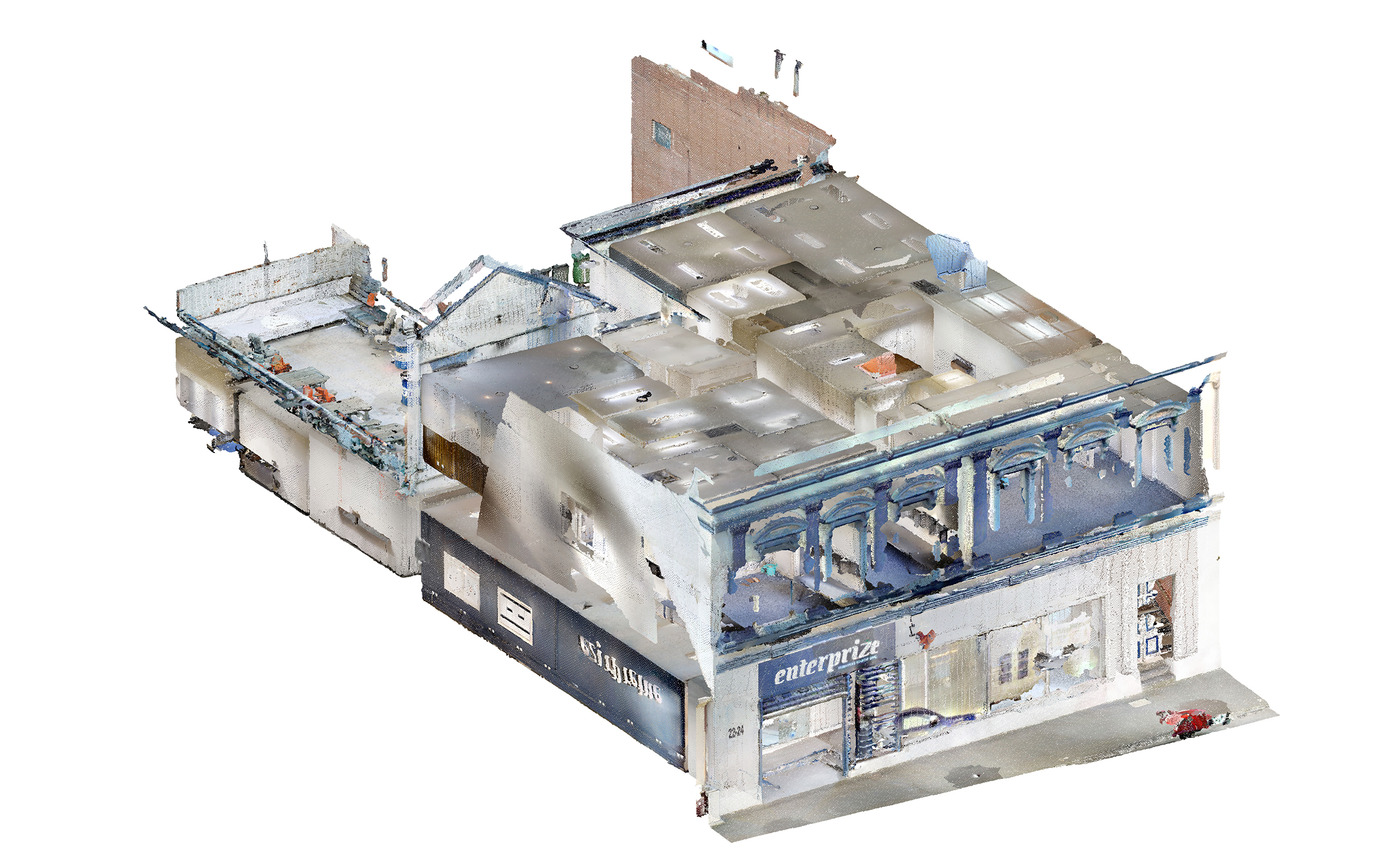
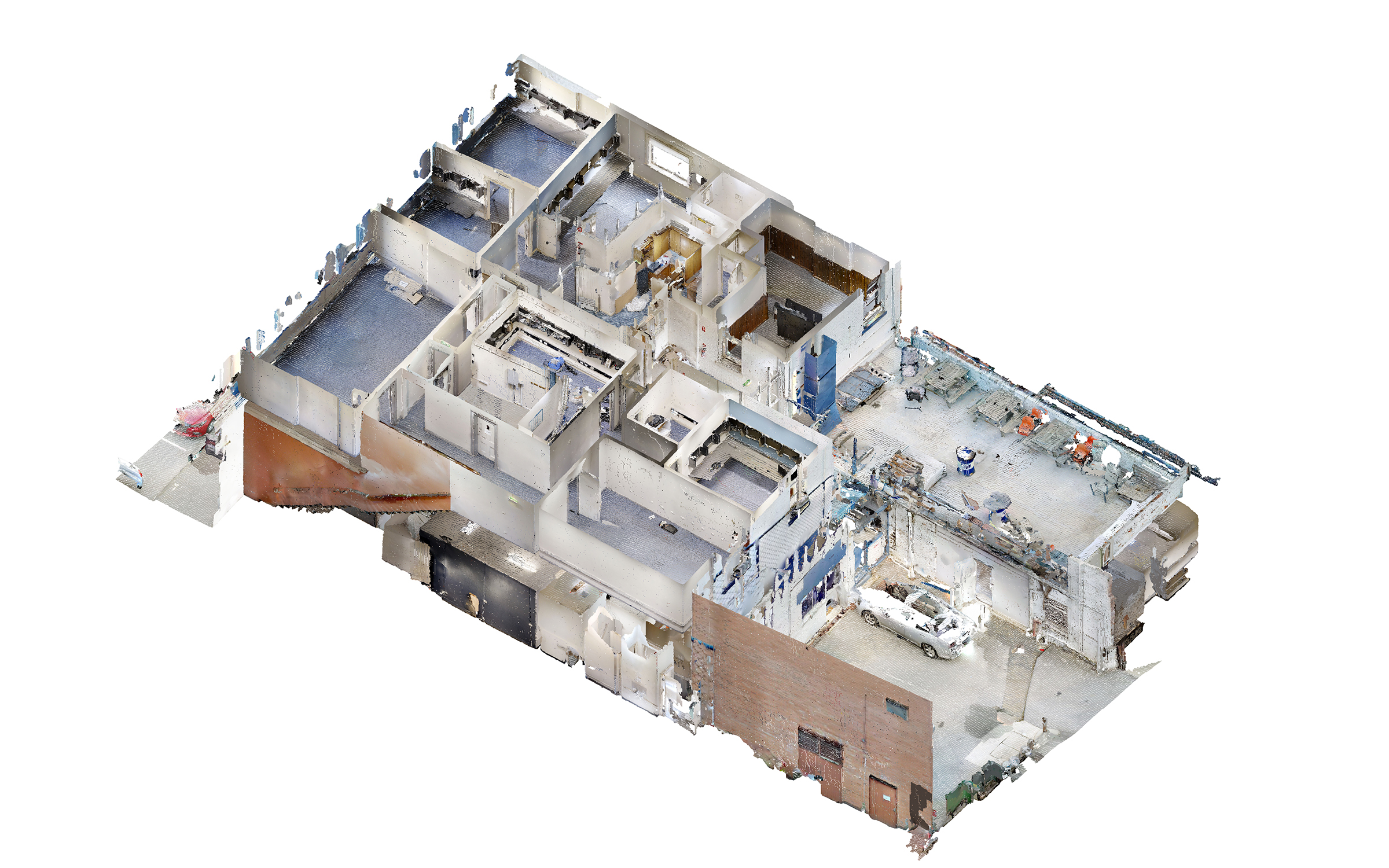
This project involved creating an as-built BIM model of a two-story office building in Sydney, Australia, based on point cloud data. With a total area of approximately 900 m² (9,690 sq ft), the building appeared relatively straightforward at first glance, but its existing conditions required careful analysis throughout the modeling process.

Several areas of the point cloud contained low-density data, noise, or missing information, which made interpretation and verification especially important. In addition, the building included non-standard interior layouts, a partially missing roof scan, and a detailed front facade with decorative architectural elements.

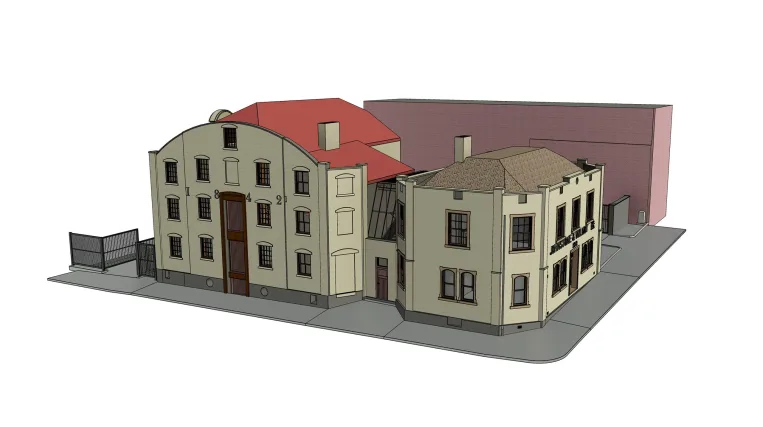
As a result, ORIGIN developed a Revit model that accurately reflected the building’s existing condition, including the architectural shell, interior spaces, roof configuration, and exterior facade details.

Category: BIM, ARCHITECTURE
Services:Scan-to-BIM
Industry:Commercial
Object type:Office
Area:900 m² / 9690 ft²
Tools used:Autodesk Revit, Autodesk ReCap
Share:
Project stages
1. Receiving the point cloud data
2. Analyzing the input and defining the modeling approach
3. Modeling the architectural shell
4. Developing the interior layout
5. Modeling the exterior facades
6. Adding architectural and decorative details
7. Performing quality control
8. Delivering the final Revit model
Scope of work

The scope of work included developing an as-built 3D model from point cloud data, with the required architectural shell, interior layout, roof geometry, and exterior decorative facade elements.


Input: Point cloud data.

Output: As-built 3D model in Revit.

1

Working with imperfect point cloud data

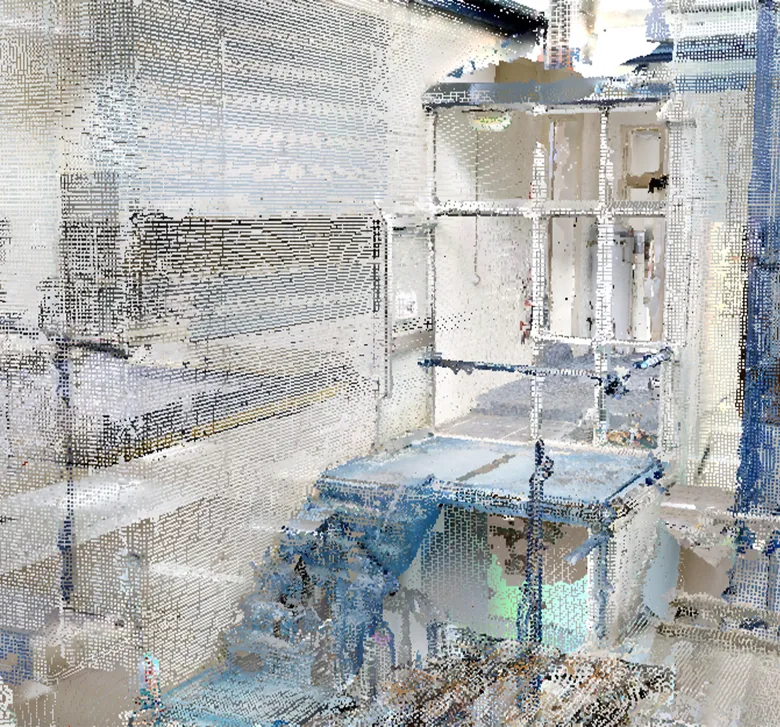
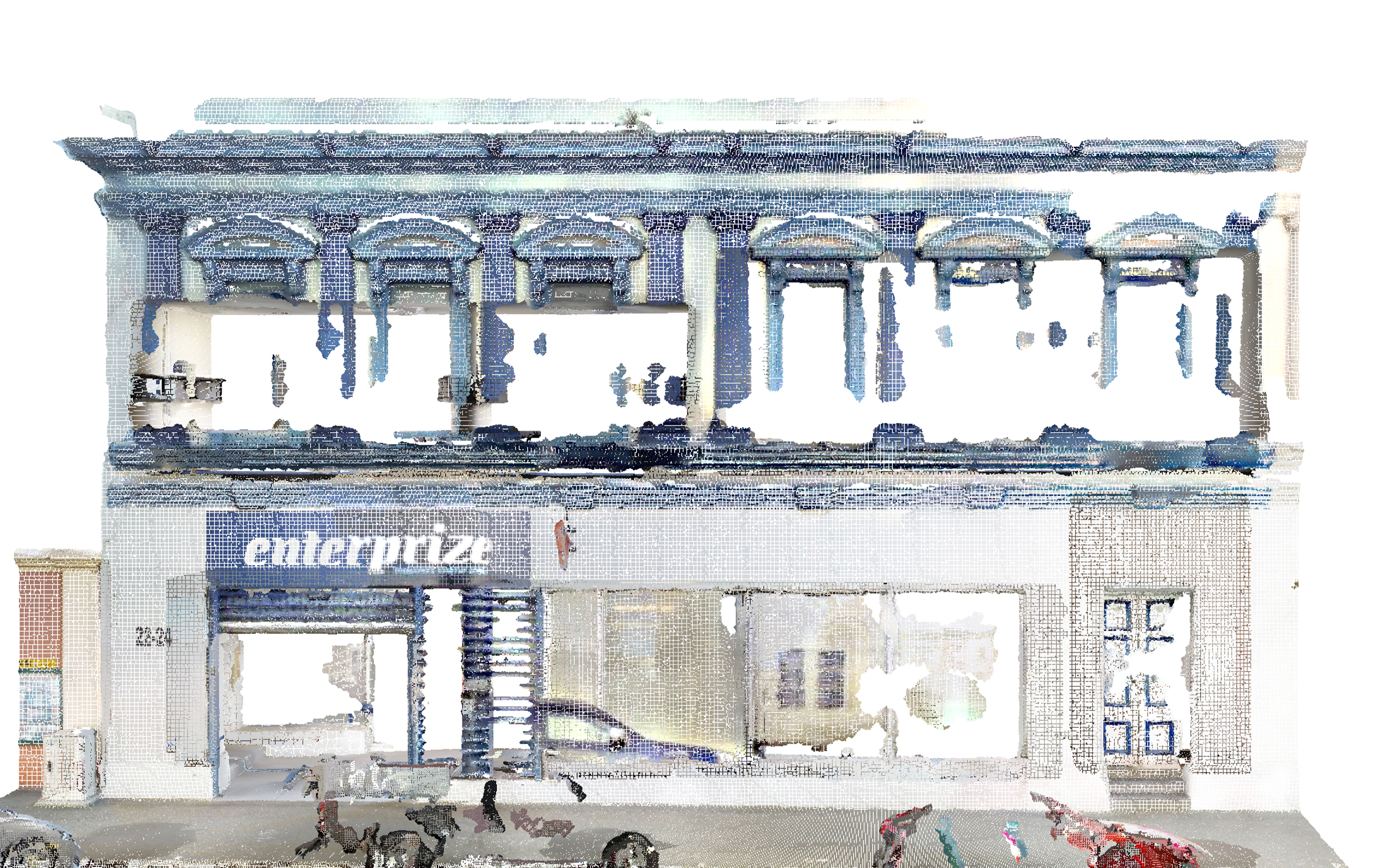
The point cloud data included several low-density areas, noise, and partially missing information caused by occlusions and incomplete scan coverage. These conditions required careful interpretation during the modeling process, especially in areas where the geometry could not be read directly from the scan.

ORIGIN verified the available data, cross-checked visible references, and modeled only the elements that could be reliably reconstructed. This helped preserve the accuracy of the final Revit model while still providing a complete and usable representation of the office’s existing condition.

Point cloud vs model

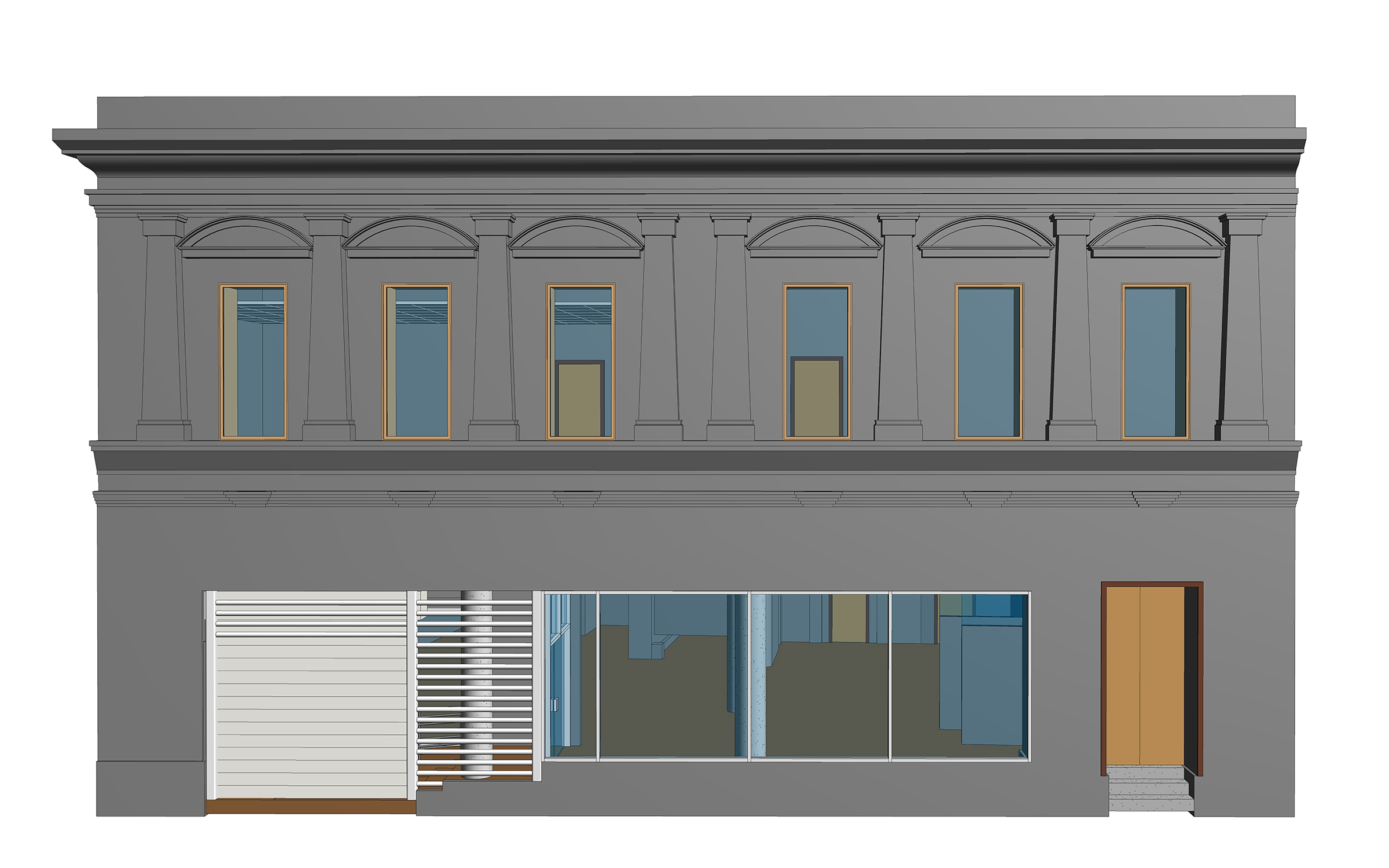
Architectural details: pilasters & window crowns

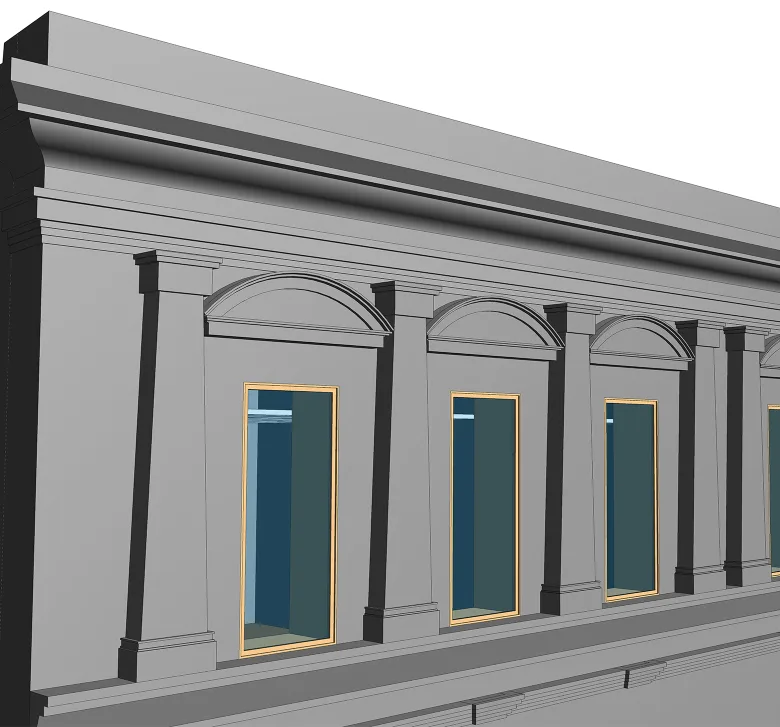
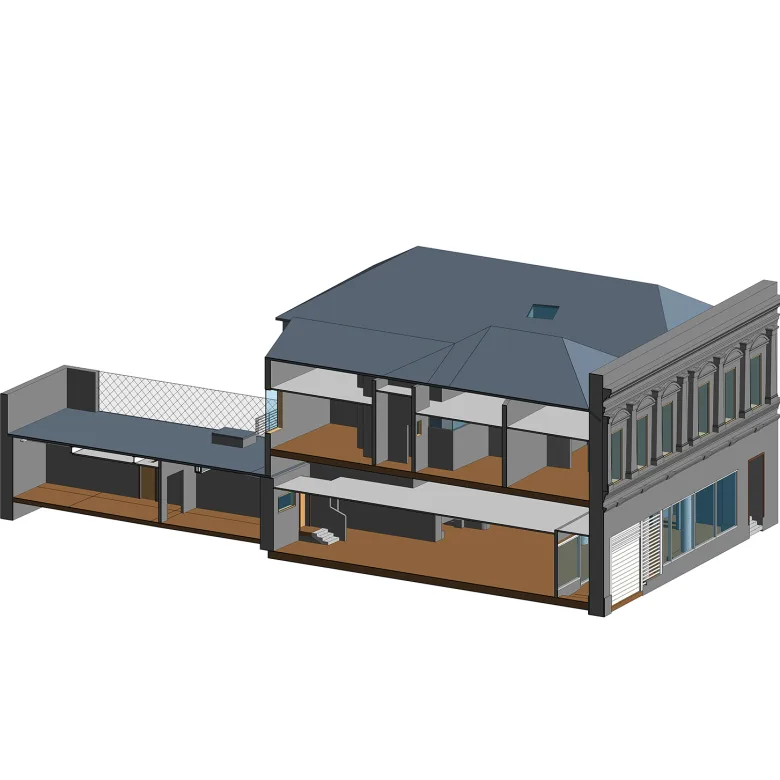
One of the most detailed parts of the project was the building’s front facade. Unlike the simpler areas of the model, this facade included decorative architectural elements such as pilasters, window crowns, cornices, and layered profiles that had to be carefully recreated from the point cloud.

By modeling these details, ORIGIN preserved the building’s architectural character and provided the client with a more accurate as-built representation of the exterior.

1
Point cloud vs model
1

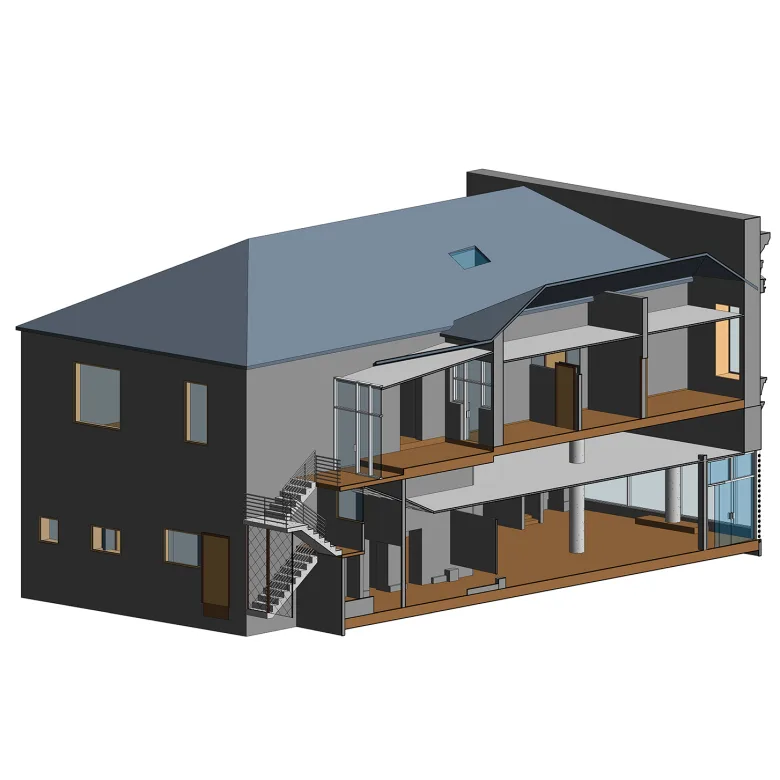
Roof reconstruction from limited scan data

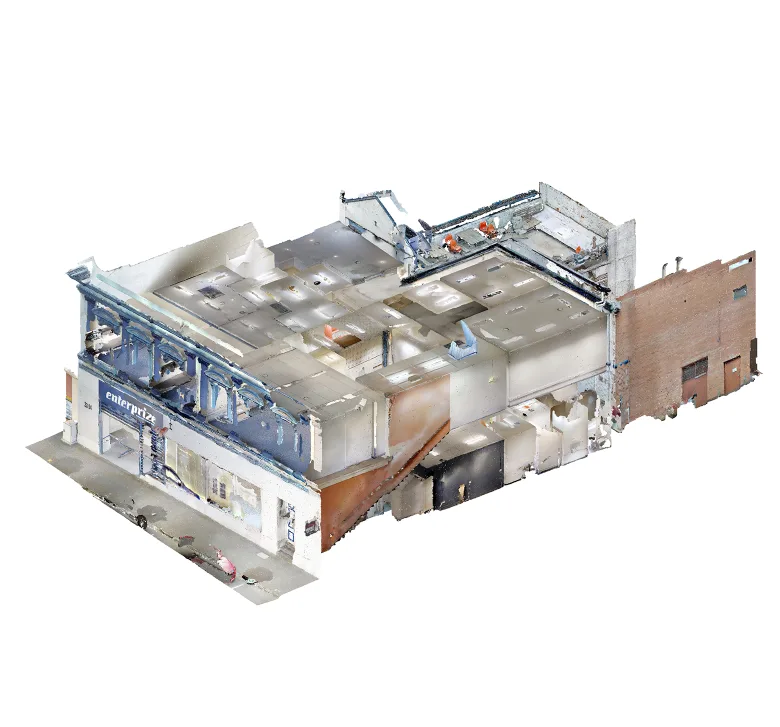
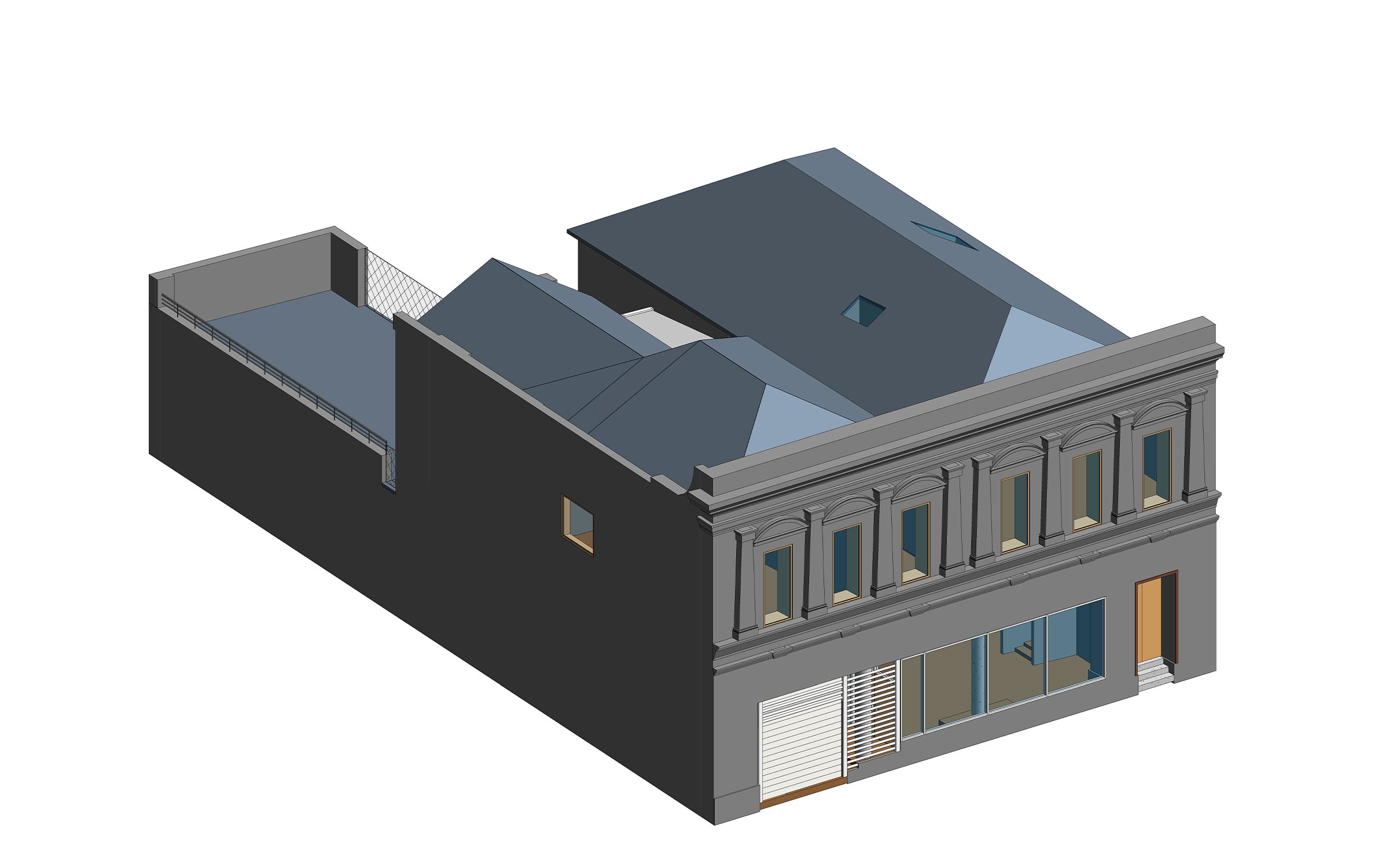
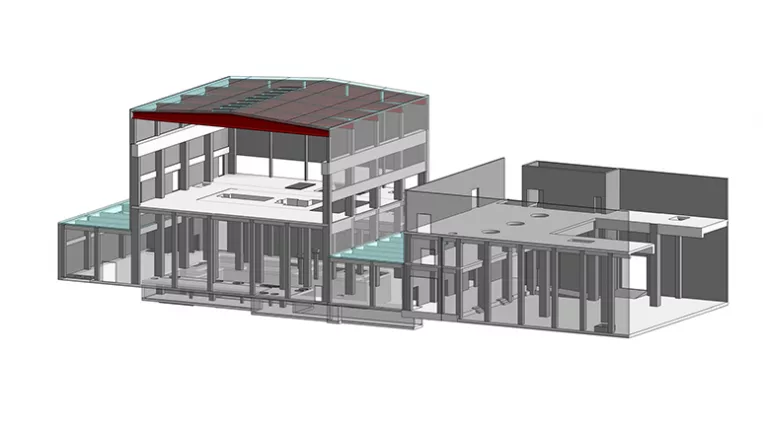
The roof was not fully captured in the point cloud due to incomplete scan coverage of the property. Although the geometry was not overly complex, its absence required additional verification before it could be accurately integrated into the model.

To reconstruct the roof configuration and determine the correct elevations, ORIGIN used supplementary reference photographs and mapping data alongside the available scan information. This allowed the team to complete the building envelope and deliver a more reliable as-built model.

Point cloud vs model

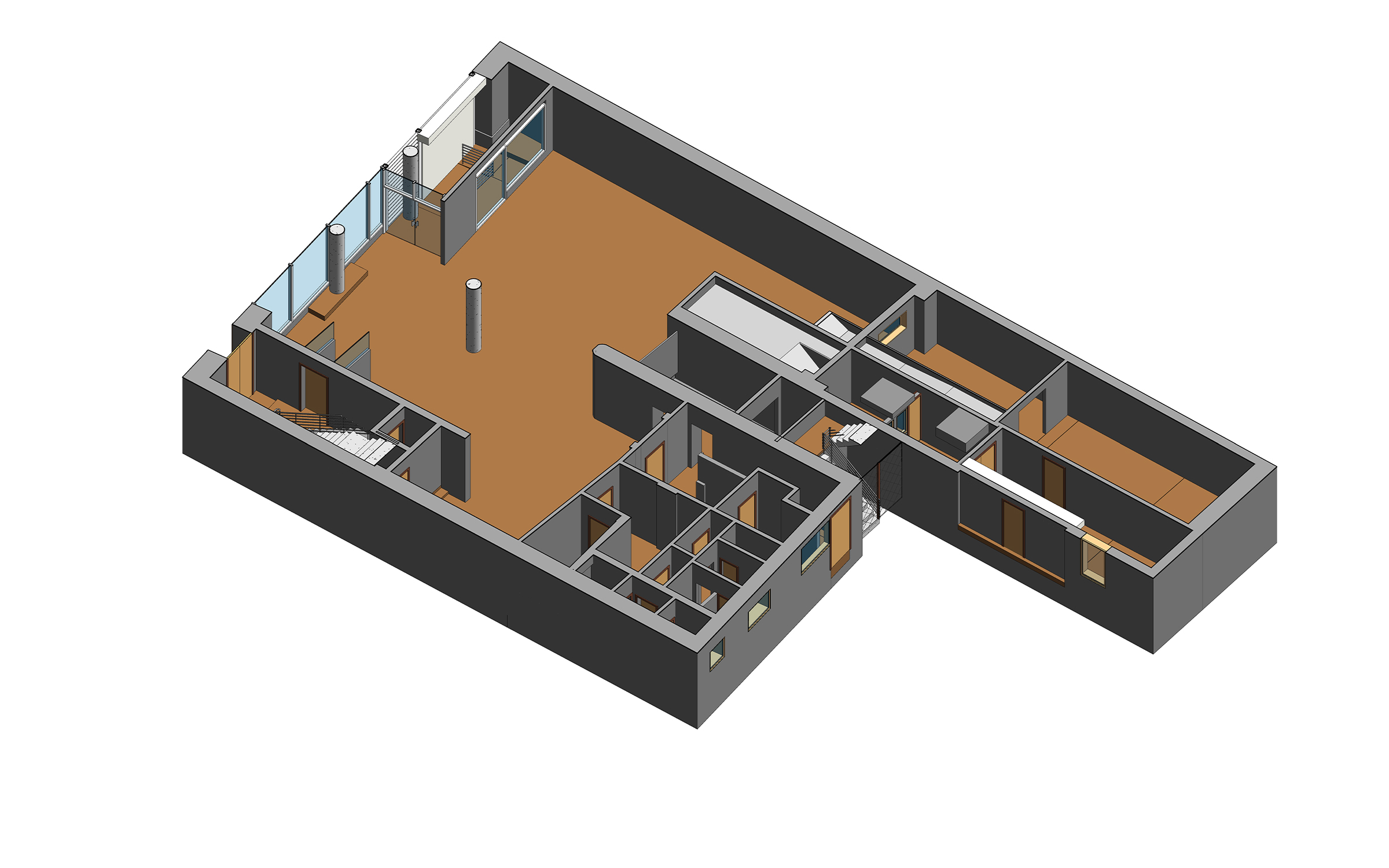
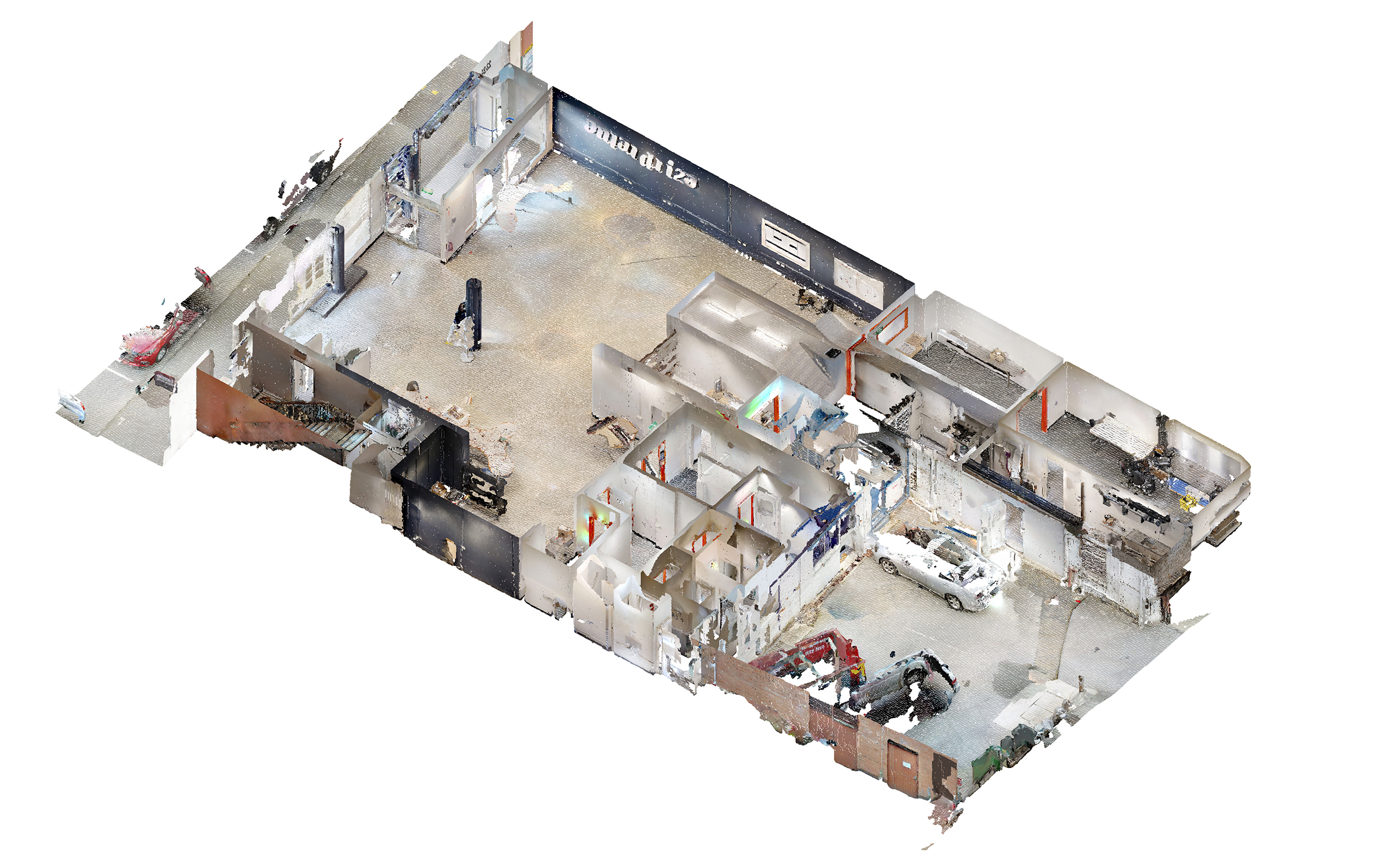
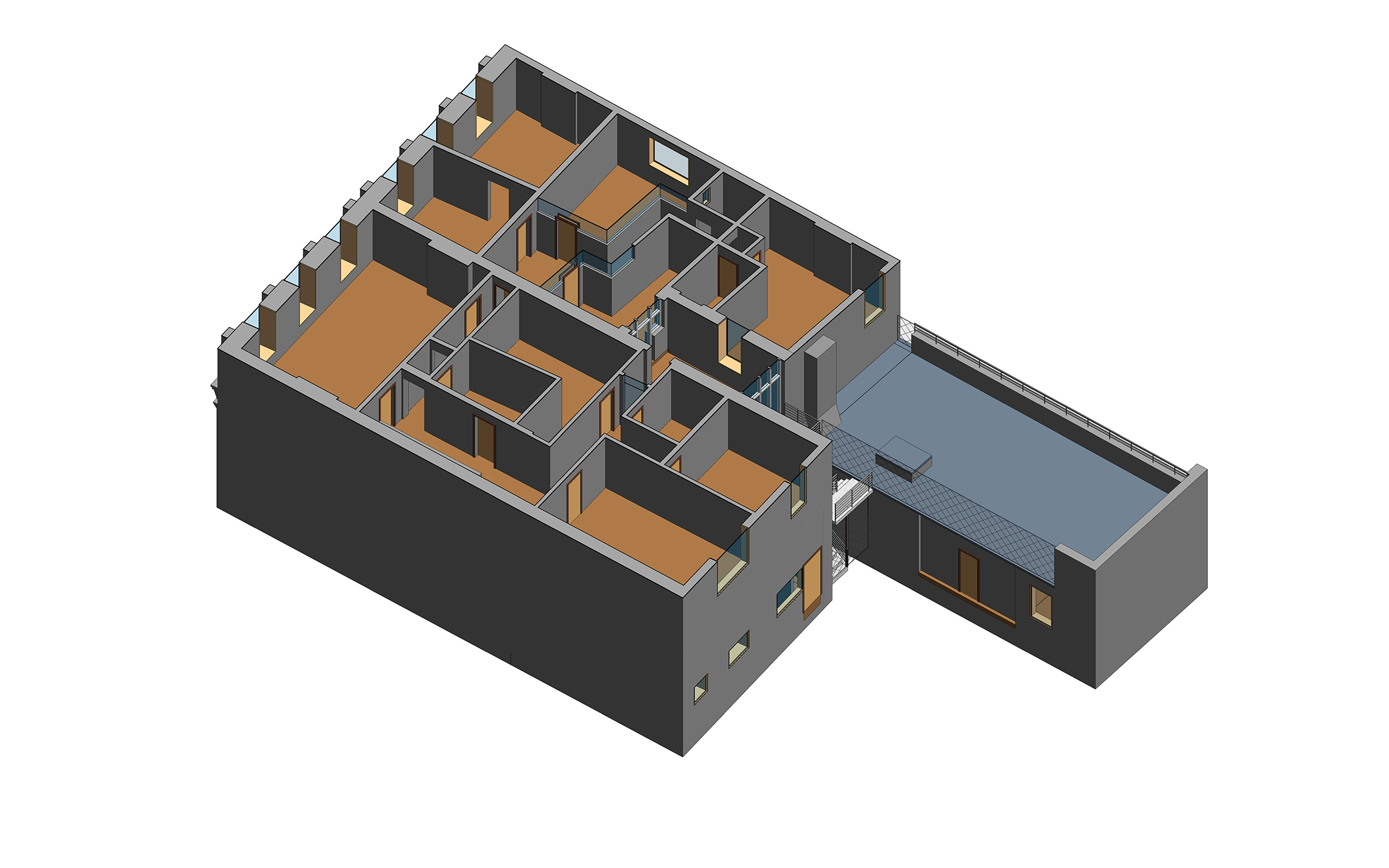
Non-orthogonal interior layout

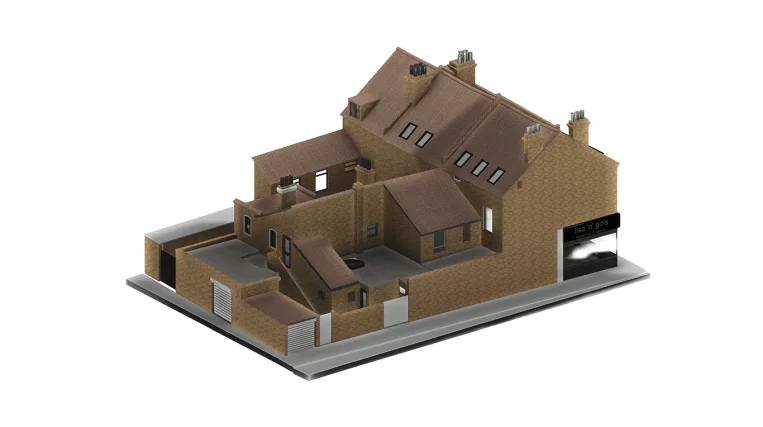
The interior spaces included several areas that deviated from standard orthogonal layouts, with walls, rooms, and architectural elements positioned at unusual angles. These conditions required careful modeling to reflect the actual configuration of the building rather than simplifying it into a regular layout.

By accurately representing the interior geometry, ORIGIN provided the client with a reliable as-built model for future design decisions, coordination, and renovation planning.

1
1
Point cloud vs model
Benefits
Reliable as-built model developed from point cloud data
Accurate representation of non-orthogonal interior layouts and angled architectural elements
Detailed modeling of decorative facade elements, including pilasters, window crowns, and layered profiles
Completed building envelope with reconstructed roof geometry based on scan data and supporting references
Stronger basis for future design, coordination, and renovation planning
Tools used
1
Autodesk Revit
1
Autodesk ReCap
view project view more view photos