Search...
Overview

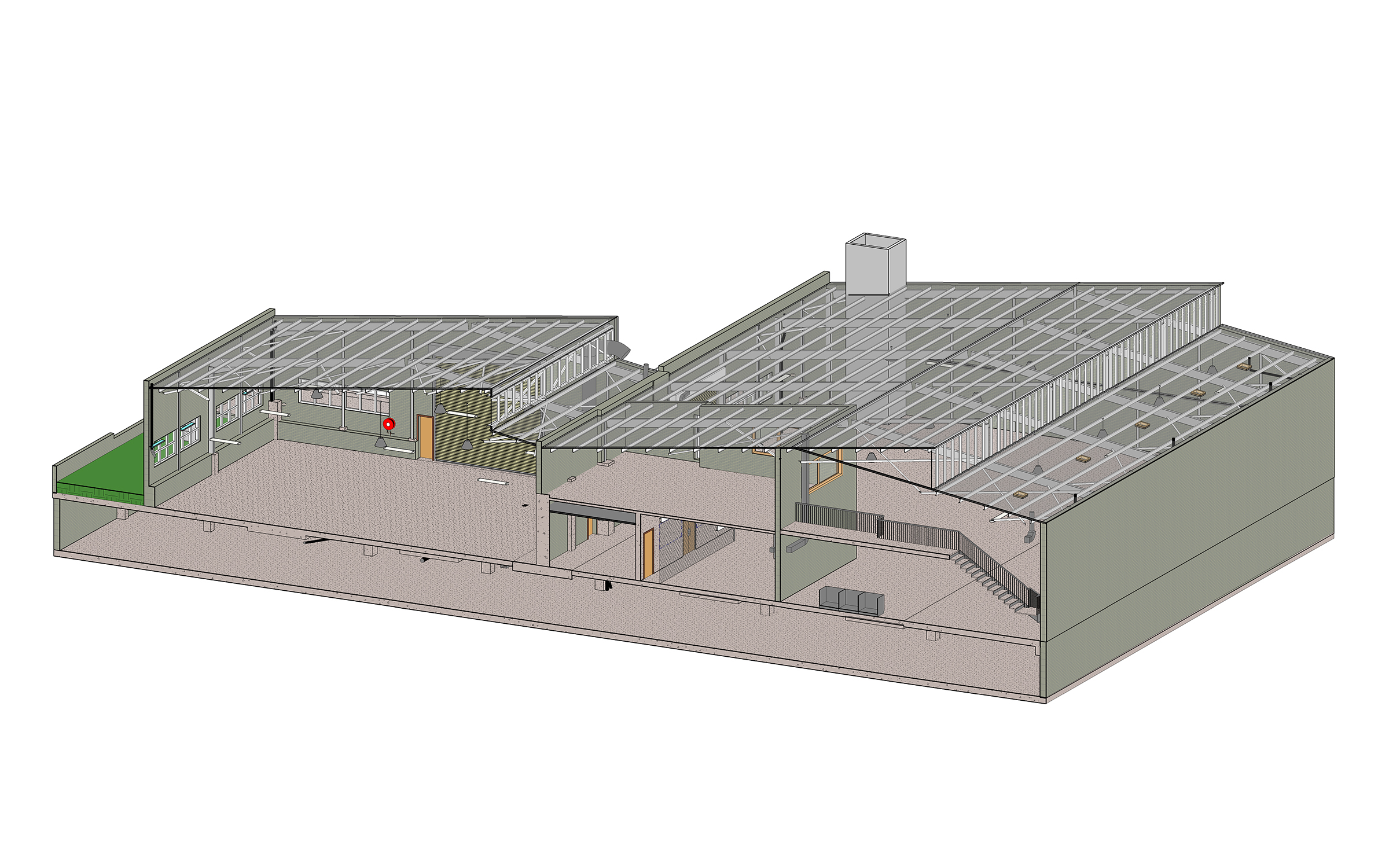
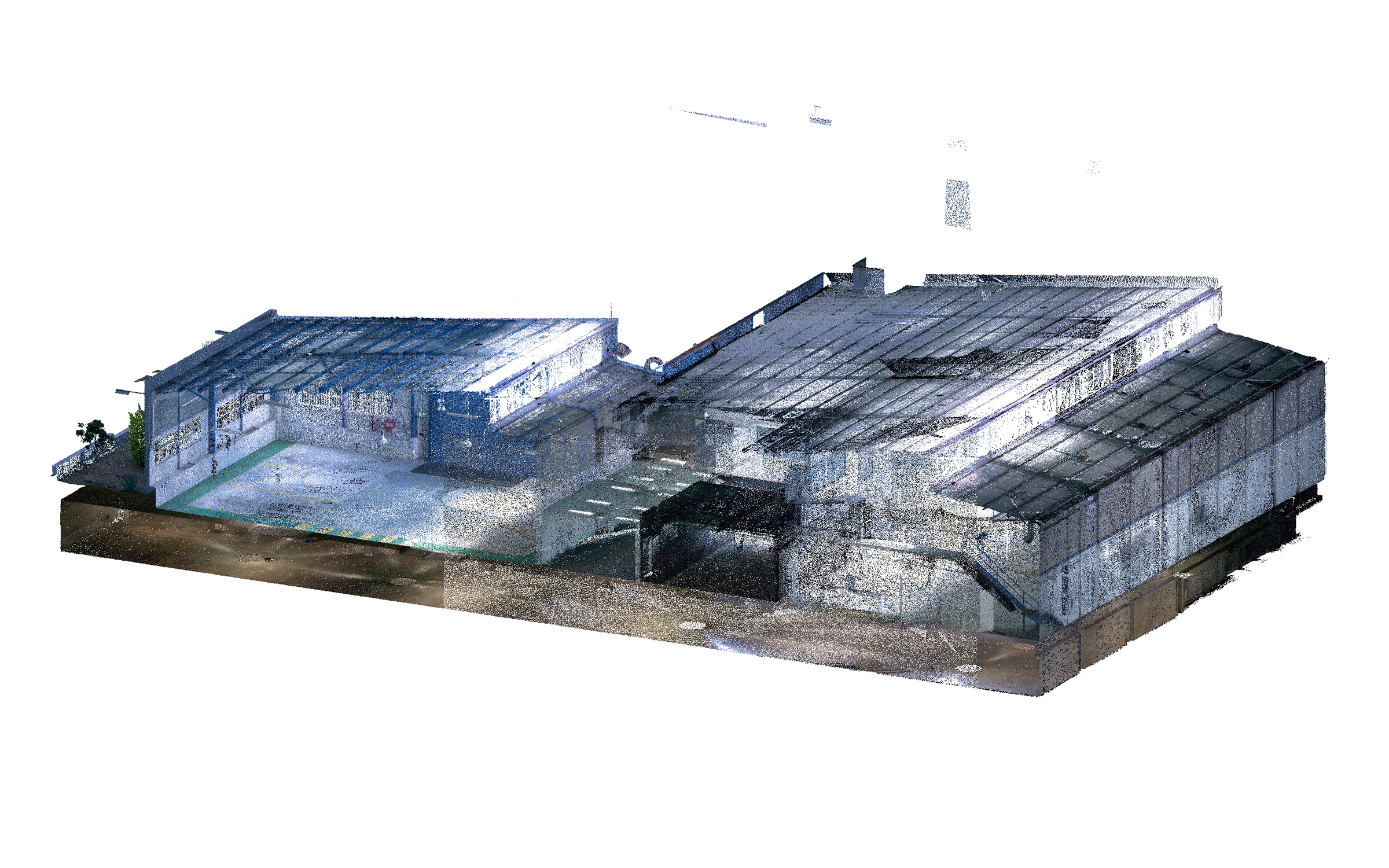
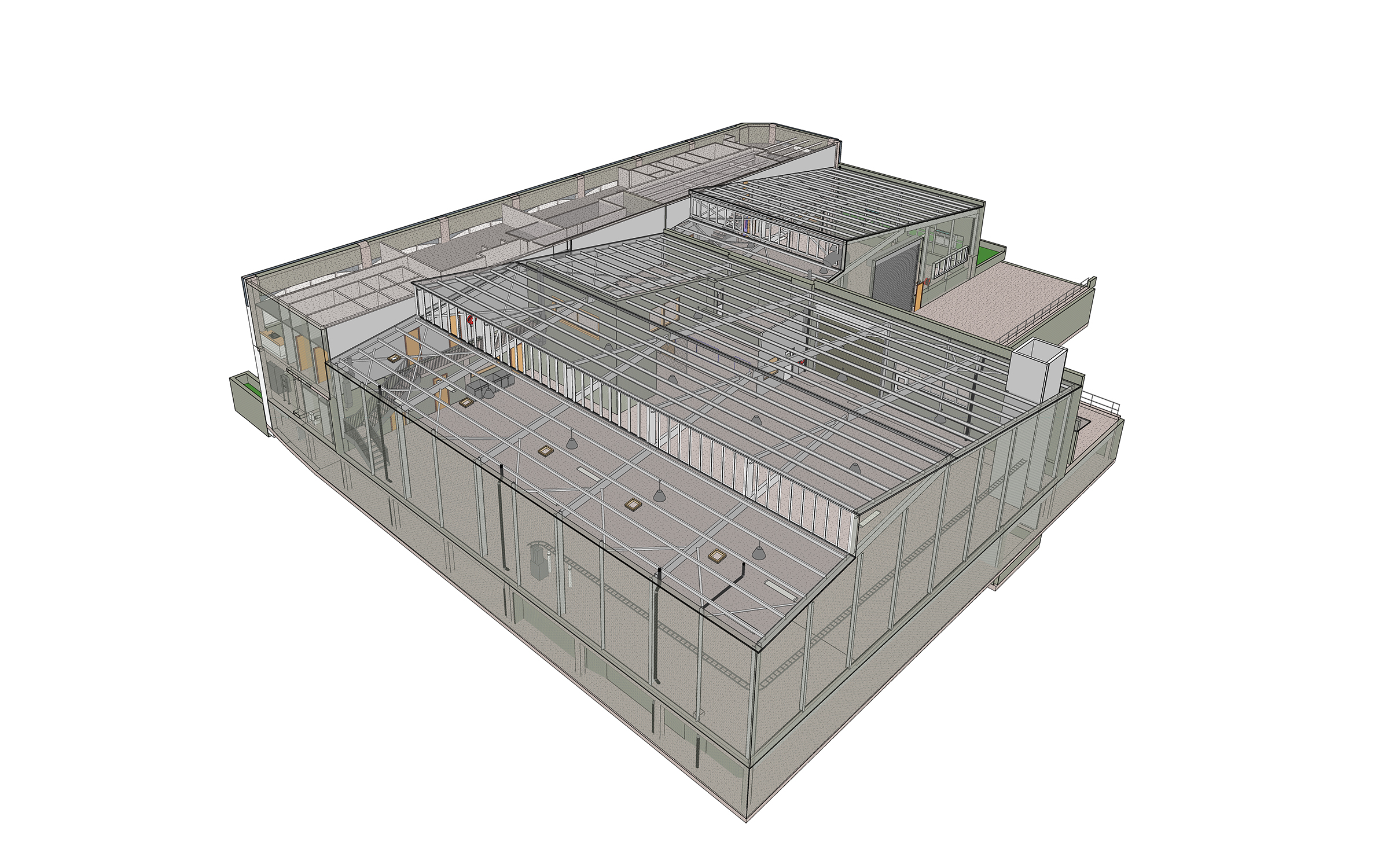
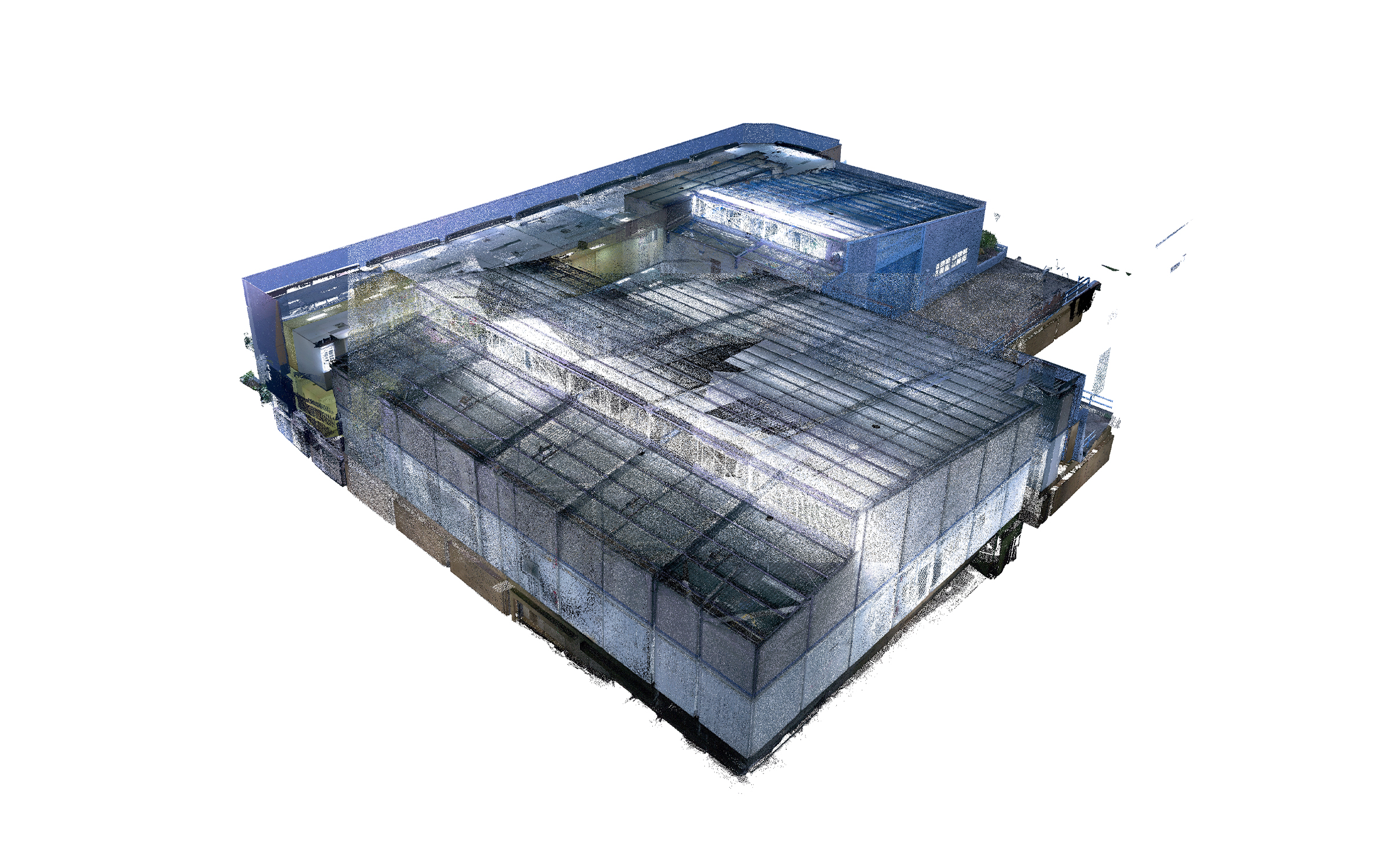
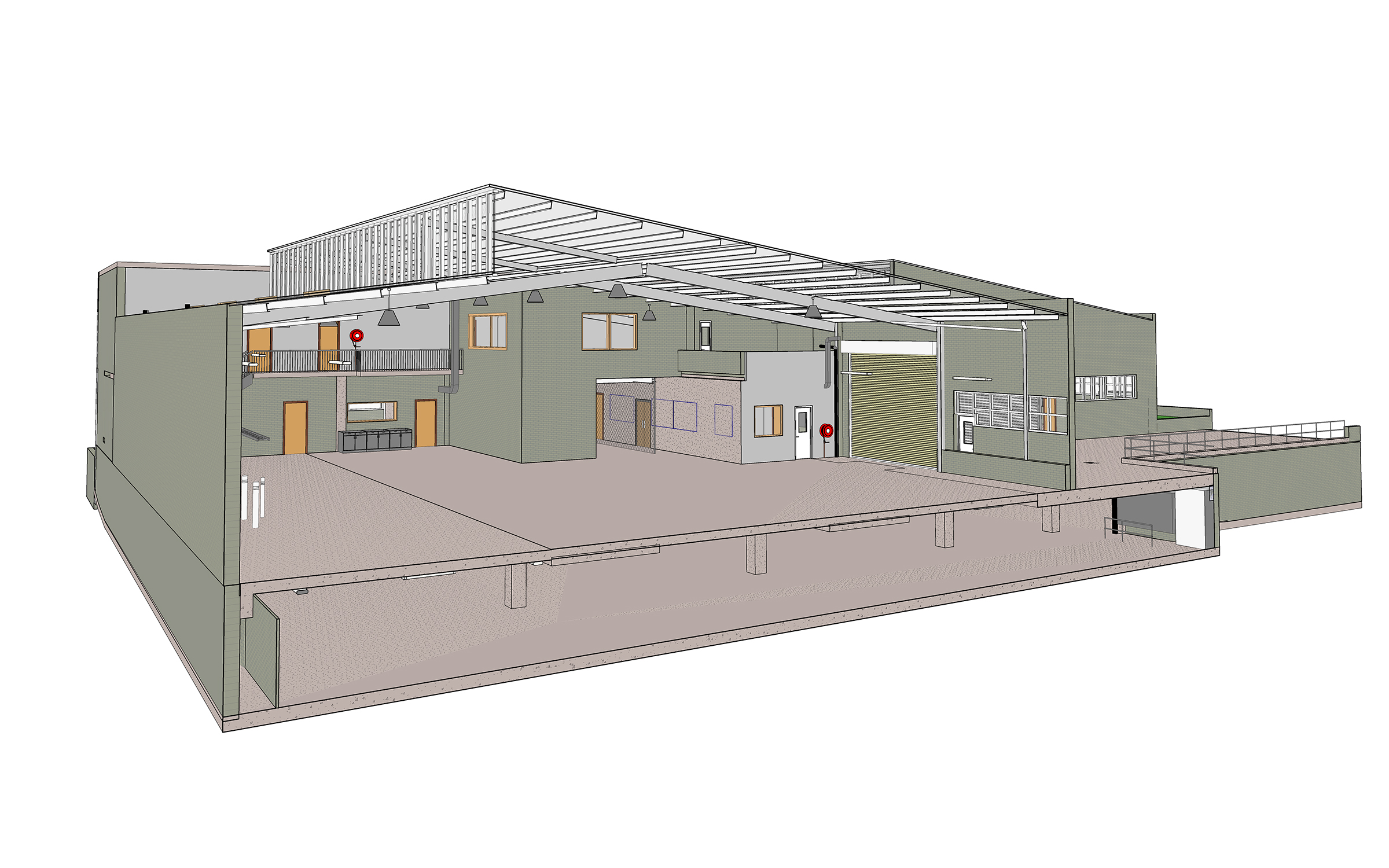
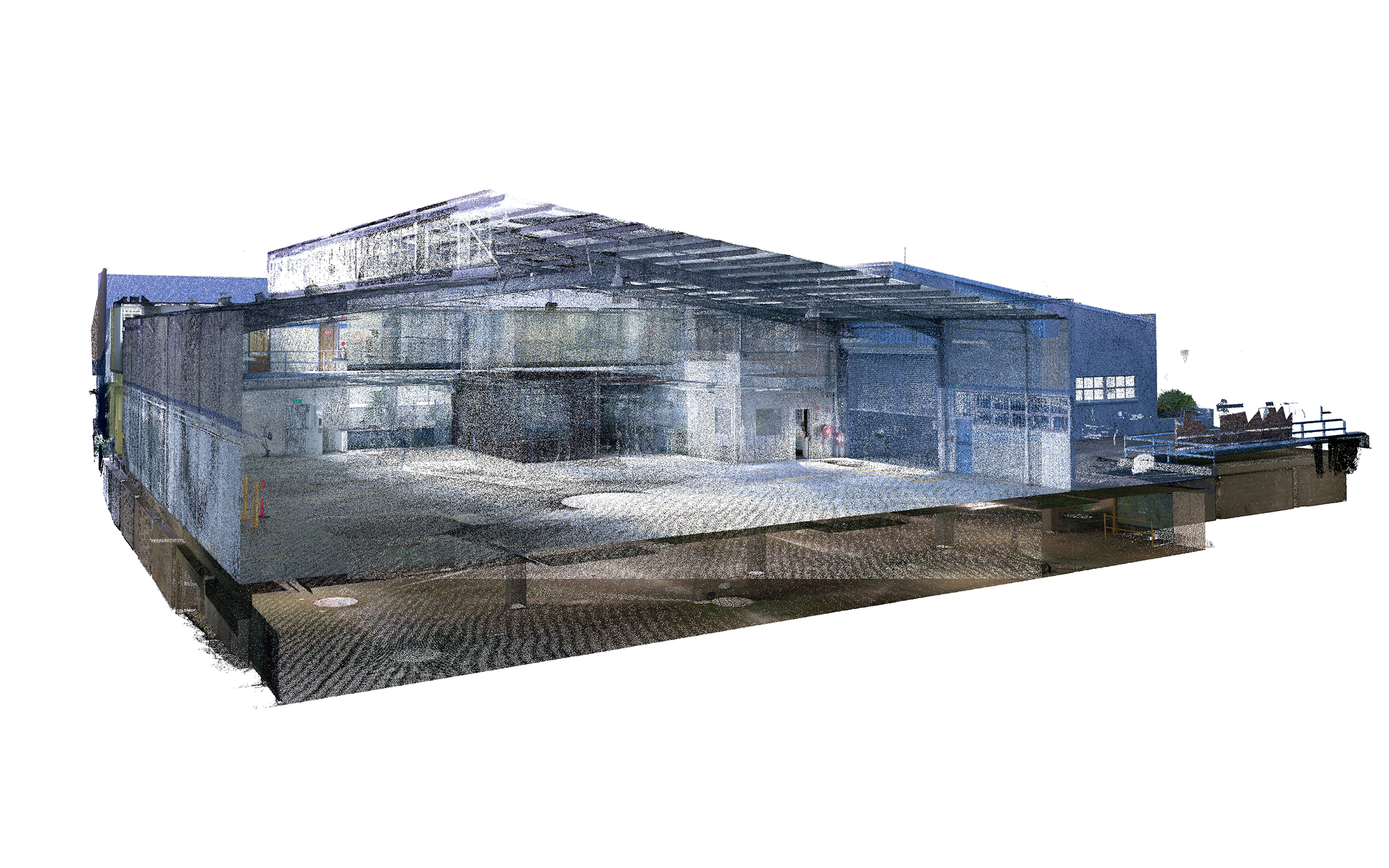
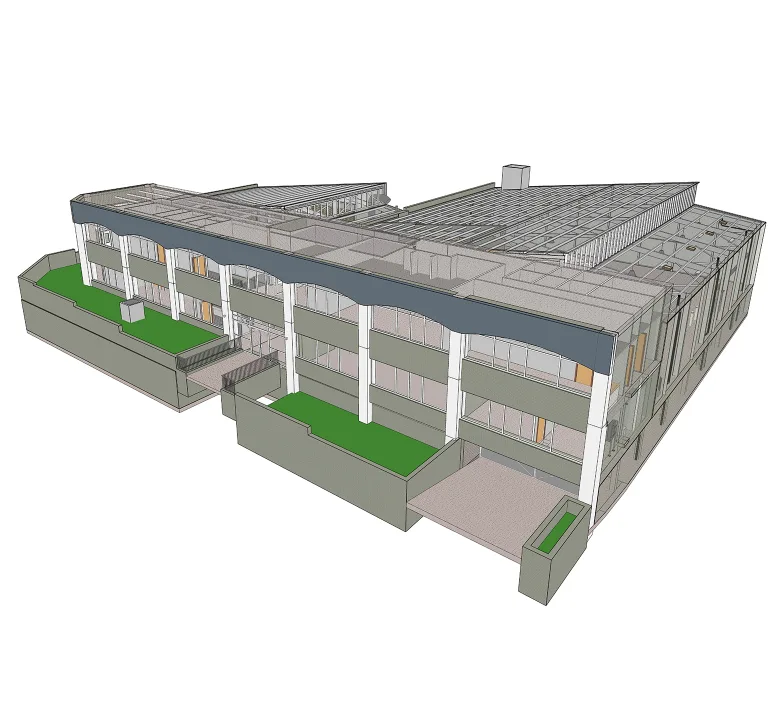
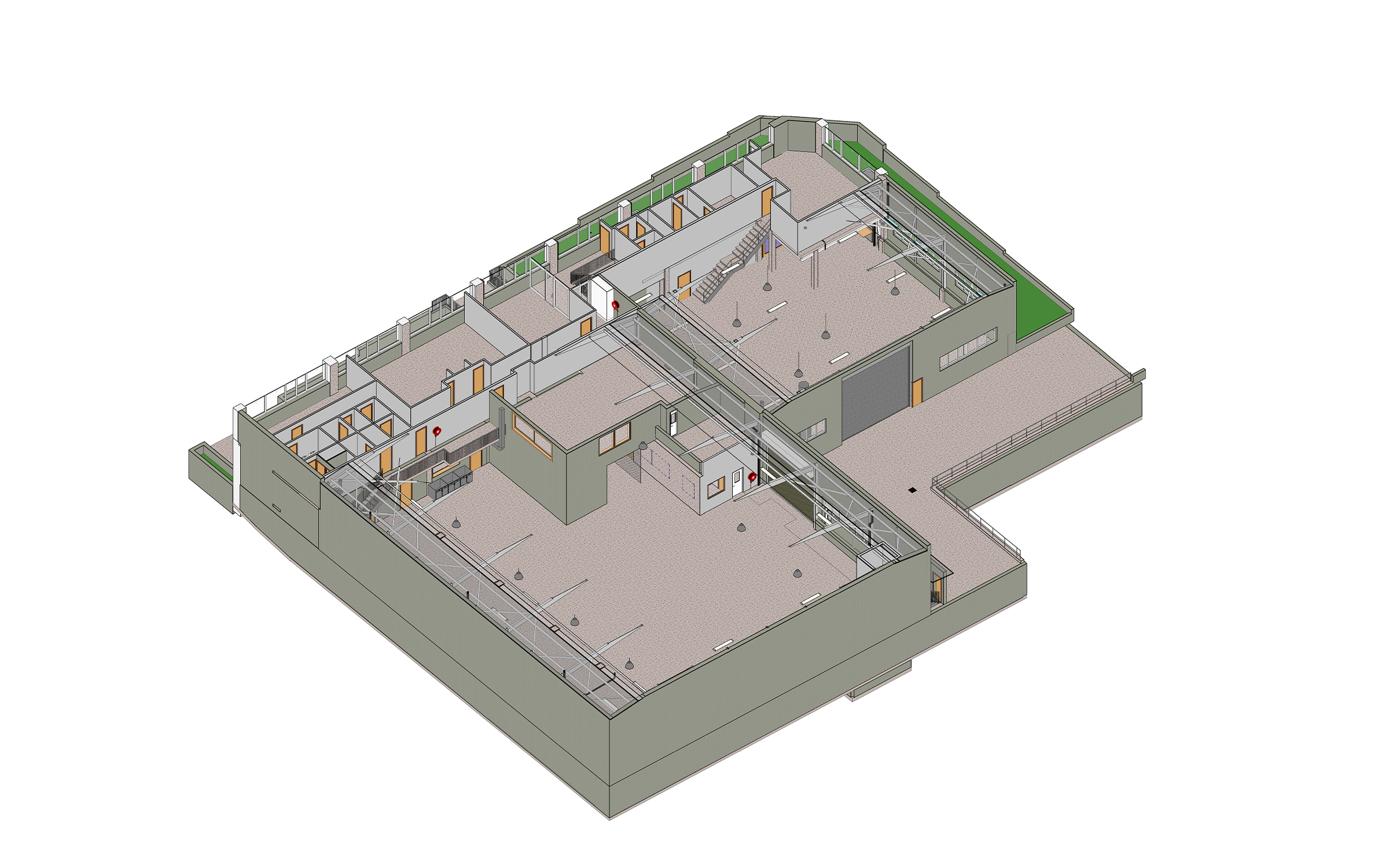
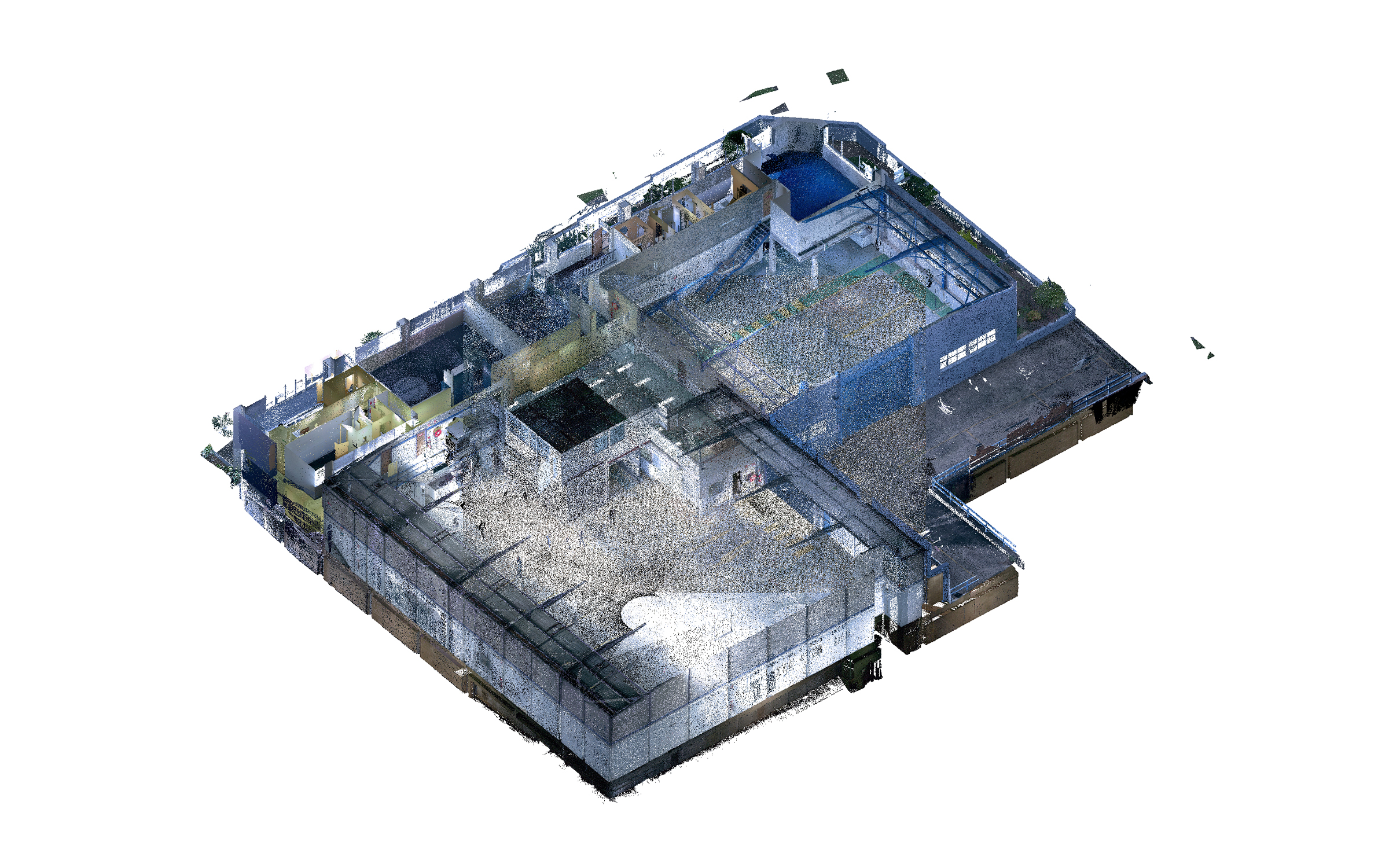
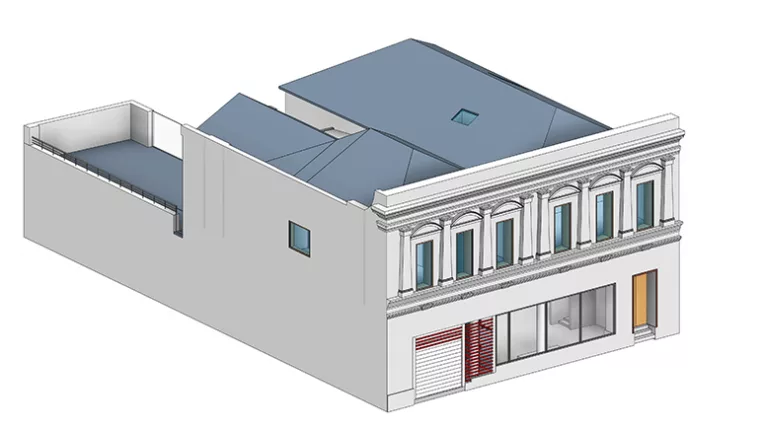
The client requested an accurate as-built BIM model of a warehouse facility located in Sydney, Australia, developed from point cloud data. The goal was to document the building’s existing conditions and provide a reliable digital basis for future design, coordination, and engineering work.

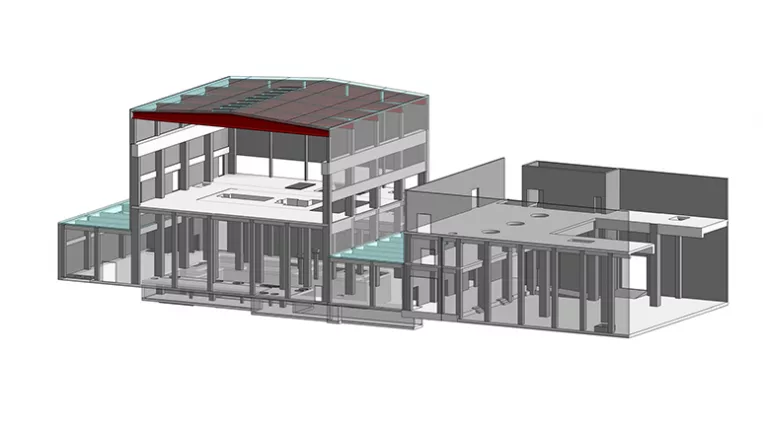
A key focus of the project was the accurate recreation of the building’s structural system, including roof-supporting steel members, reinforced concrete elements, and secondary structural components. Alongside the structure, ORIGIN modeled the main architectural elements and all visible MEP systems, including lighting fixtures, plumbing lines, HVAC components, ductwork, and cable trays.

As a result, the client received a comprehensive as-built representation of the facility, reflecting its real-world dimensions, existing conditions, applied materials, and the requested architectural, structural, and engineering elements.

Category: BIM, STRUCTURE, ARCHITECTURE
Services:Scan-to-BIM, As-built drawings
Industry:Industrial
Object type:Warehouse
Area:5500 m² / 59210 ft²
Tools used:Autodesk Revit, Autodesk ReCap
Share:
Project stages
1. Receiving and analyzing the point cloud data
2. Defining the modeling approach
3. Modeling core architectural elements
4. Modeling structural elements
5. Developing interior components
6. Modeling visible MEP systems
7. Finalizing facade elements and model details
8. Preparing the as-built drawing set
9. Performing model quality checks
Scope of work

The scope of work included developing an as-built BIM model from point cloud data, with detailed structural and architectural elements, visible MEP systems, applied materials, and a set of as-built drawings.


Input: Point cloud data.

Output: Revit as-built BIM model and as-built drawing set.


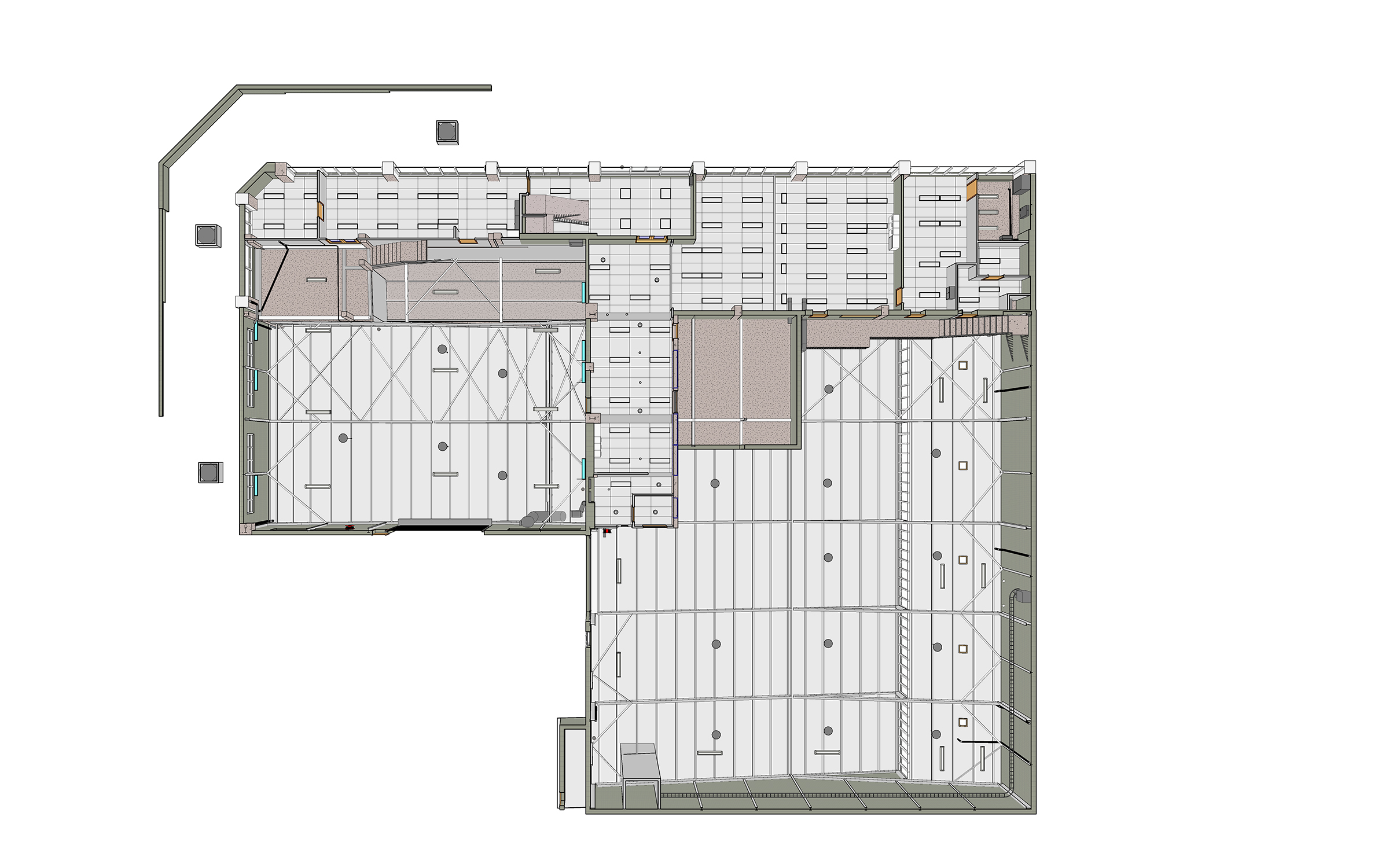
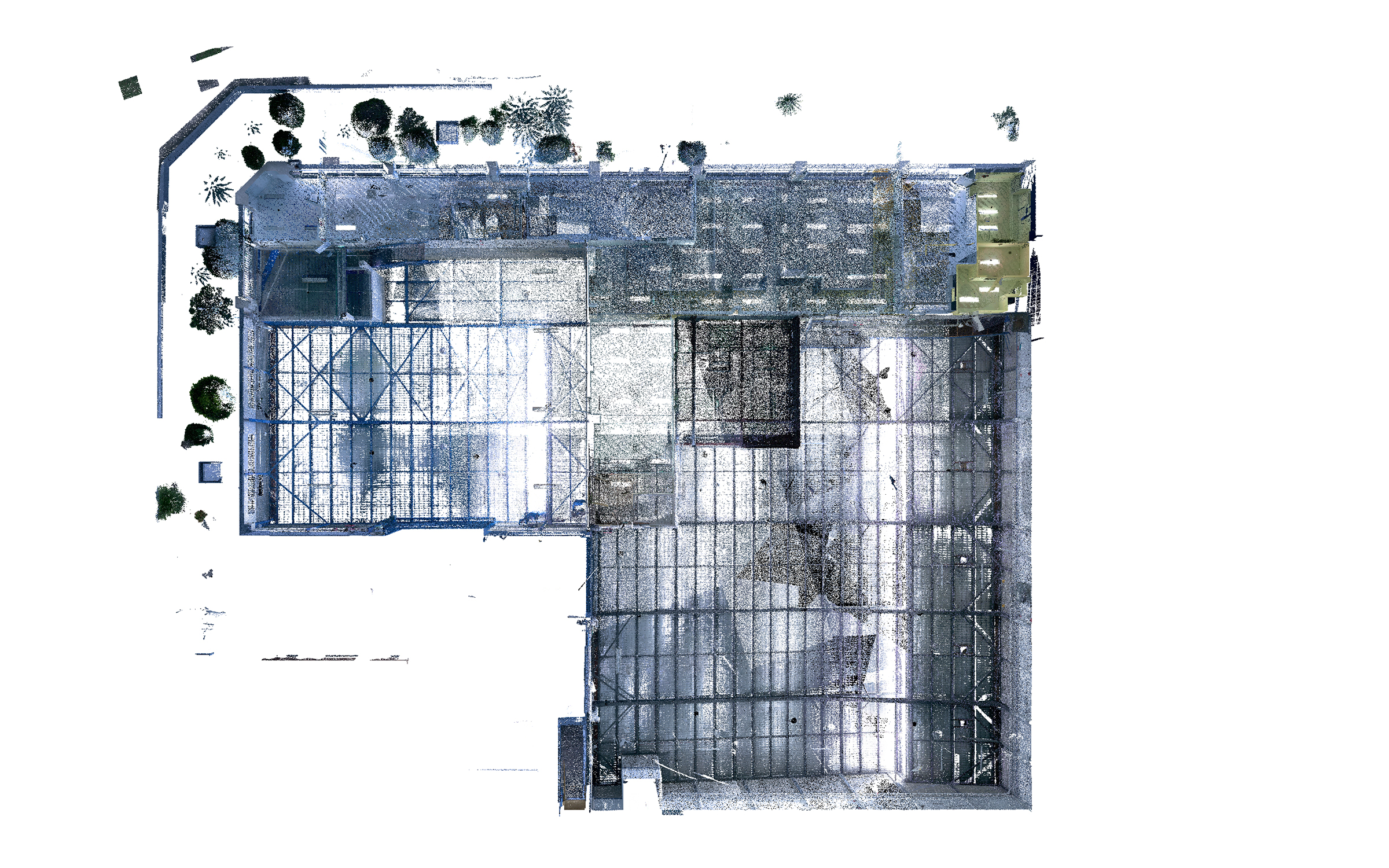
Point cloud vs model
1

Structural system & angled steel beams

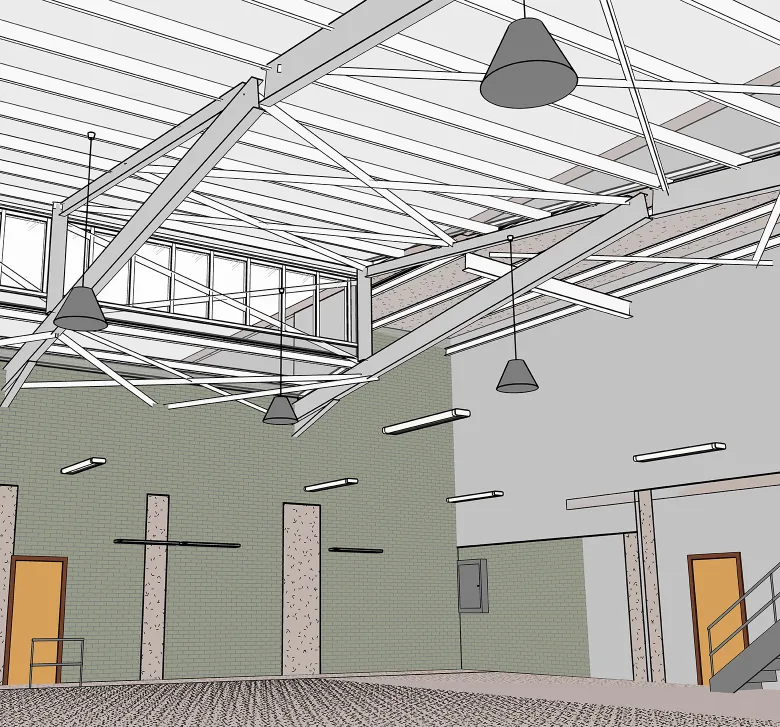
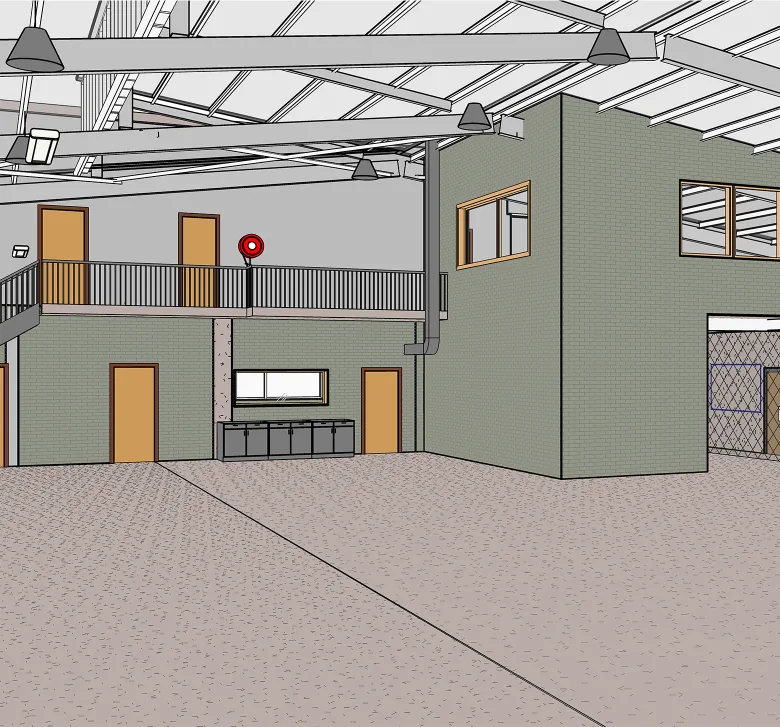
One of the key modeling challenges was the warehouse’s dense structural system, especially the exposed roof-supporting steel beams. Their angled positioning, varying geometry, and complex arrangement required careful alignment with the point cloud data to keep the model within the specified tolerance requirements.

ORIGIN also modeled secondary structural components throughout the interior, giving the client a clear view of the existing load-bearing system and its relationship to the architectural and MEP elements.

Point cloud vs model
Point cloud-to-model alignment

The structural elements were modeled directly against the point cloud to preserve the building’s actual geometry, including angled roof beams, secondary members, and visible deviations from standard layouts.

This point cloud-to-model workflow helped ensure that the final Revit model reflected the real spatial relationships inside the warehouse, providing the client with a reliable basis for future coordination, planning, and engineering decisions.

Point cloud vs model

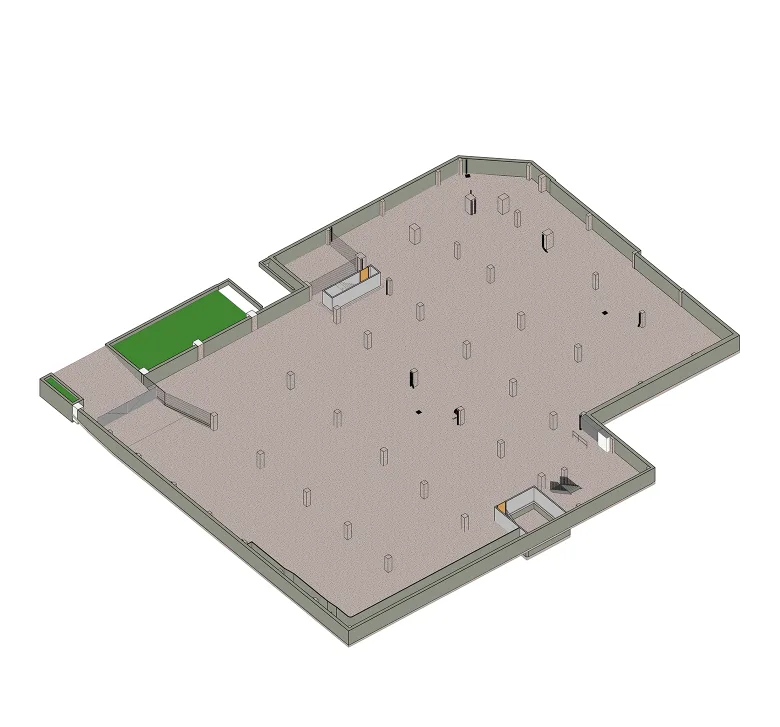
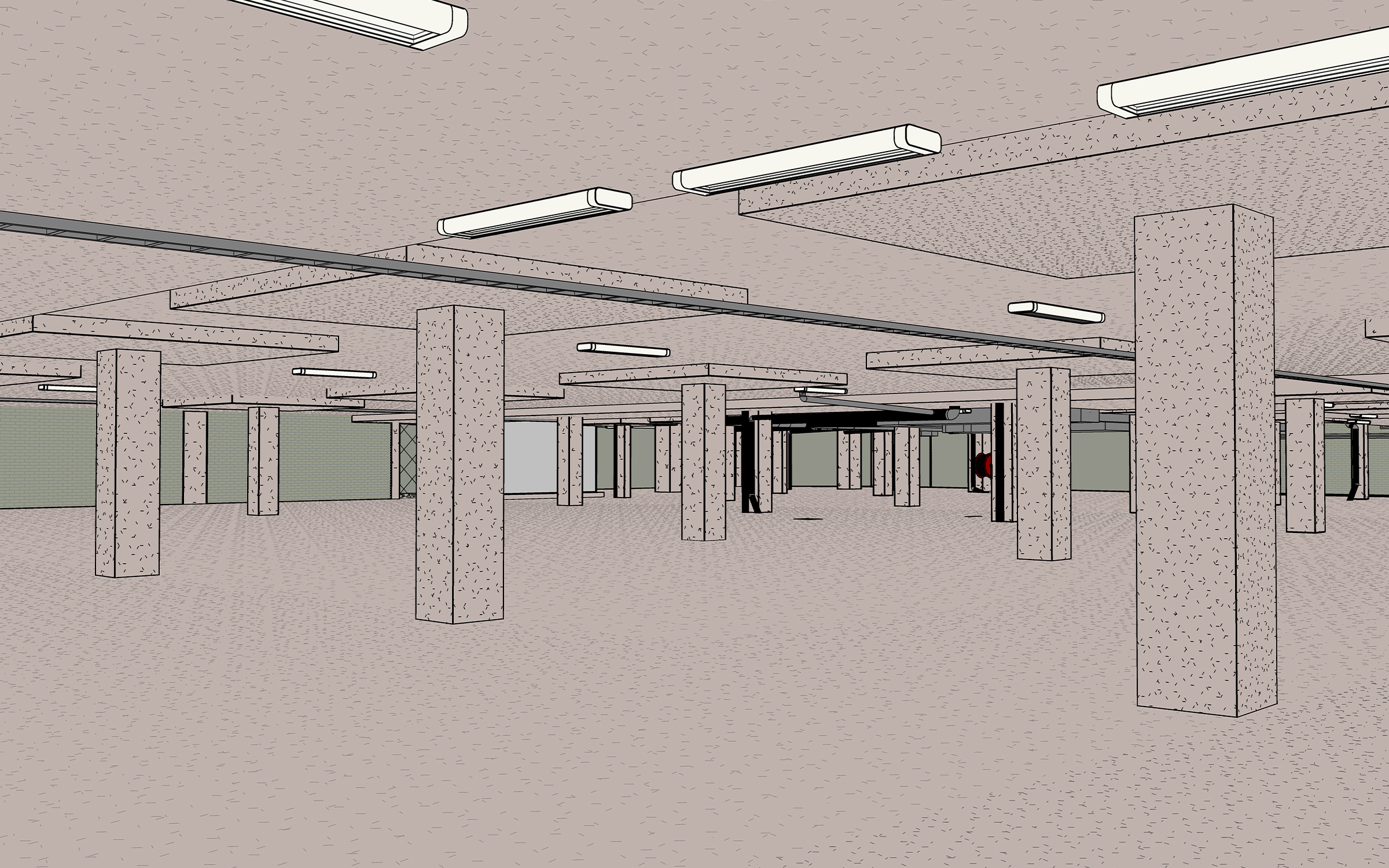
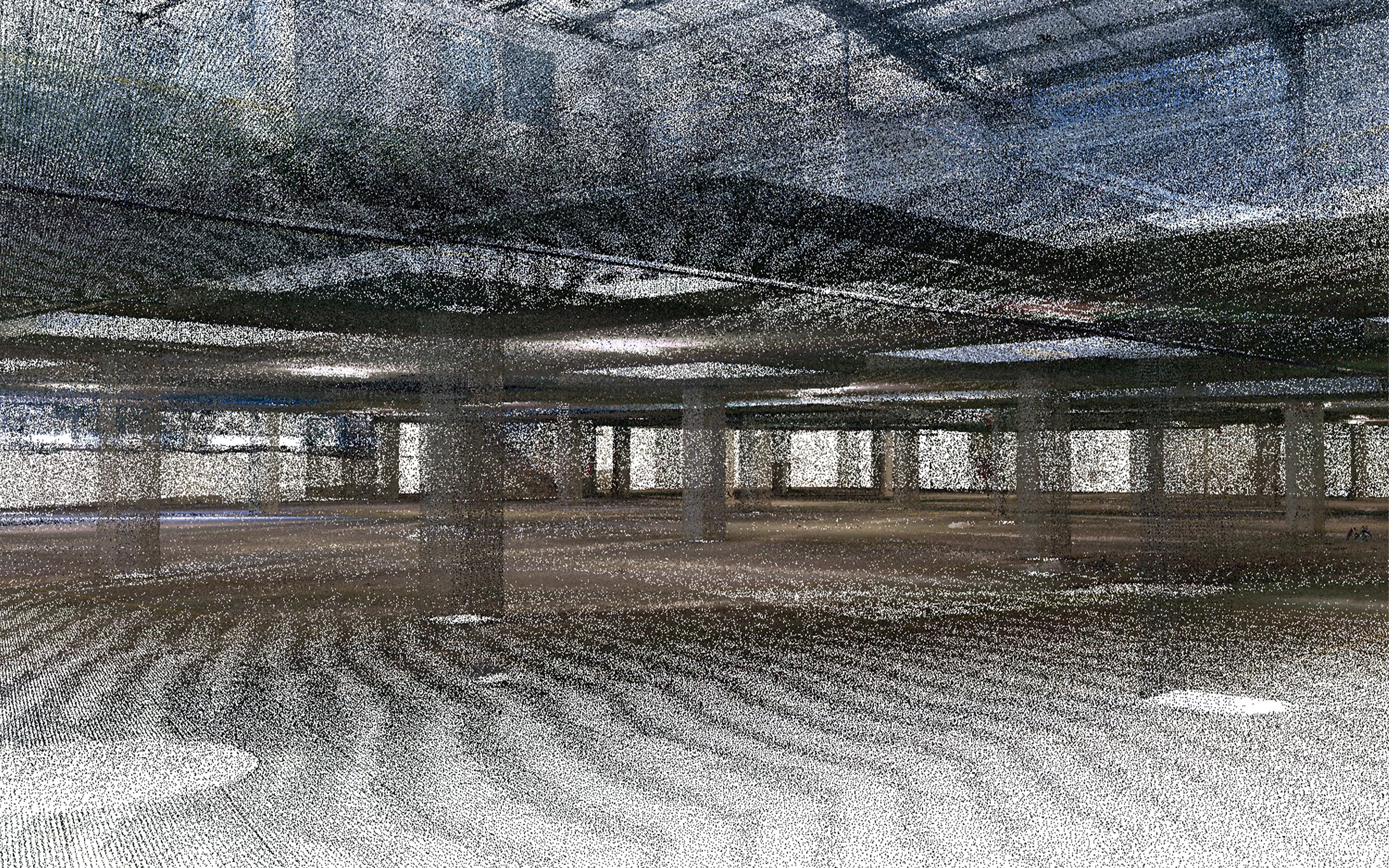
Basement columns & reinforced concrete details

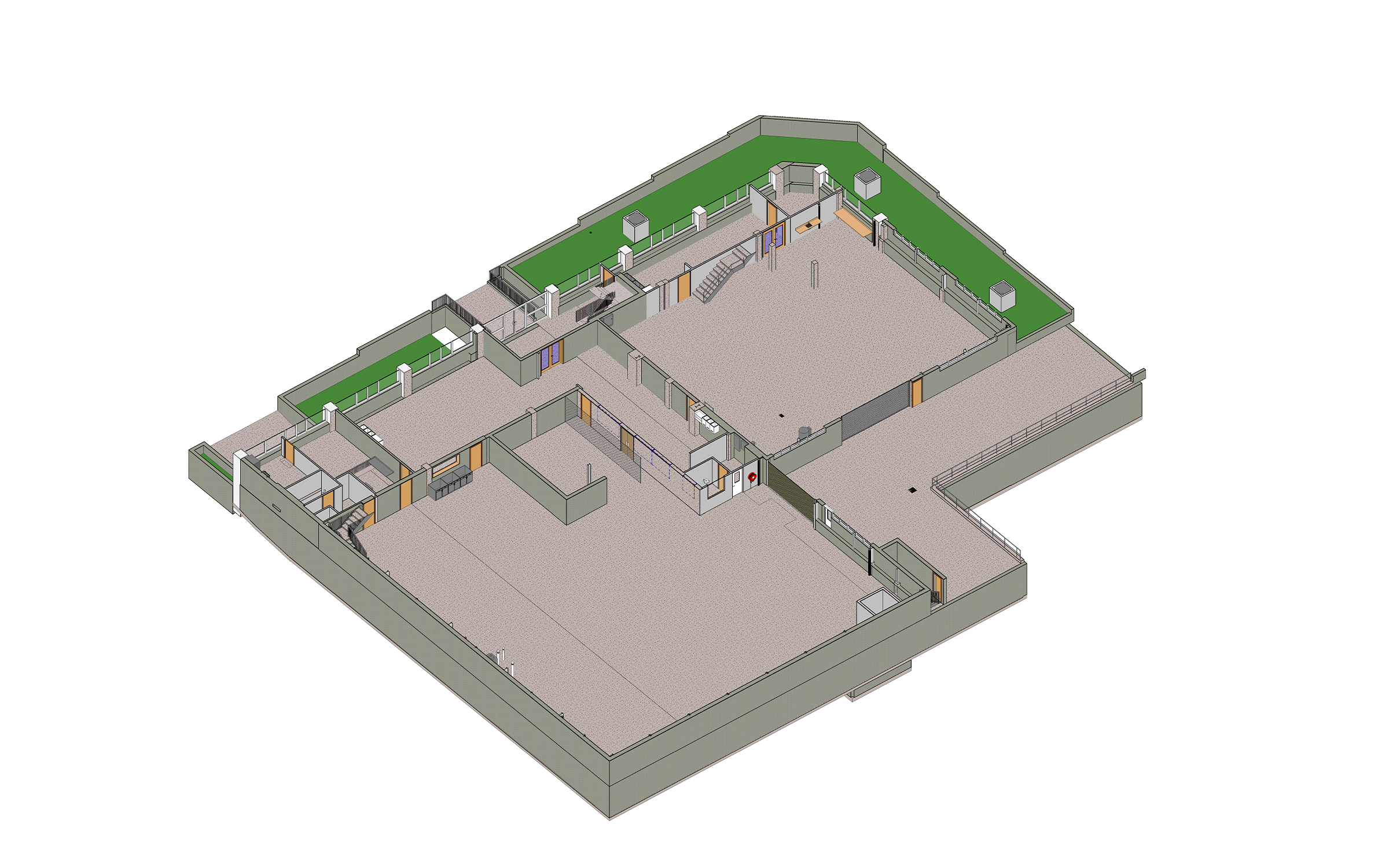
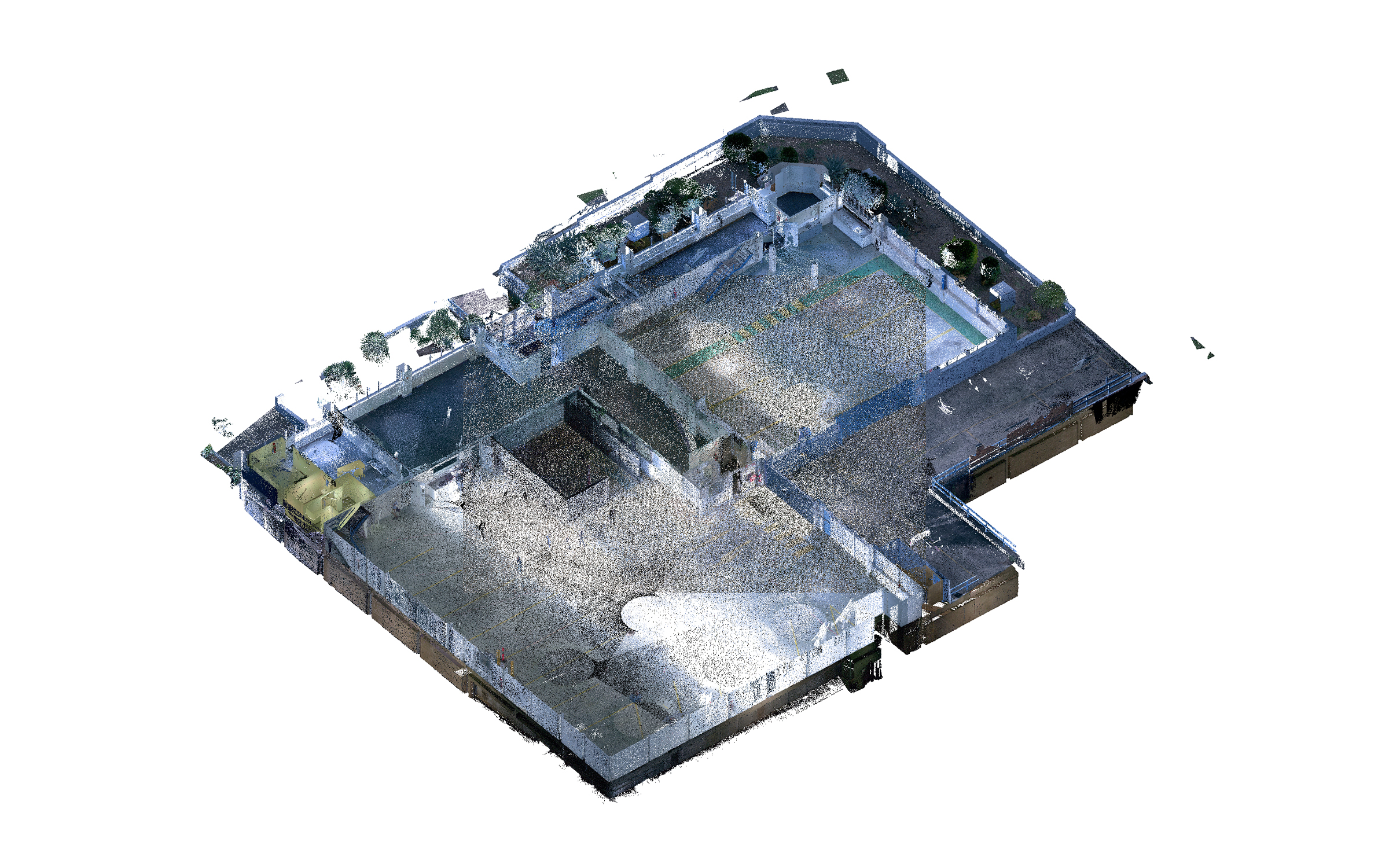
The model also included reinforced concrete support structures at the basement parking level. Particular attention was given to the column grid and drop cap details, which were recreated from the point cloud to reflect the facility’s actual structural conditions.

Accurate modeling of these elements provided a clearer understanding of the building’s lower-level structure and supported the reliability of the final as-built documentation.

1
Point cloud vs model
1

Visible MEP infrastructure

To make the as-built model useful for future coordination, ORIGIN modeled the visible MEP systems captured in the point cloud. This included lighting fixtures, ductwork, pipework, cable trays, and other smaller components present within the building.

Including these systems provided the client with a more complete view of the existing engineering infrastructure and helped make the model suitable for further project planning and development.

Point cloud vs model

Facade elements & large openings

The facade areas were modeled with attention to entrances, large-scale windows, and curtain wall zones. Due to their size and geometry, these elements required accurate dimensional control and careful alignment with the point cloud.

This helped complete the as-built representation of the warehouse exterior and ensured that the facade model could support further design, coordination, and documentation work.

1
Point cloud vs model
As-built drawings & basement slab deformation

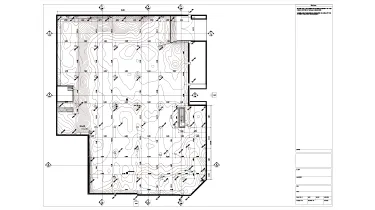
After completing the model, ORIGIN prepared a set of as-built drawings showing the key overall dimensions and existing building conditions. These drawings provide a reliable reference for future design, engineering, and coordination work.

The deliverables also included a detailed representation of basement slab deformation, helping the client better understand the current condition of the structural elements and their real-world behavior.

Point cloud vs model
Drawings

Click on preview to view high-resolution PDF drawings

Benefits
Accurate visualization of the building’s structural, architectural, and interior components
Clear understanding of visible MEP systems, including lighting, ductwork, pipework, and cable trays
Reliable as-built documentation reflecting the facility’s actual dimensions and existing conditions
Stronger basis for future design, engineering coordination, and renovation planning
Tools used
1
Autodesk Revit
1
Autodesk ReCap
view project view more view photos