Search...
Overview

The client requested the modeling of a school building and the preparation of a set of drawings.

For the ORIGIN team, the project focused on accurately capturing the building’s architectural character and structural complexity. First and foremost, our experts aimed at ensuring that both exterior and interior elements were represented with a high level of detail.

Category: BIM
Services:Scan-to-BIM, As-built drawings
Industry:Educational
Object type:Schools
Area:2722 m² / 29300 ft²
Tools used:Autodesk Revit, Autodesk ReCap
Share:
Project stages
1. Receiving input data
2. Analyzing the input and requesting additional information
3. Selecting the optimal team structure
4. Modeling the main building
5. Modeling the terrace
Adding interior elements and exterior embellishments
7. Preparing a set of drawings
8. Project support
Scope of work
  • Highly detailed model of a building;
  • Basic set of floor plans.


Input:

  • Separate point clouds for the exterior and interior parts.


Output:

  • Revit 3D model of the building: exterior part in LOD 350 and interior part in LOD 300;
  • Set of drawings (floor plans).
1

About the project

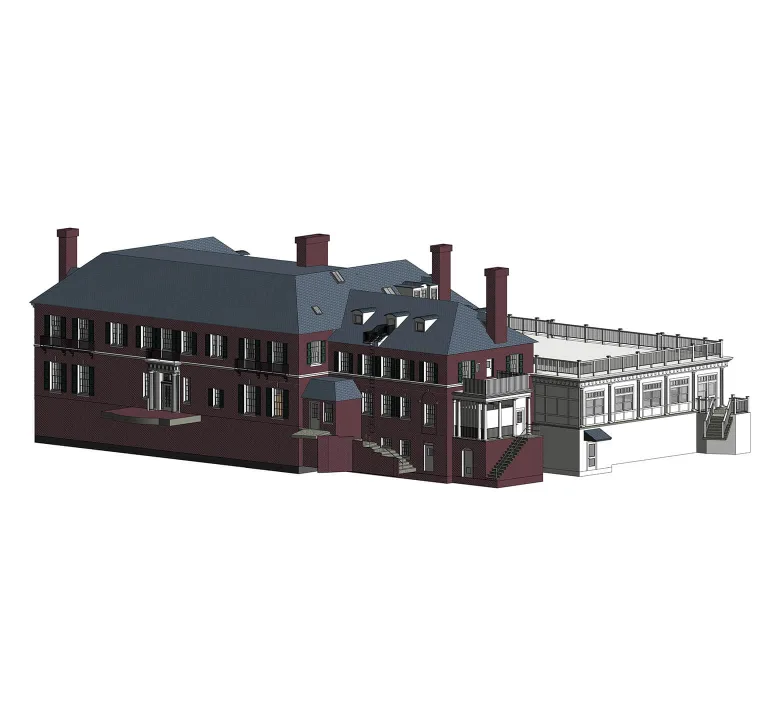
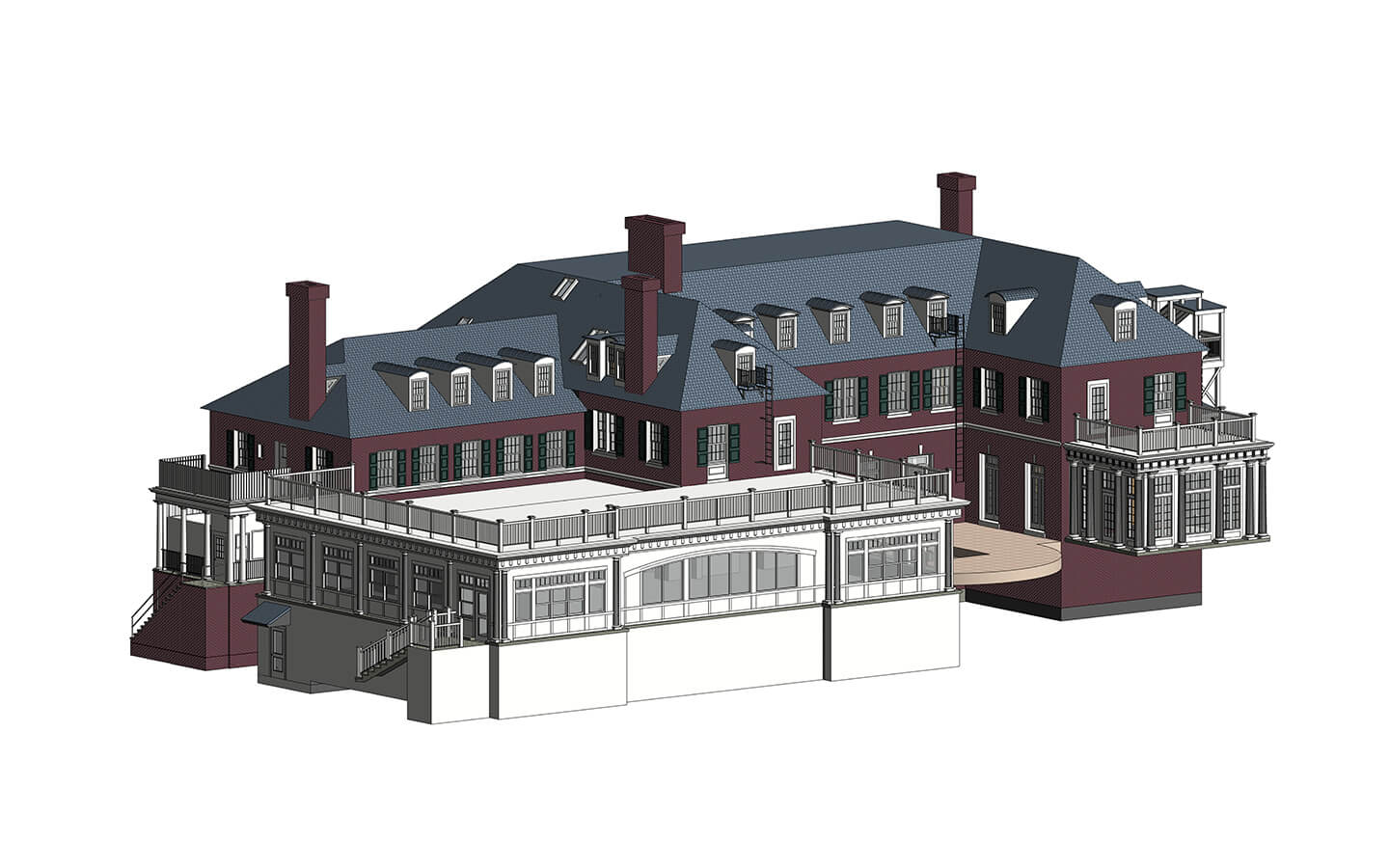
The building shown in the image serves as the main hub for high school classes and tutorials. Originally constructed in the early 20th century of brick, it was later renovated with the addition of a white wooden extension, blending traditional and modern architectural elements.

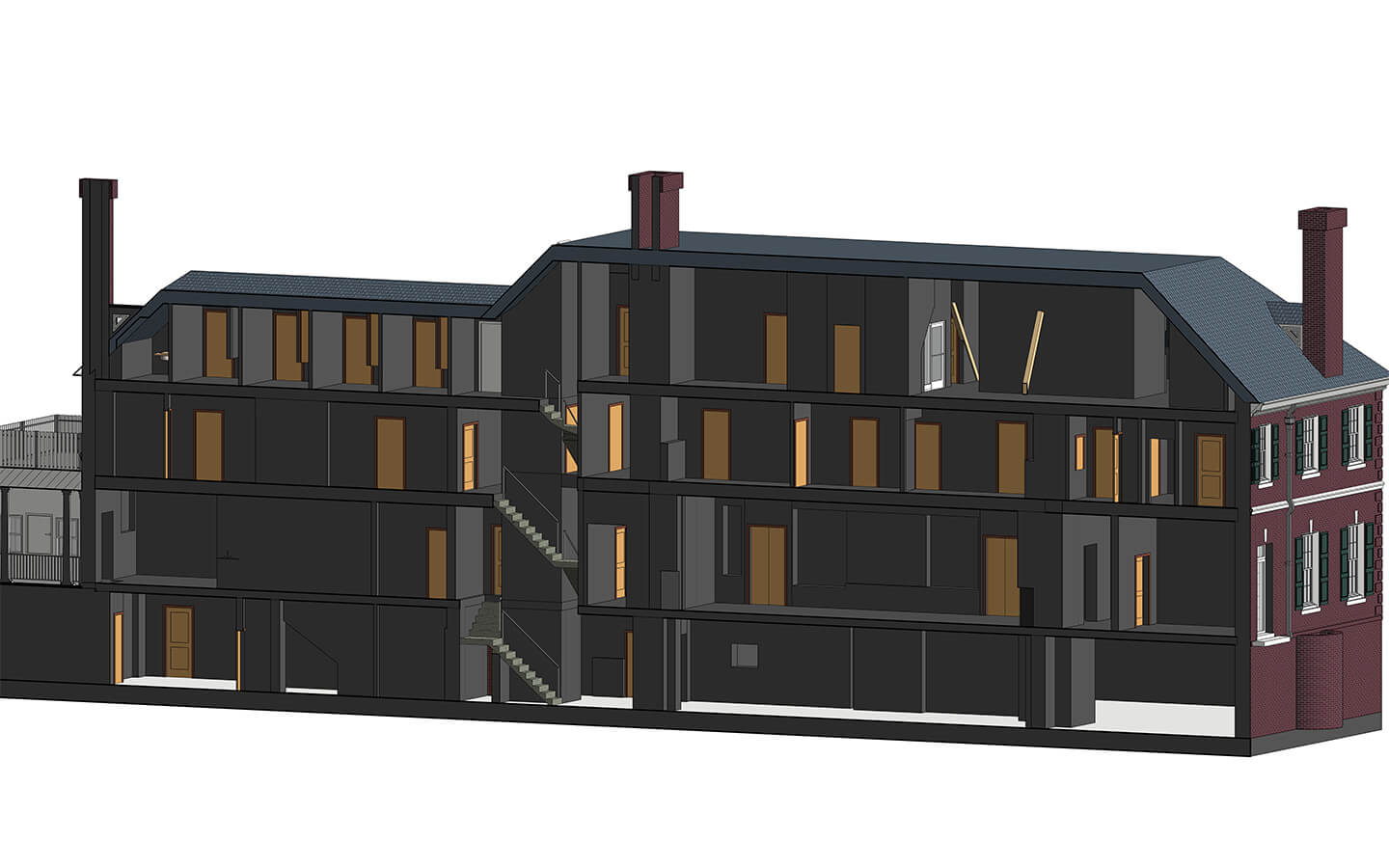
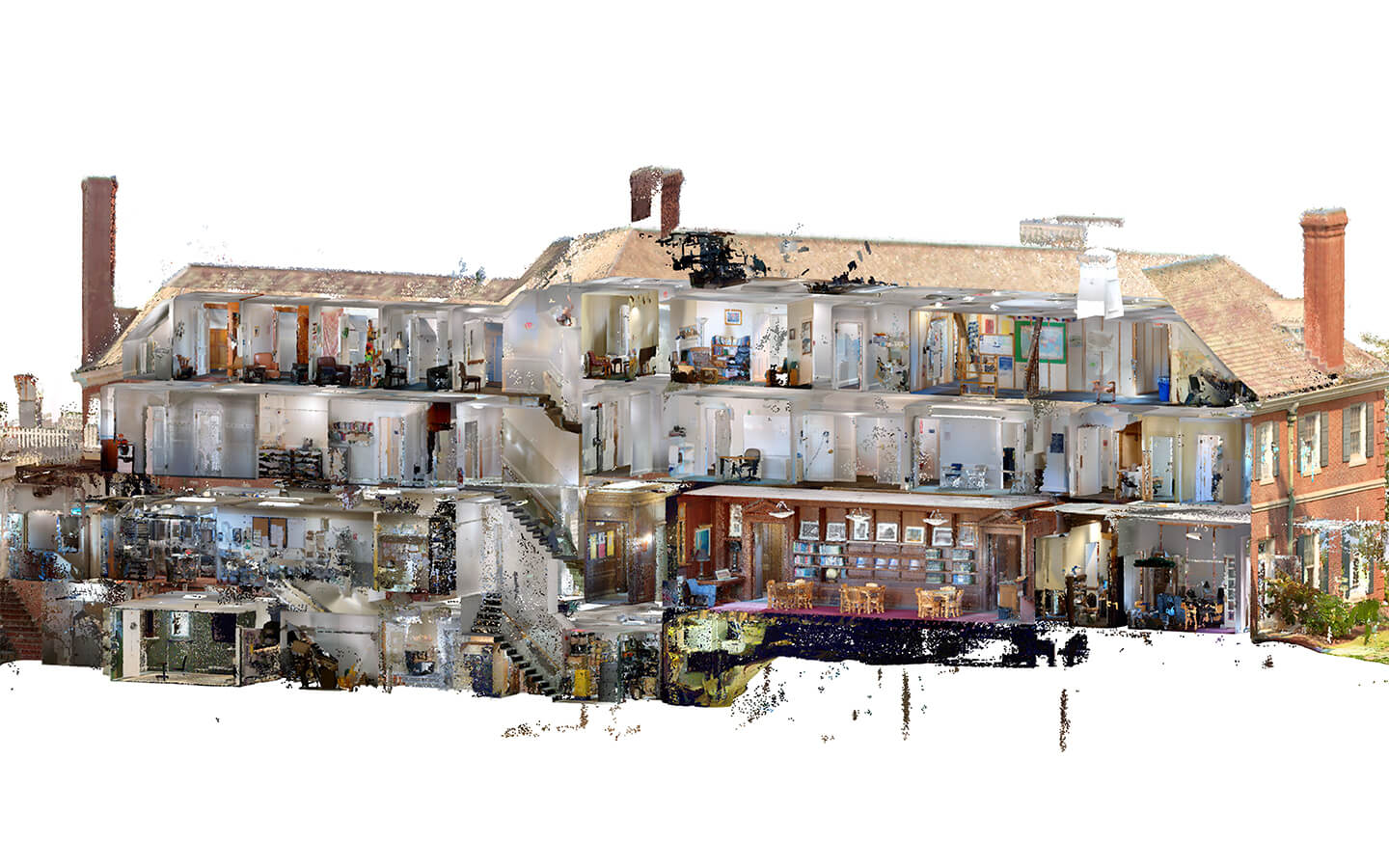
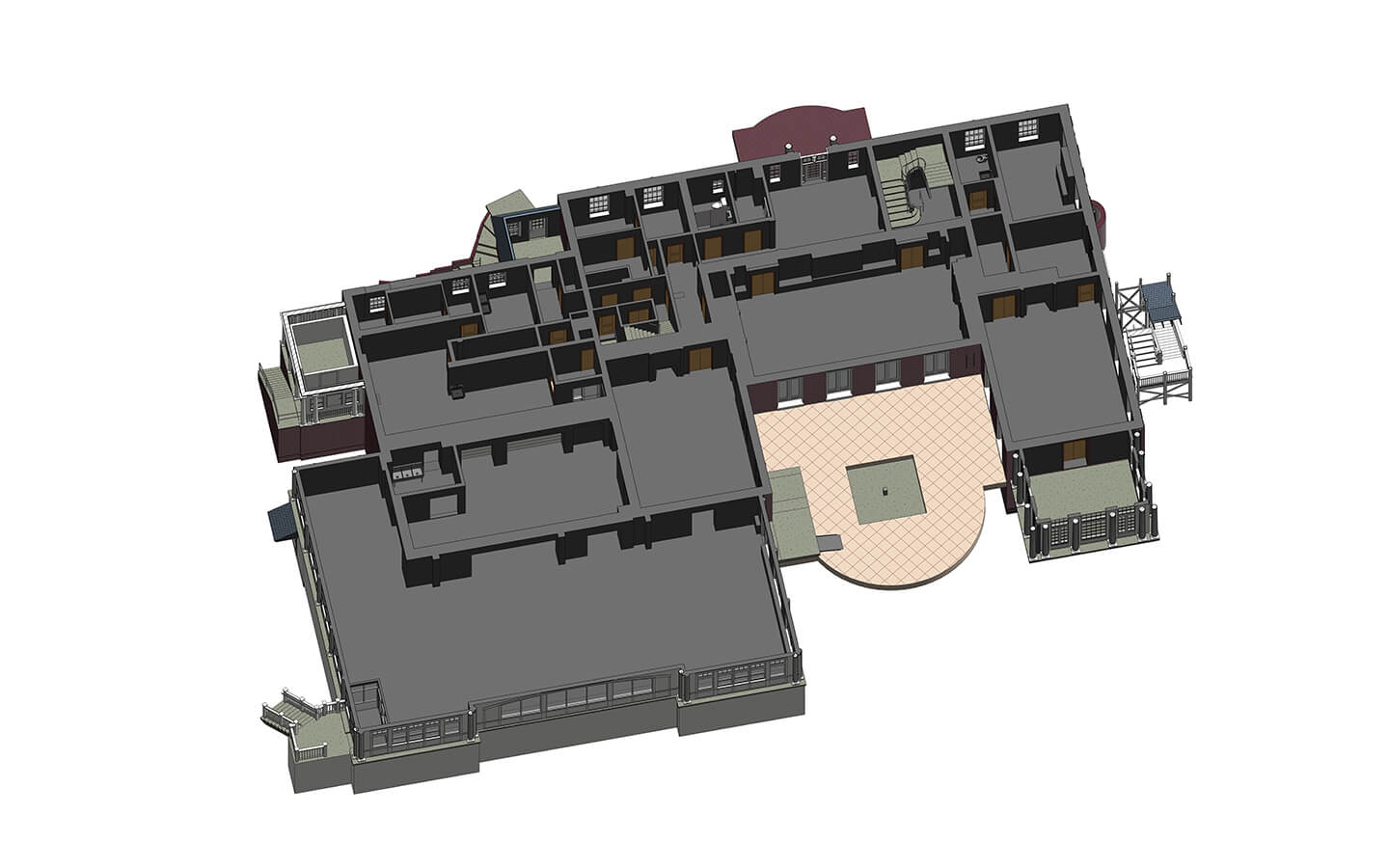
The project features a two-story structure with a basement and an attic. The building was modeled with all decorative elements and complex constructions, including exterior wooden stairs.

Throughout the project, particular attention was given to complex geometries and construction details to deliver a reliable model suitable for precise documentation and future use.

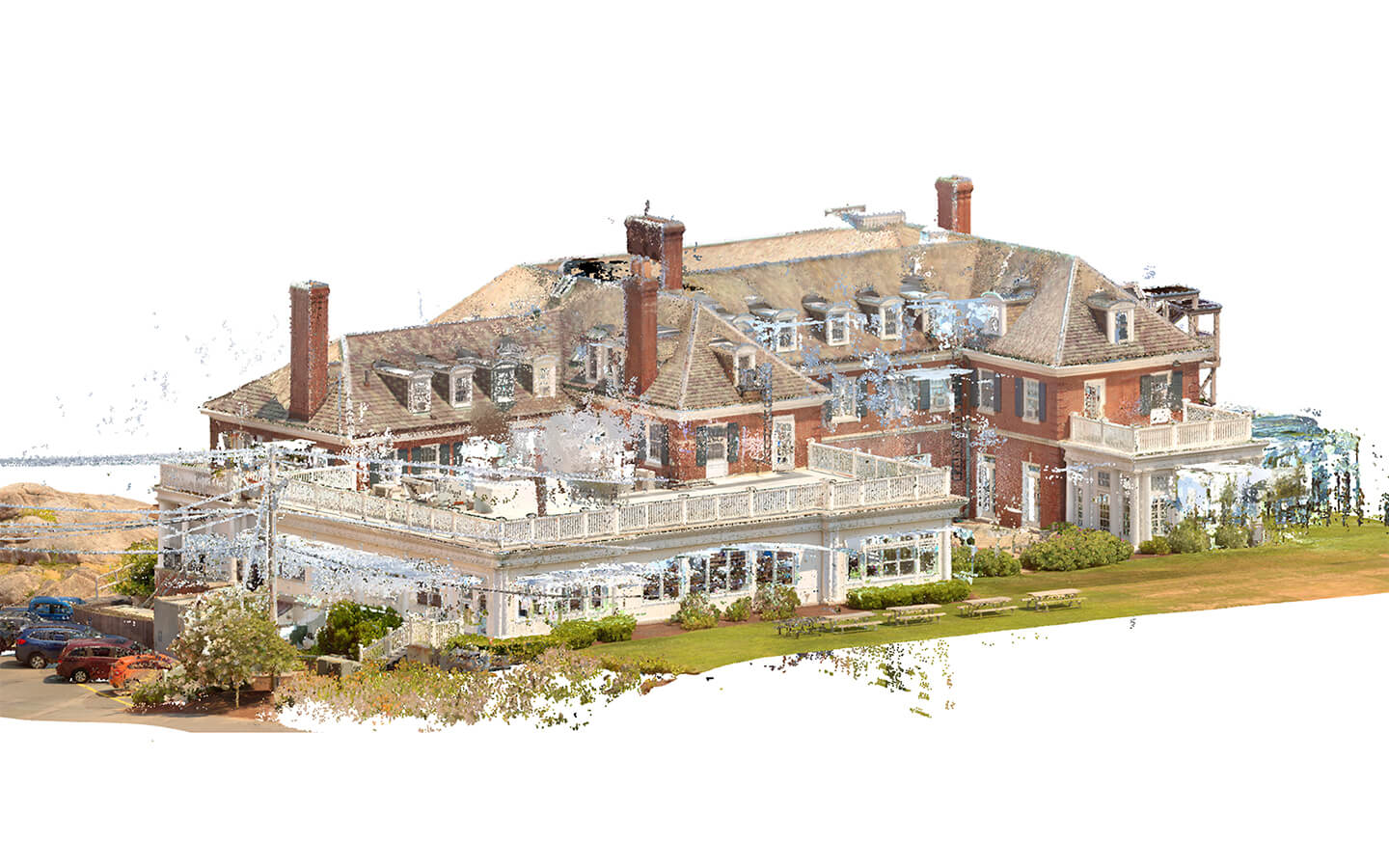
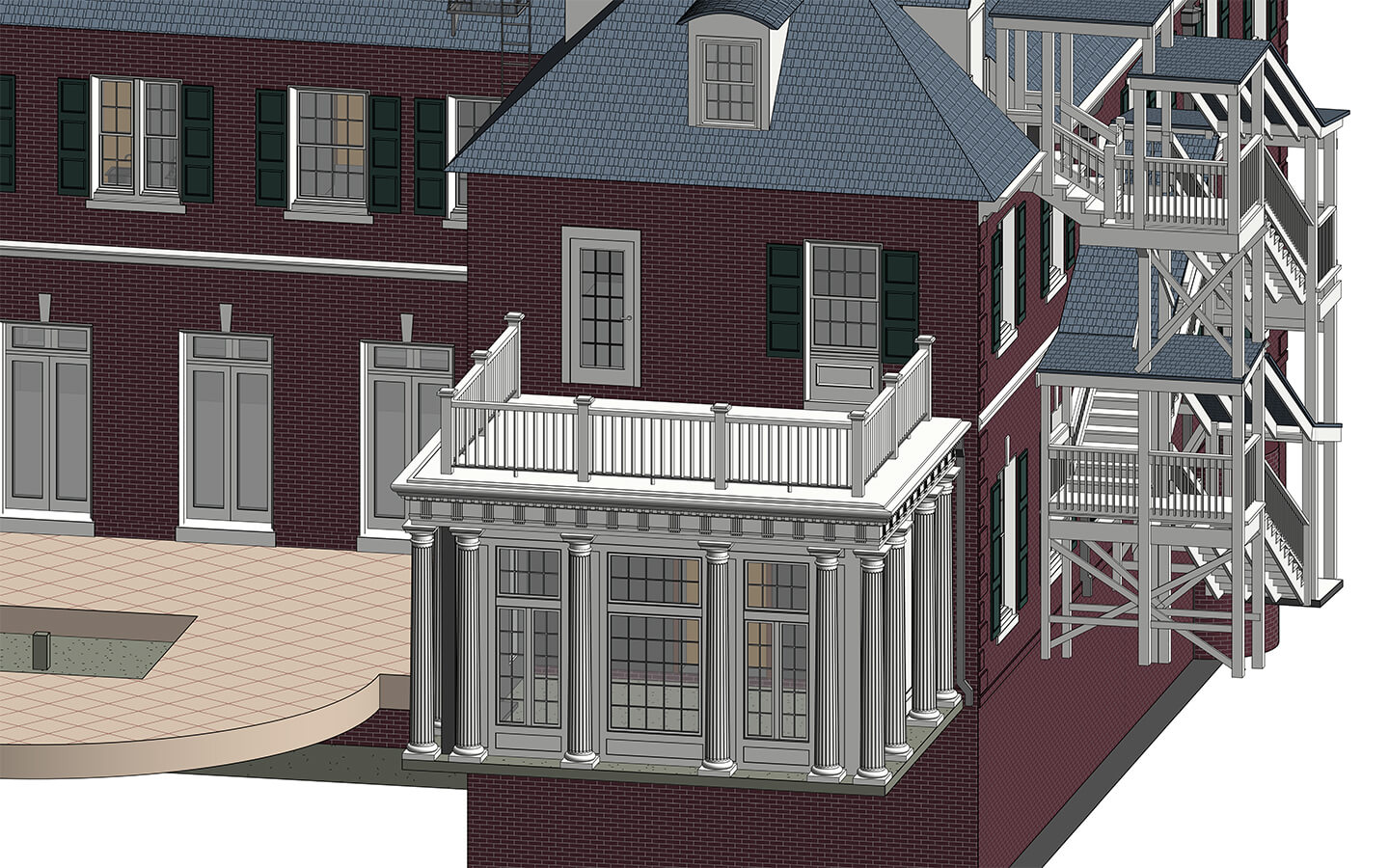
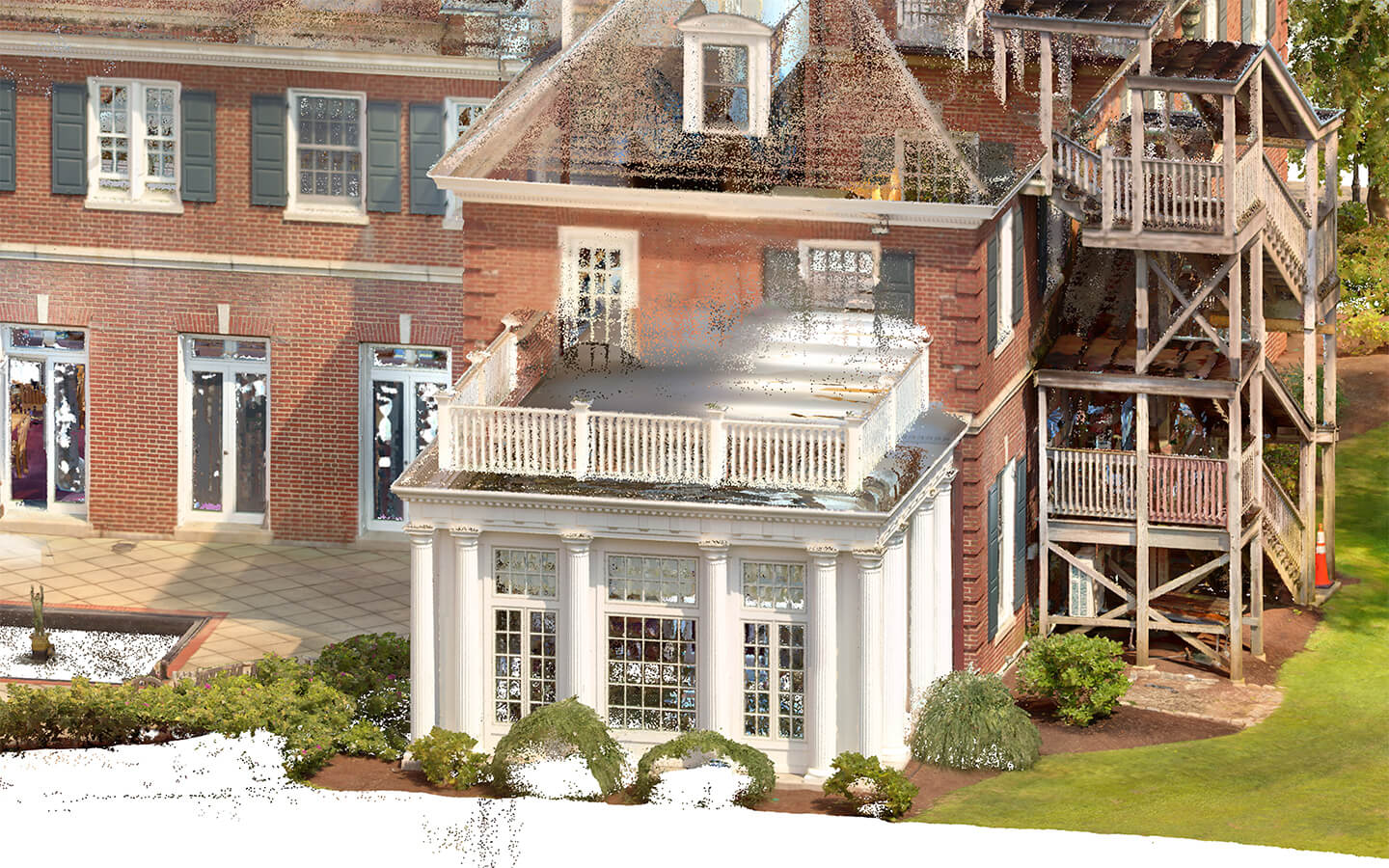
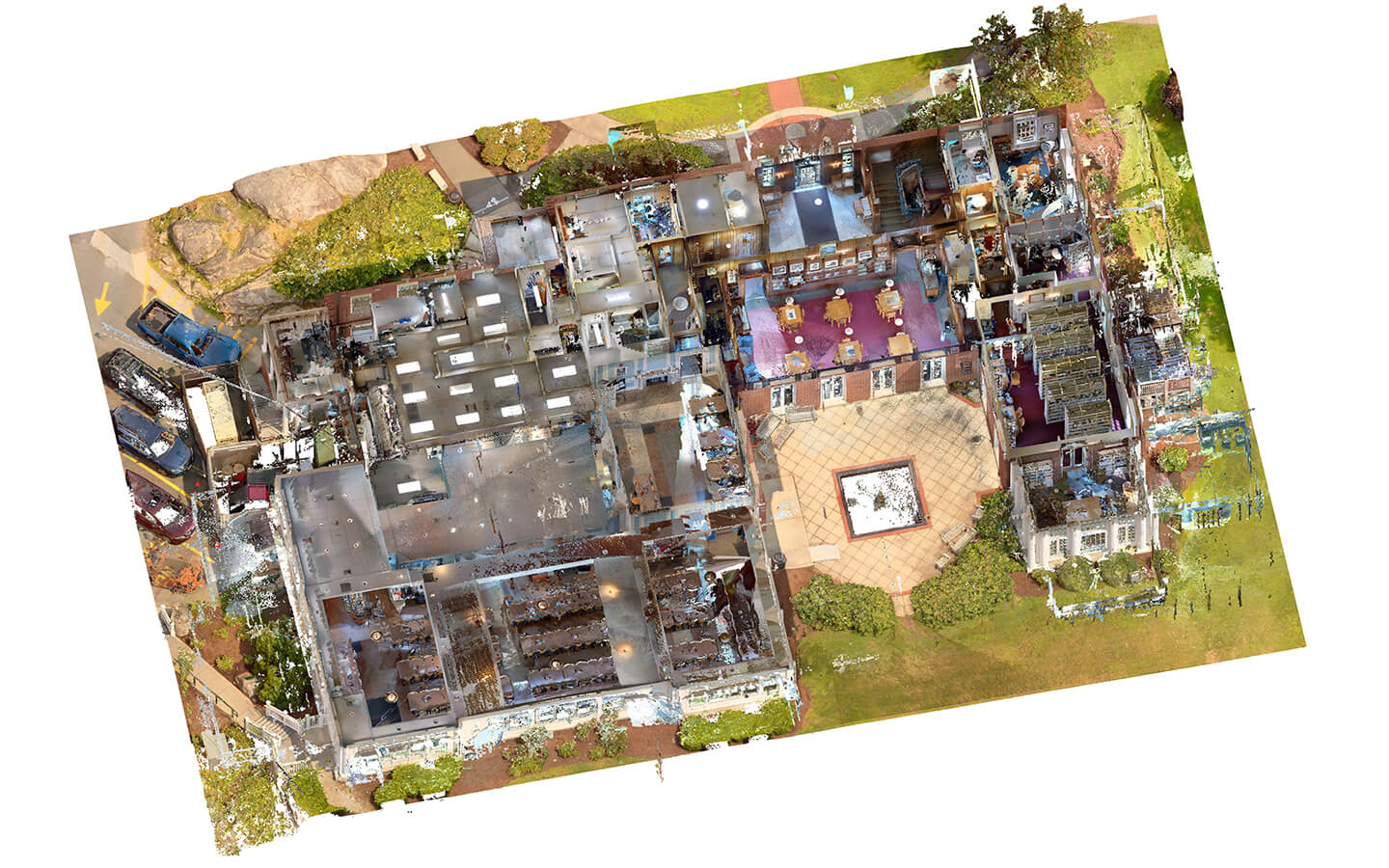
Point cloud vs Model

Project challenge

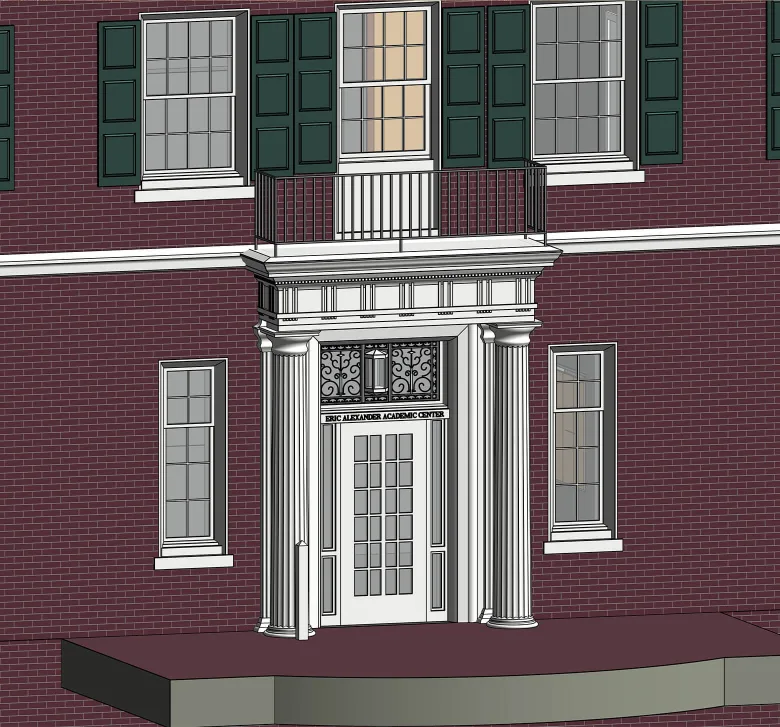
The client’s primary request was to render the facades at LOD 350.

To achieve this level of detail, we carefully modeled the following architectural elements:

  • Fluted white columns on the wooden extension;
  • Decorated cornice above the main entrance;
  • Forged ornamental detailing on the entrance window.

This approach ensured a highly accurate and realistic facade representation suitable for detailed documentation and presentation.

1
Point cloud vs Model
1

Modeling wooden stairs

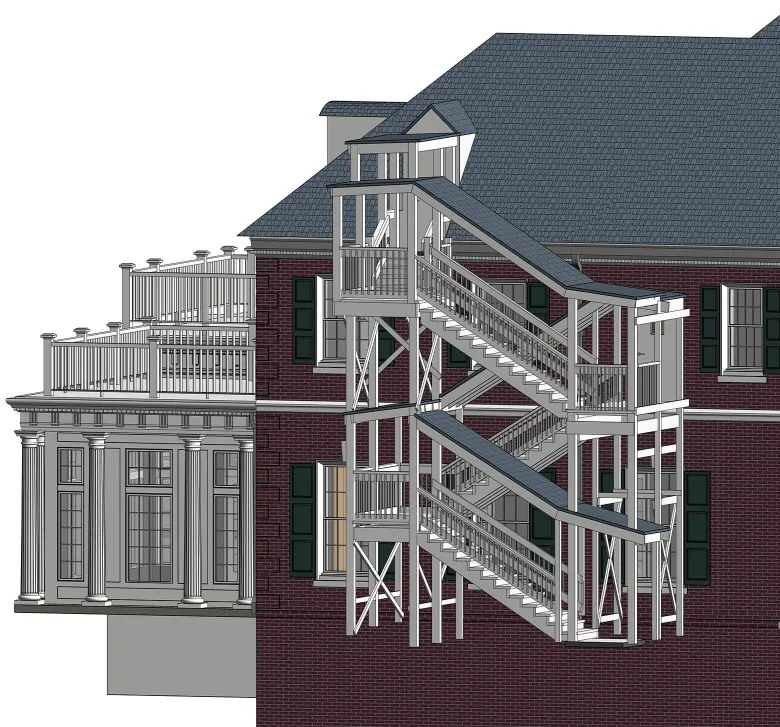
At the client’s request, the exterior stairs were modeled in detail, including numerous wooden elements, and connect the adjacent area to the attic of the building.

To accurately represent this construction, the team used a combination of Revit families, including stair families, structural framing, structural columns, railings, and roof elements.

Point cloud vs Model
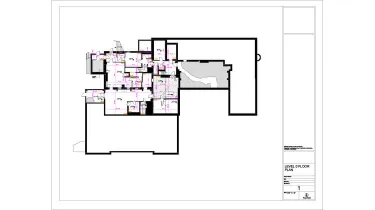
Drawings

Click on preview to view high-resolution PDF drawings

Benefits
Reliable geometry and dimensions thanks to a precise as-built model based on the point cloud
Detailed modeling of exterior decoration and complex constructions
Fully coordinated set of drawings that supports future project phases
Tools used
1
Autodesk Revit
1
Autodesk ReCap
view project view more view photos