Search...
Overview

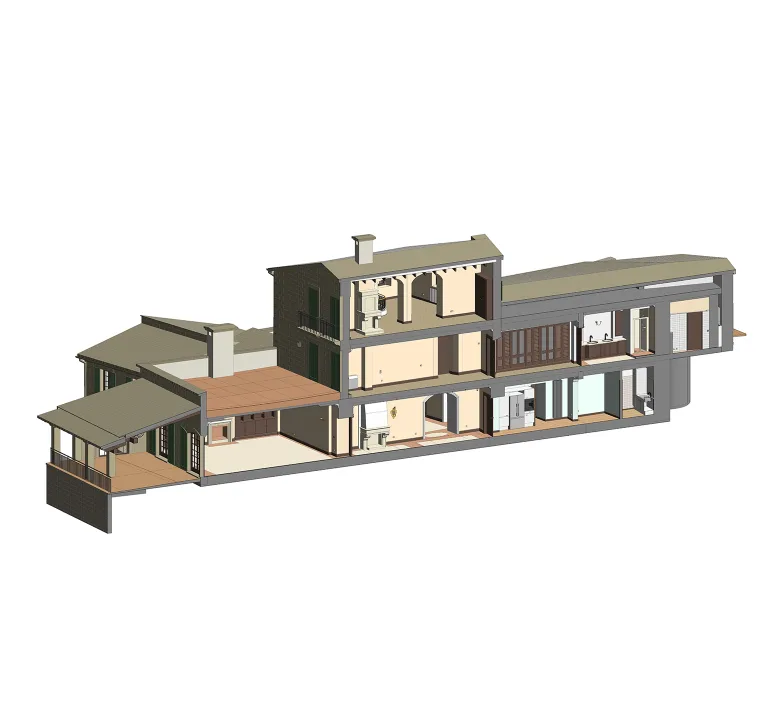
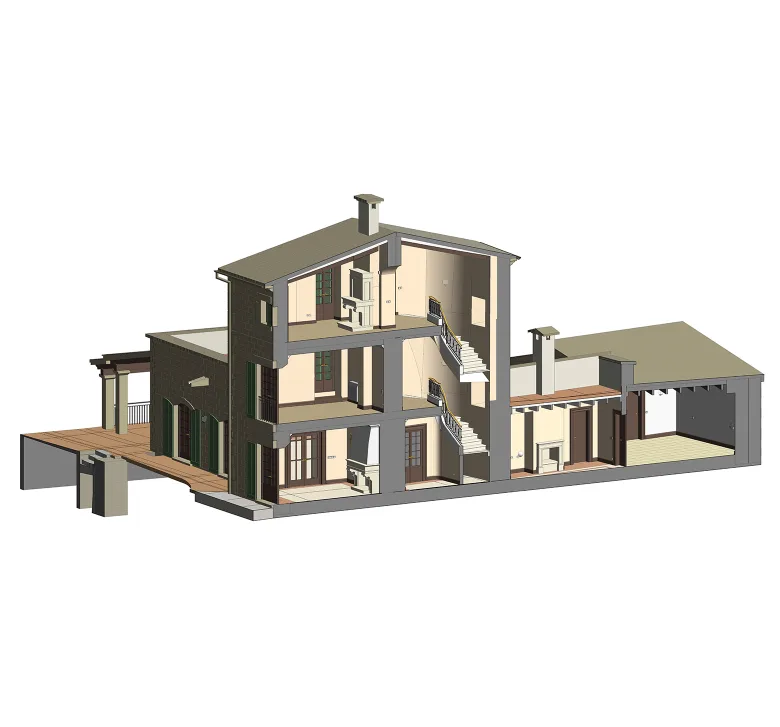
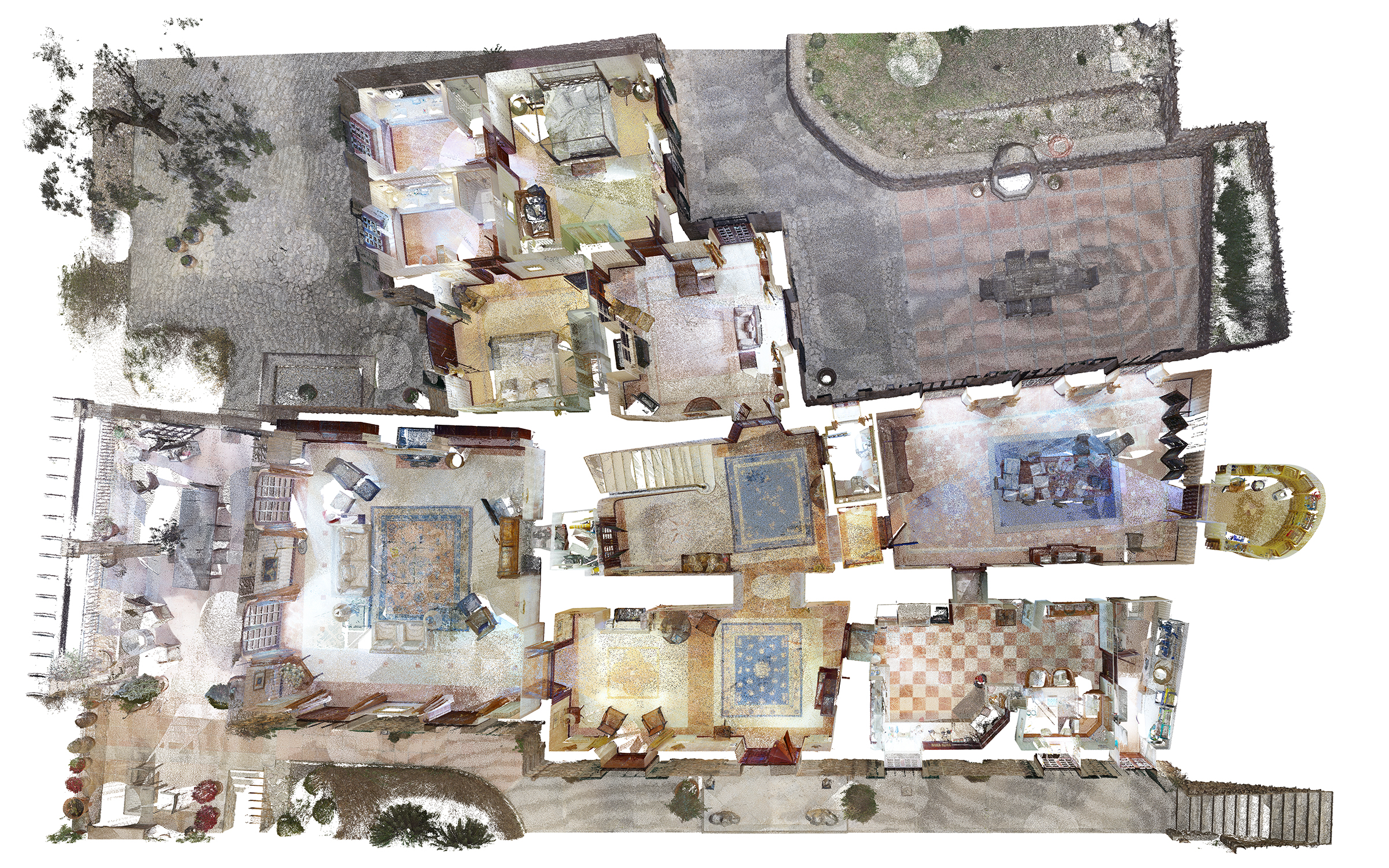
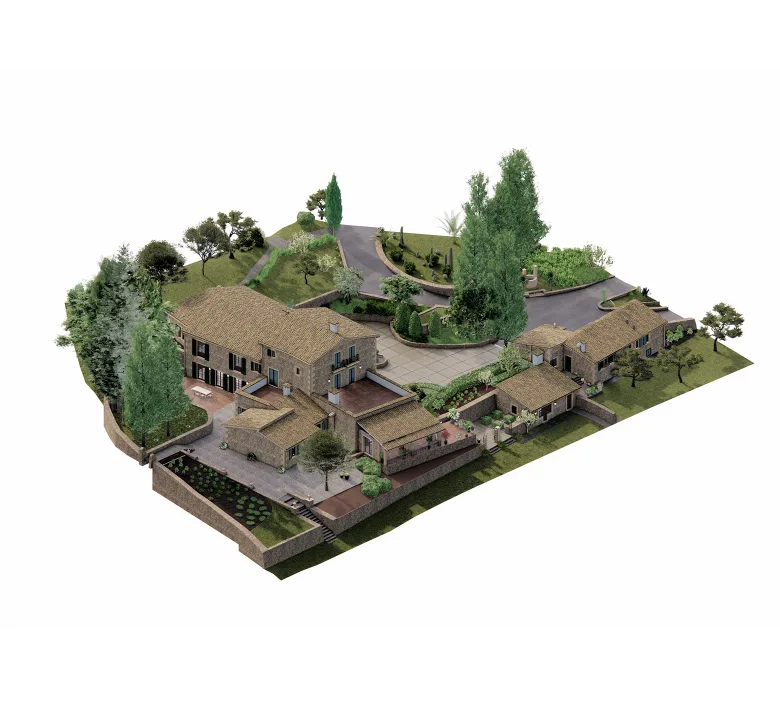
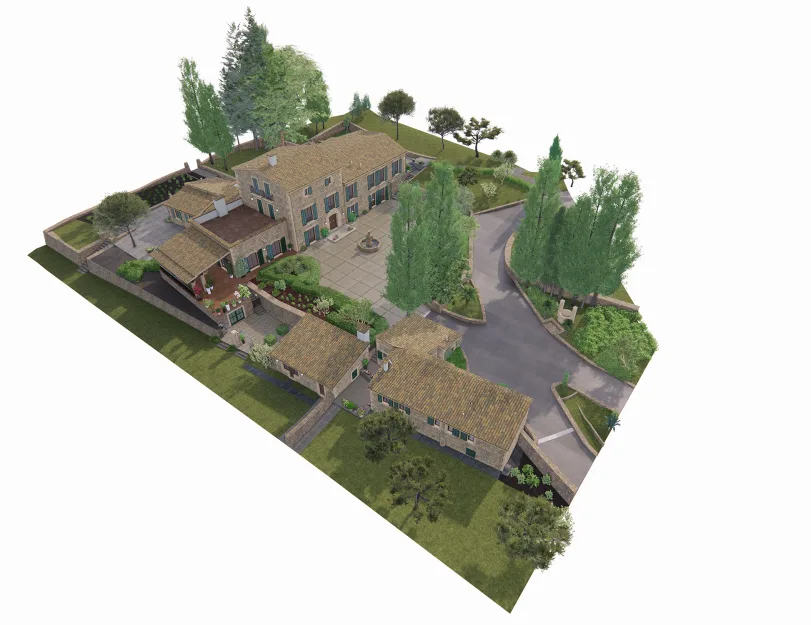
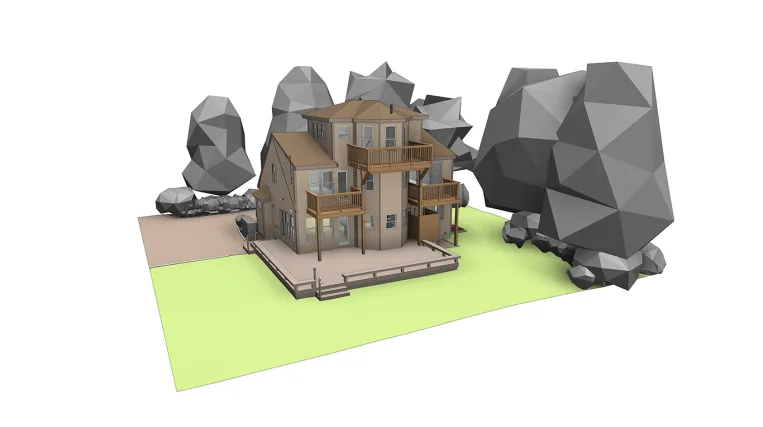
This project involved creating a highly accurate as-built BIM model of a private residential estate in Mallorca, Spain. The scope covered a main three-story house, two additional smaller buildings, and the surrounding site, including topography, exterior elements, and landscape features.

The client needed the model for an upcoming renovation and for the design of custom-made furniture, which required a very high level of accuracy with a tolerance of only 5 mm. Since the estate included historic building fabric, visible deformations, uneven levels, and many irregular elements, the modeling process required careful point cloud interpretation and a highly detailed approach.

As a result, ORIGIN delivered a coordinated Revit model with architectural elements, built-in furniture, visible electrical components, applied materials, site context, and supporting deliverables in the required formats for further design and visualization work.

Category: BIM
Services:Scan-to-BIM
Industry:Residential
Object type:Single-family home
Area:4820 m² / 51890 ft²
Tools used:Autodesk Revit, Autodesk ReCap, Enscape, Leica TruView, Autodesk AutoCAD
Share:
Project stages
1. Receiving and reviewing the point cloud data
2. Modeling a sample area on the second floor at the client’s request
3. Receiving client approval for the initial modeling approach
4. Continuing with the first floor, including all required architectural elements
5. Completing the second and third floors
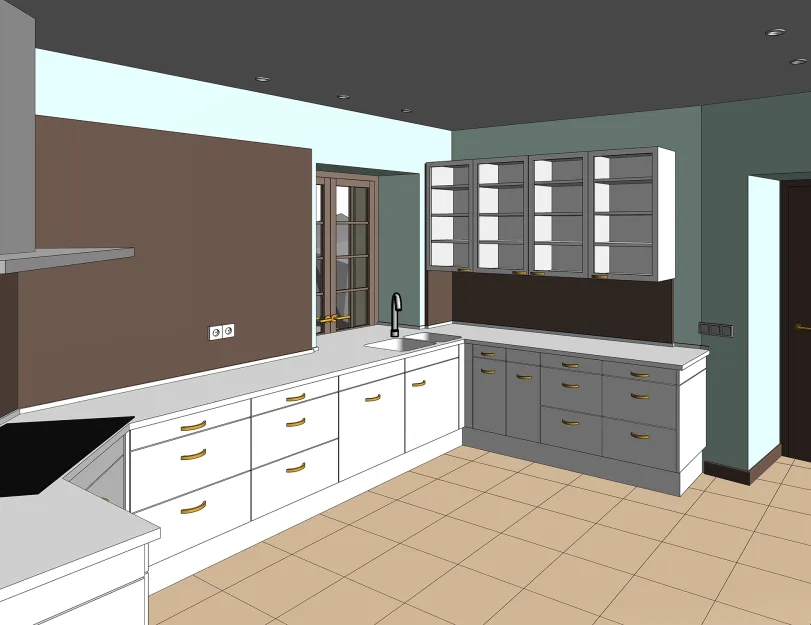
6. Modeling built-in furniture, switches, sockets, and lighting fixtures
7. Developing the exterior model, including materials and decorative elements
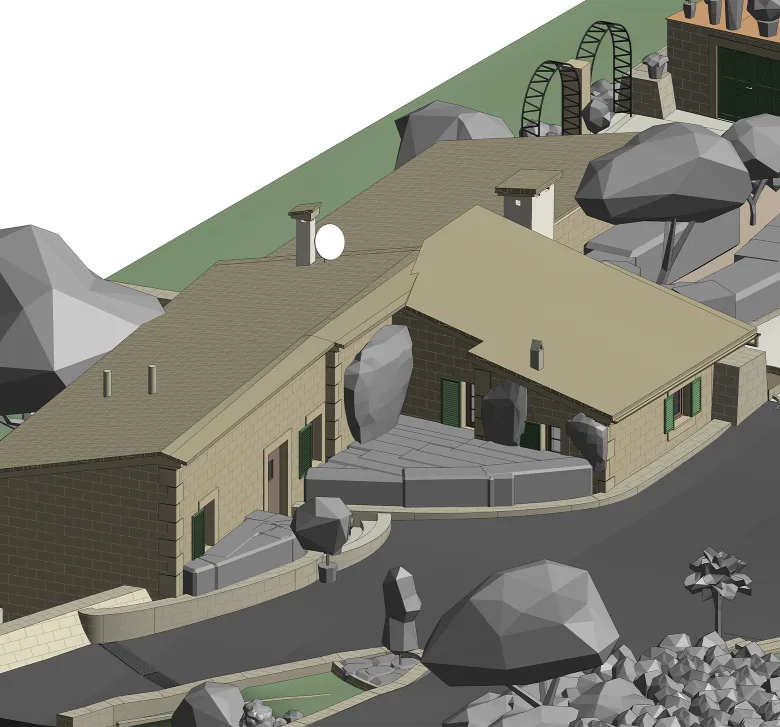
8. Modeling the two additional buildings on the site
9. Modeling topography, vegetation, and site elements
10. Applying textures in Enscape and preparing rendered views
11. Preparing drawings and exporting the model in all required file formats
Scope of work

The scope of work included developing a high-accuracy 3D model of three buildings and the surrounding site from point cloud data. The model included architectural elements, visible electrical components, built-in furniture, applied materials, site elements, and exterior detailing.
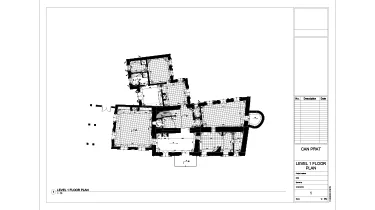
In addition to the Revit model, ORIGIN prepared dimensioned floor plan drawings, rendered views, and file exports in the required formats to support further work across different software environments.

Input: Point cloud data.

Output: 3D model in Revit, as-built drawings, AutoCAD files, and Rhino/SolidWorks-compatible model exports.

1
1

Modeling to a 5 mm tolerance

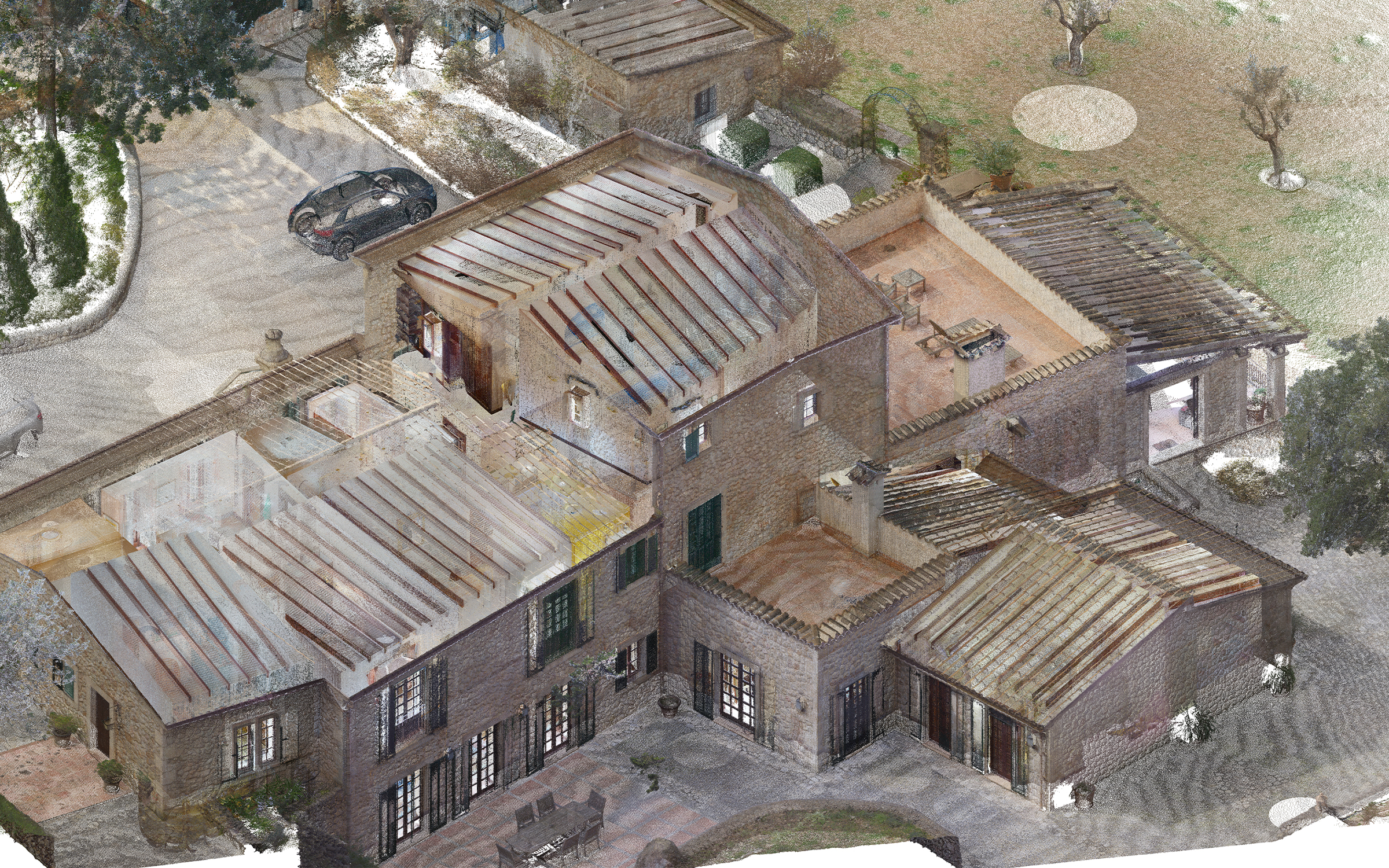
One of the main challenges was the required modeling tolerance of only 5 mm. Because the building was historic and had visible deformations, standard modeling methods were not always sufficient to accurately represent its real geometry.

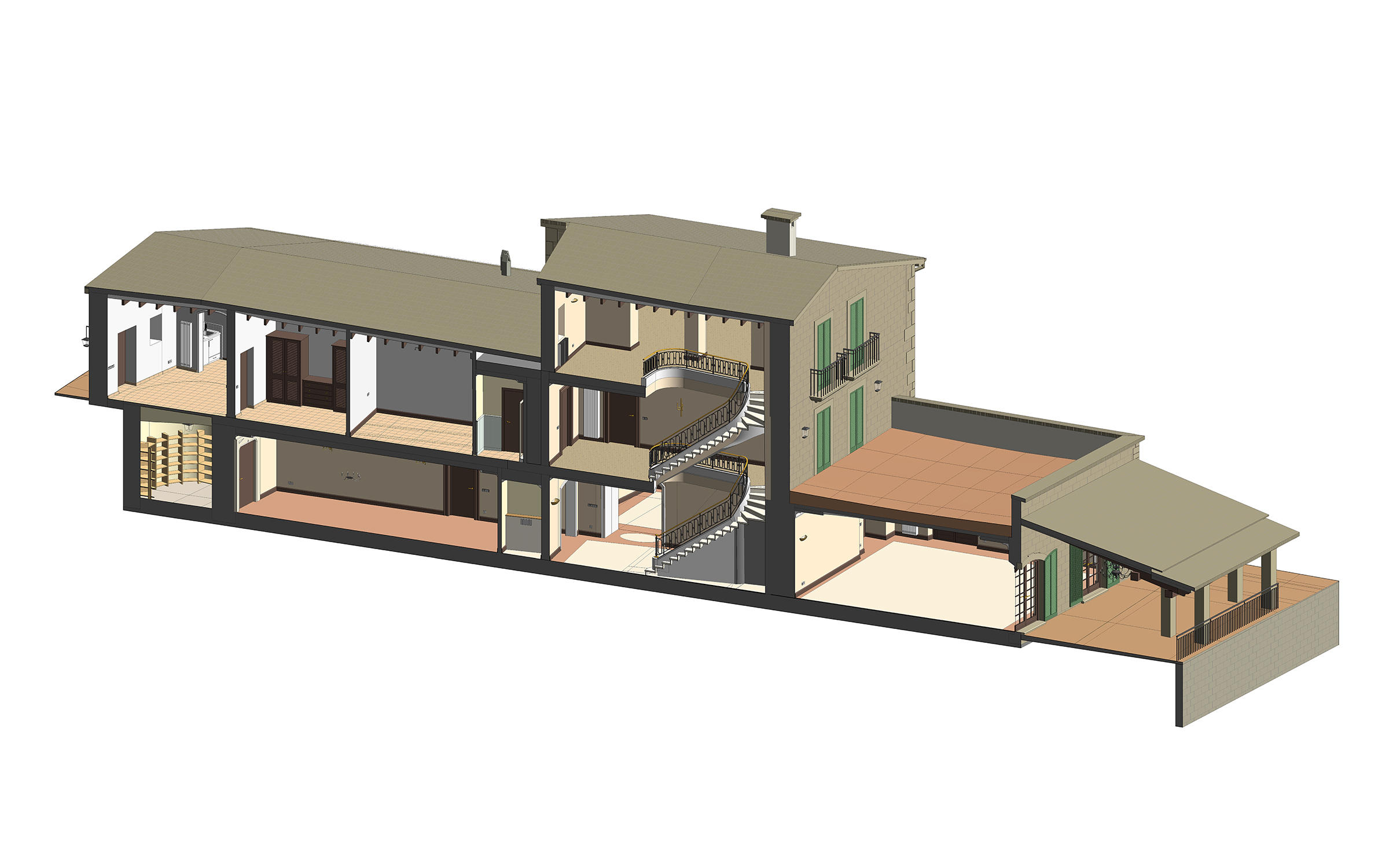
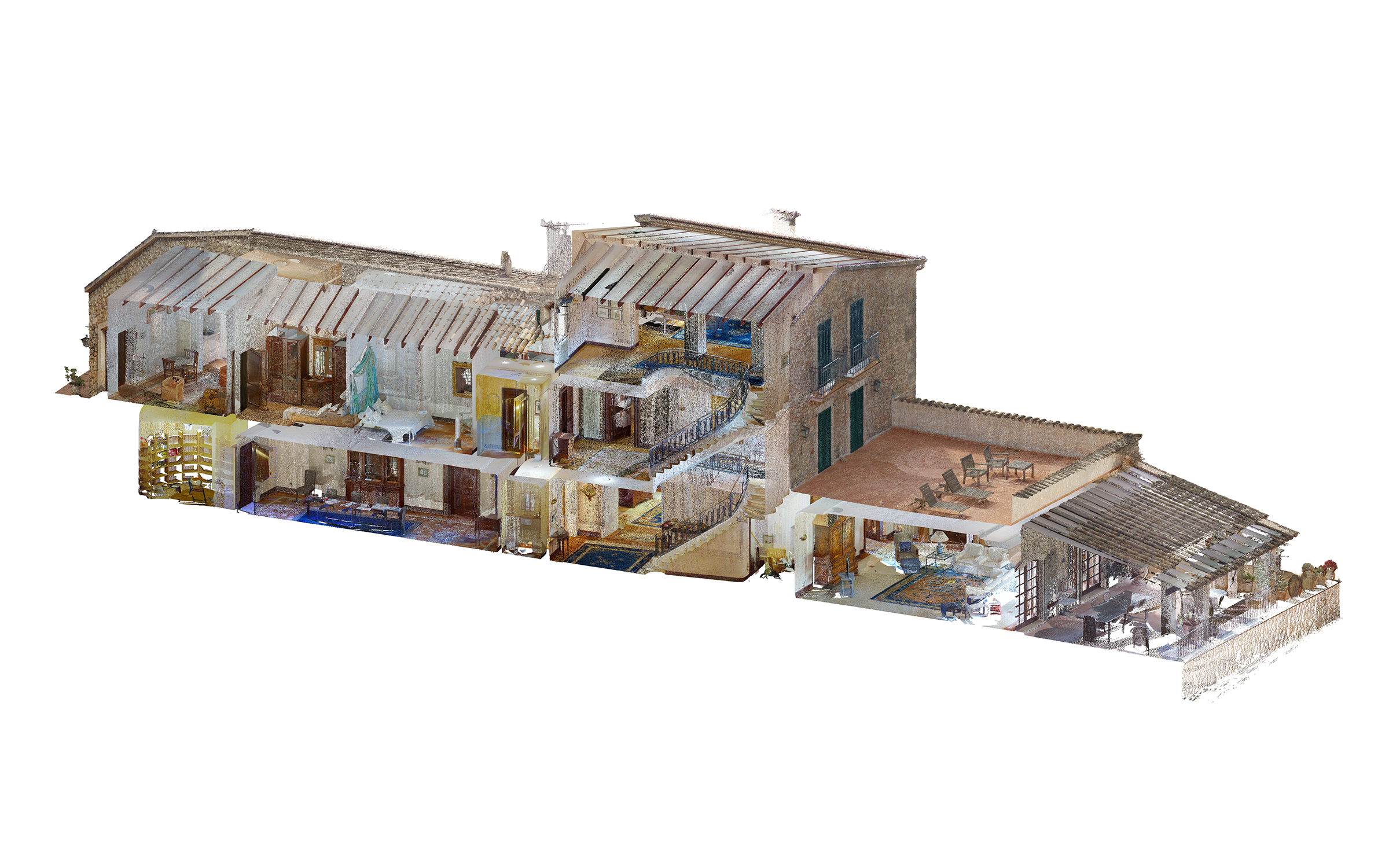
To meet the required accuracy, ORIGIN divided walls into smaller segments and used Model in Place elements where needed. This approach allowed the team to follow the point cloud more closely, represent irregular surfaces, and capture differences in floor levels both inside and outside the building.

The result was a highly detailed as-built model that reflected the estate’s actual condition rather than simplifying it into idealized geometry.

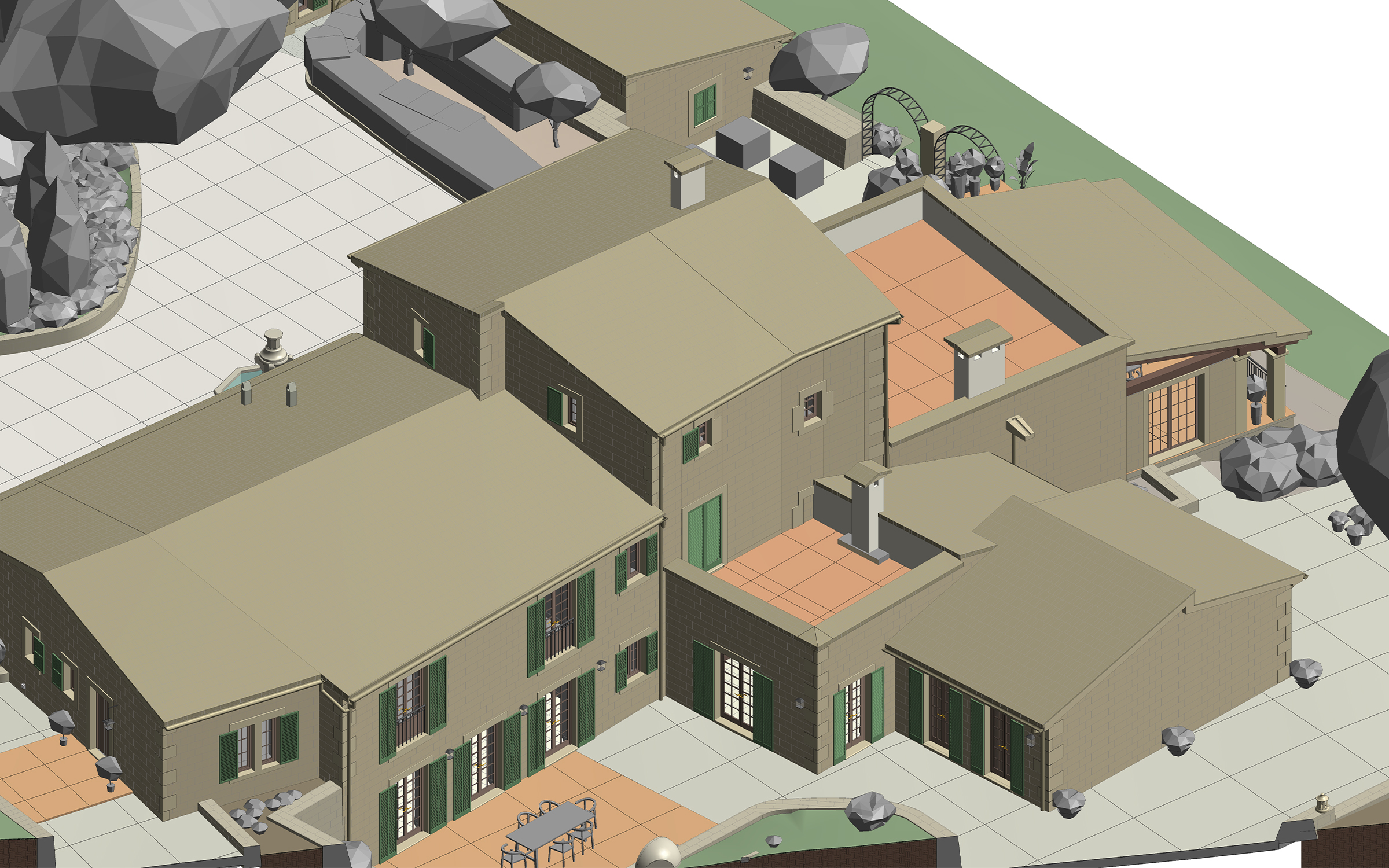
Point cloud vs model

Interior detailing

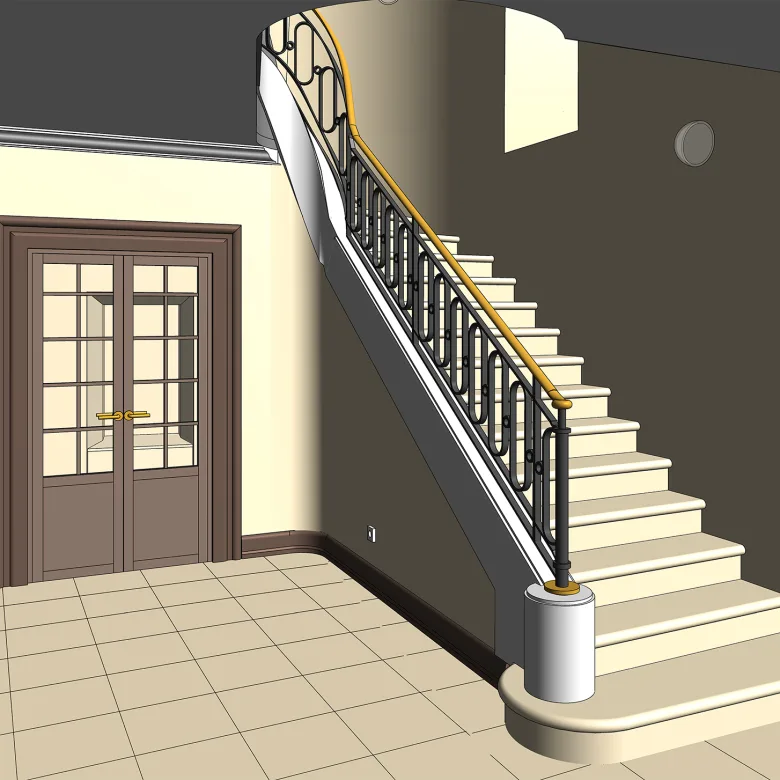
Curved railings & stair ceiling

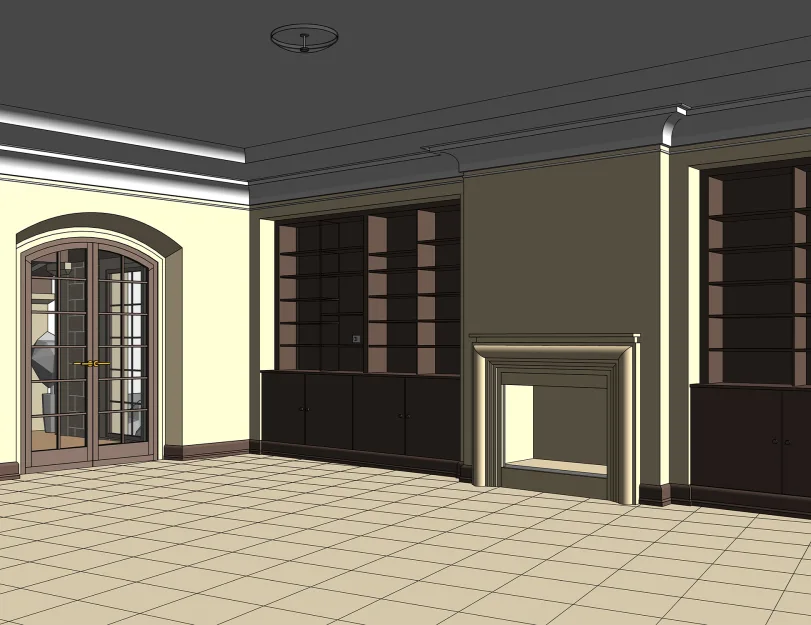
The estate included curved railings and a smooth ceiling area beneath the stairs, both of which required more flexible modeling methods than standard Revit families could provide. ORIGIN used Mass tools and divided the elements into smaller segments to follow the point cloud more closely and preserve the visual character of these interior details.


Switches, sockets, and lighting

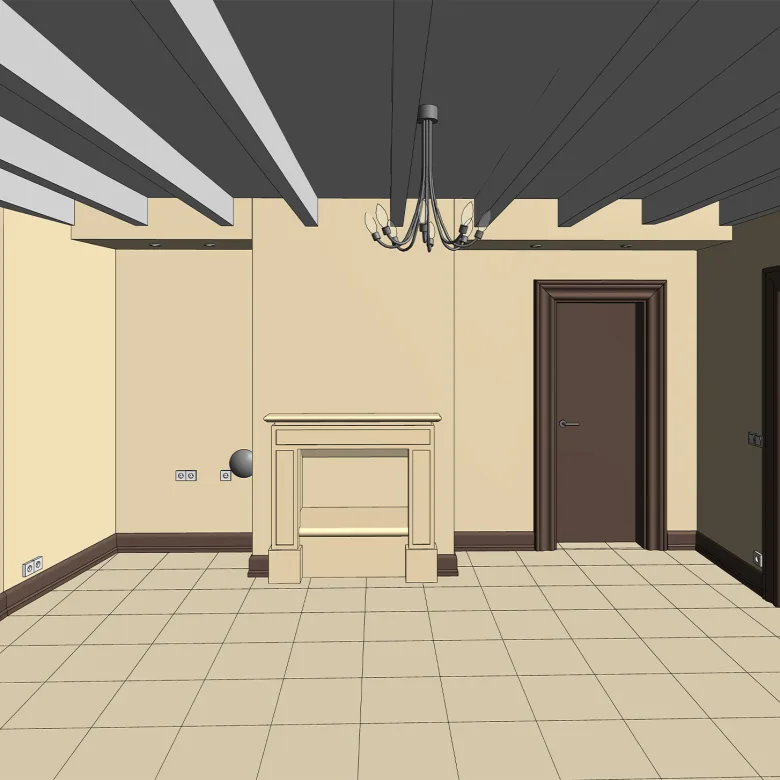
Visible electrical components were also modeled within the interior spaces, including lighting fixtures, switches, and power outlets. Their placement helped create a more complete as-built representation of the rooms and supported further renovation planning and coordination.

1
1
Point cloud vs model
1
1
1
1

Exterior detailing & custom families

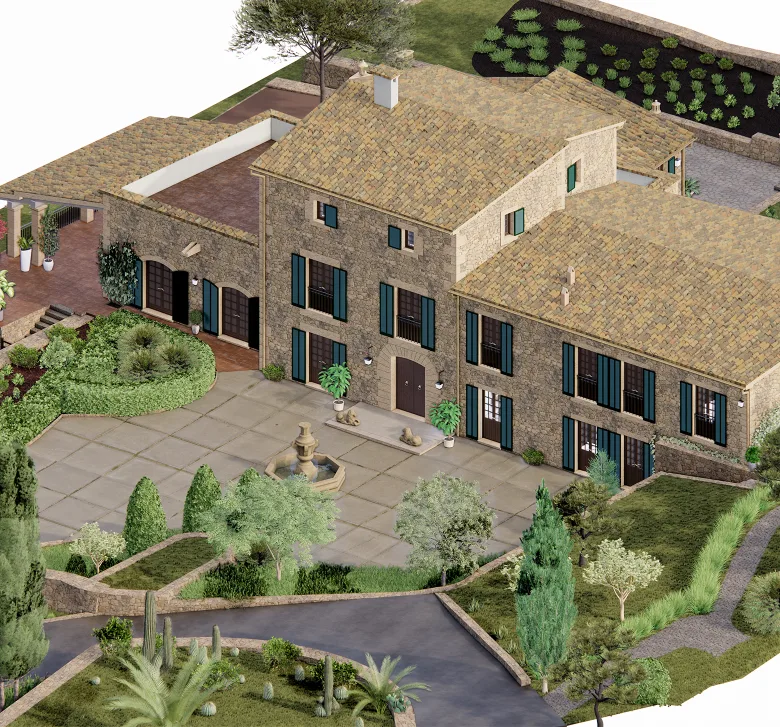
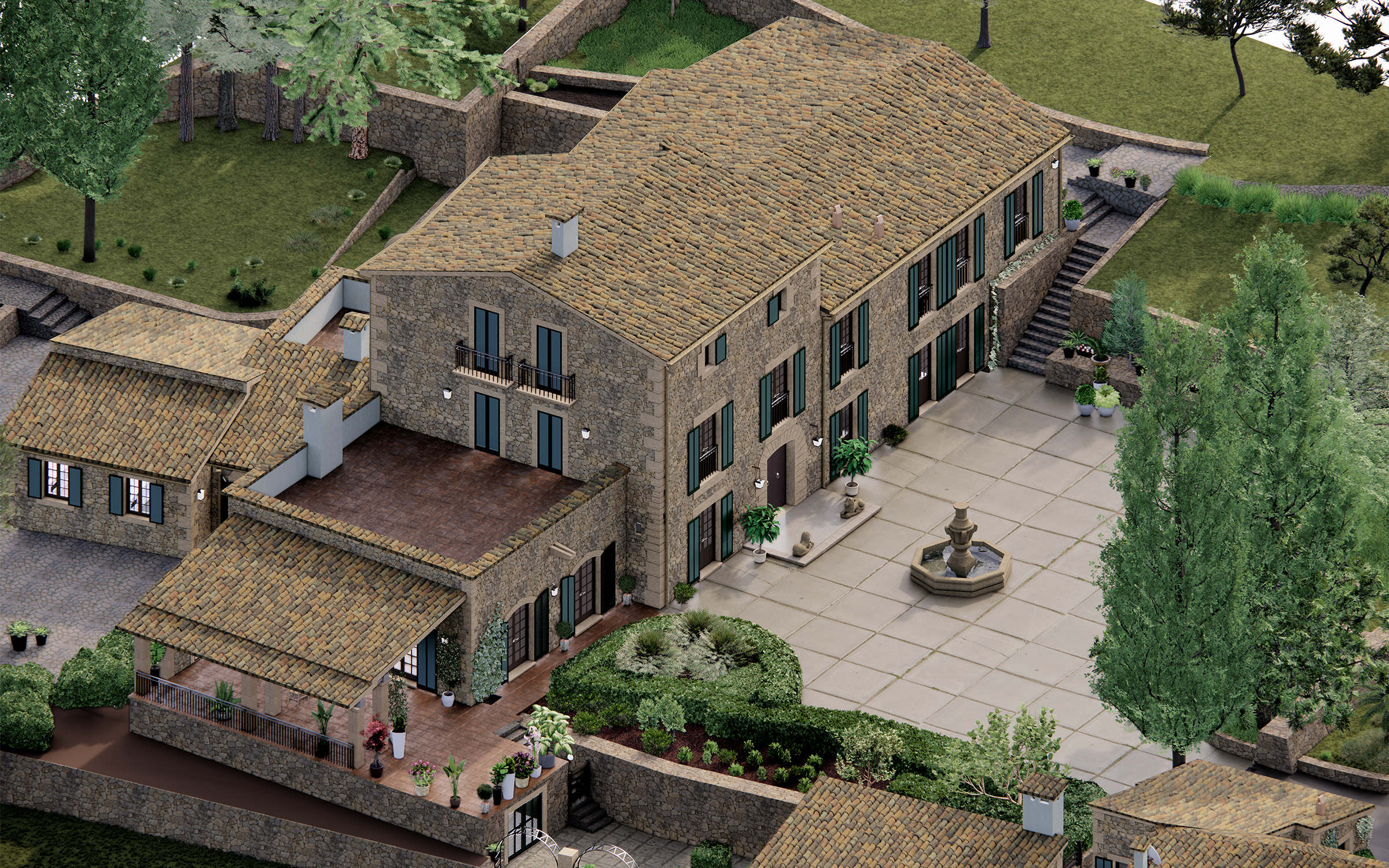
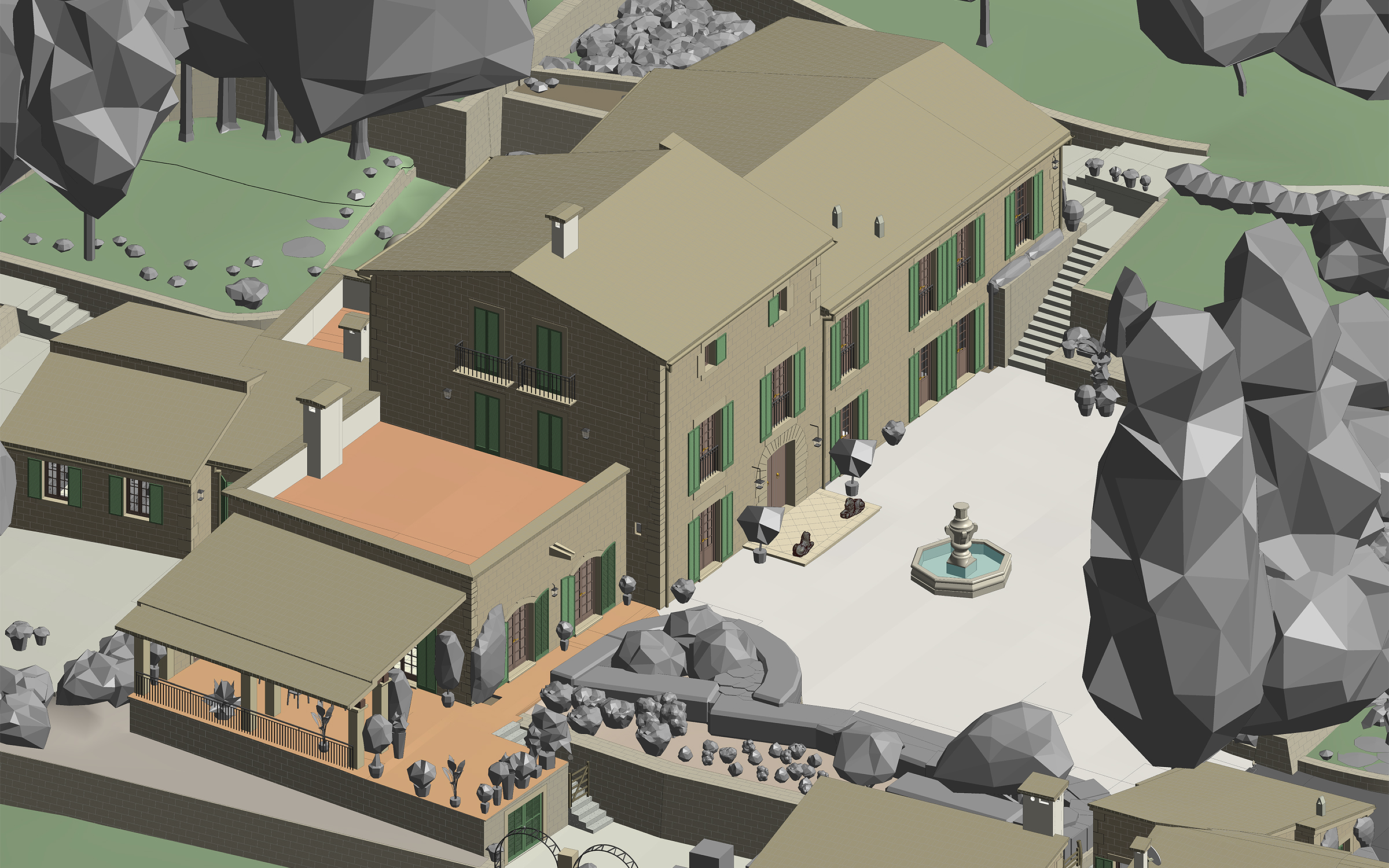
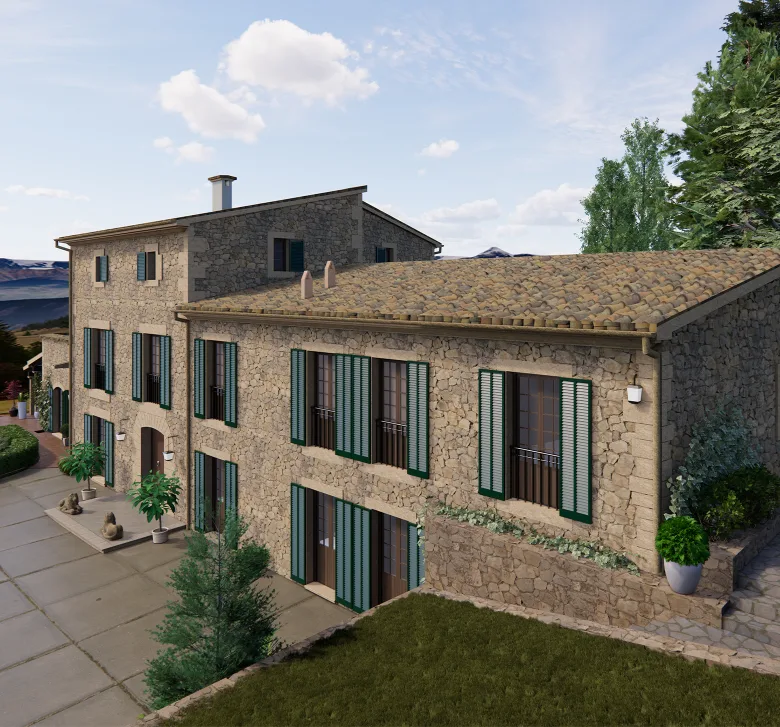
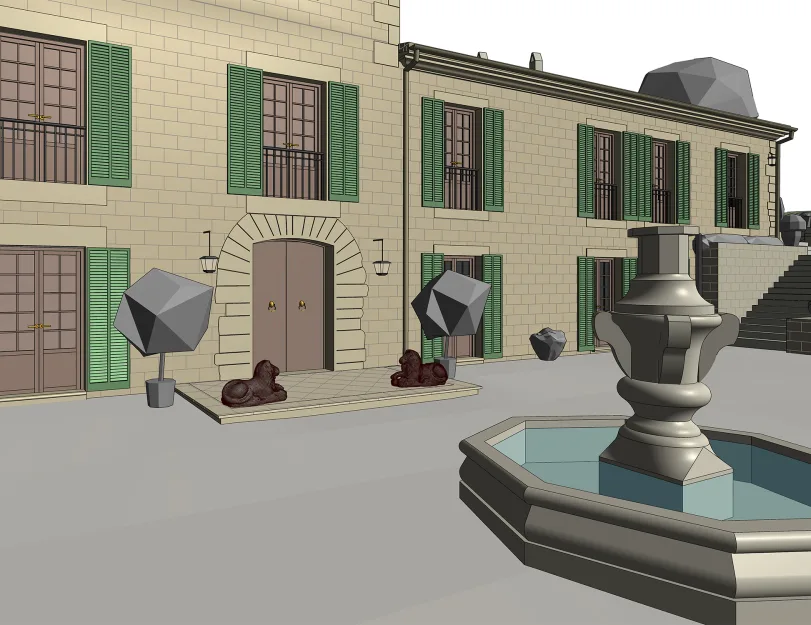
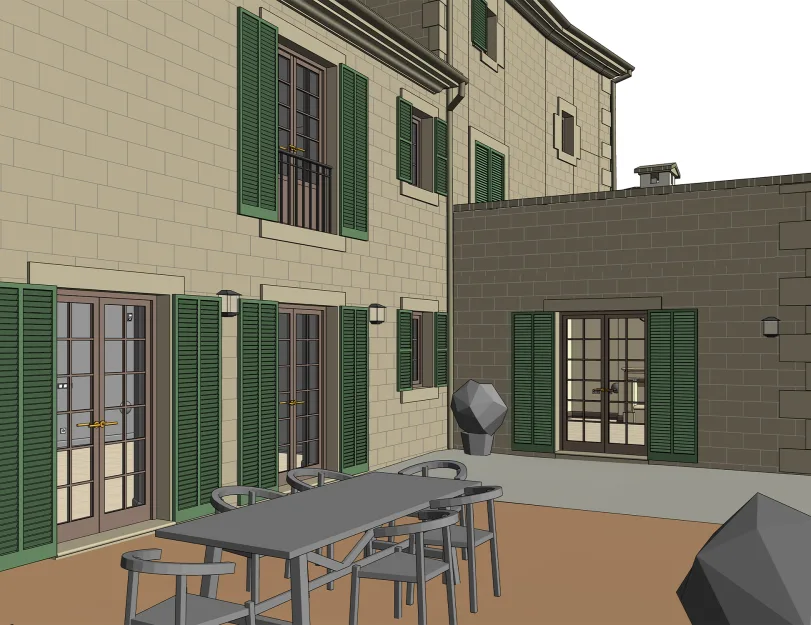
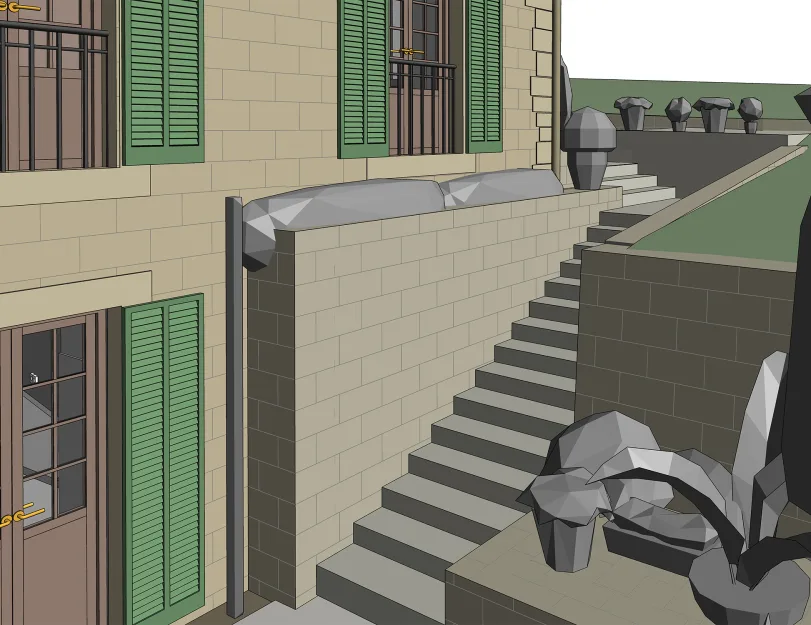
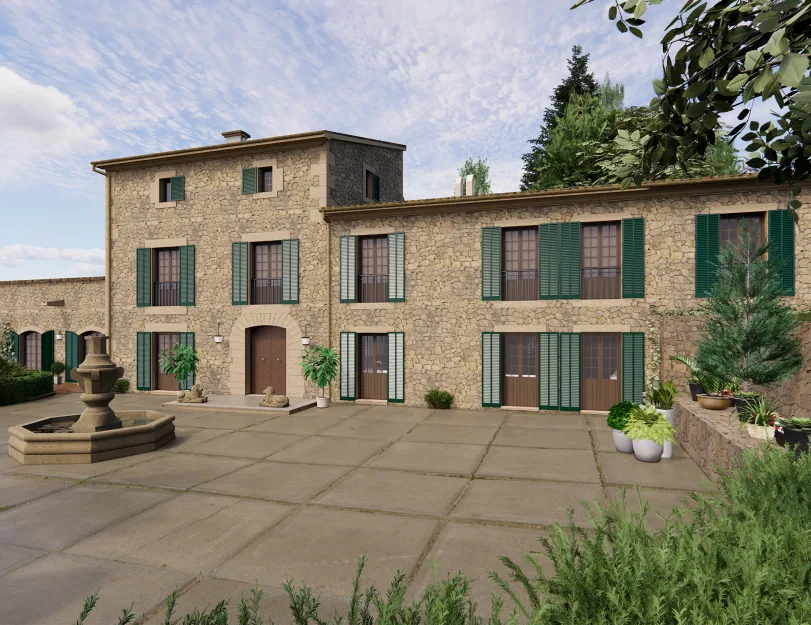
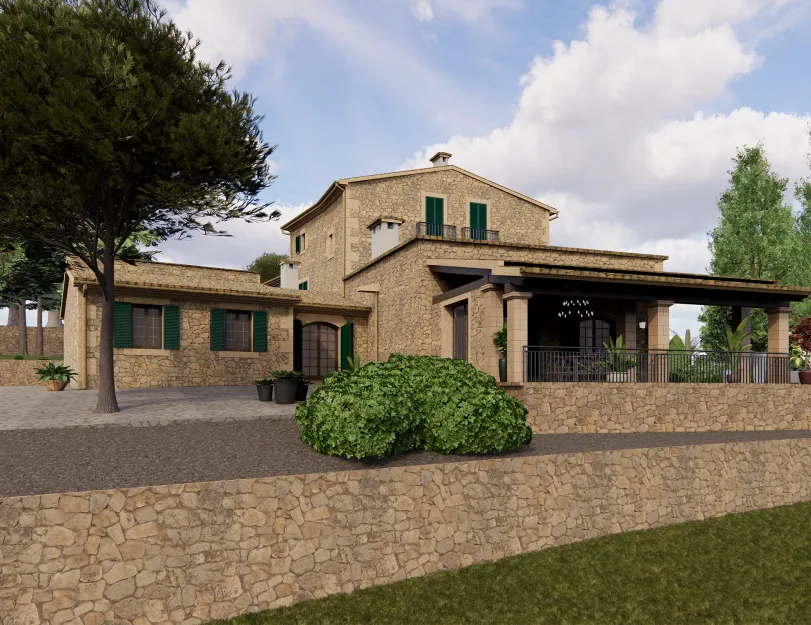
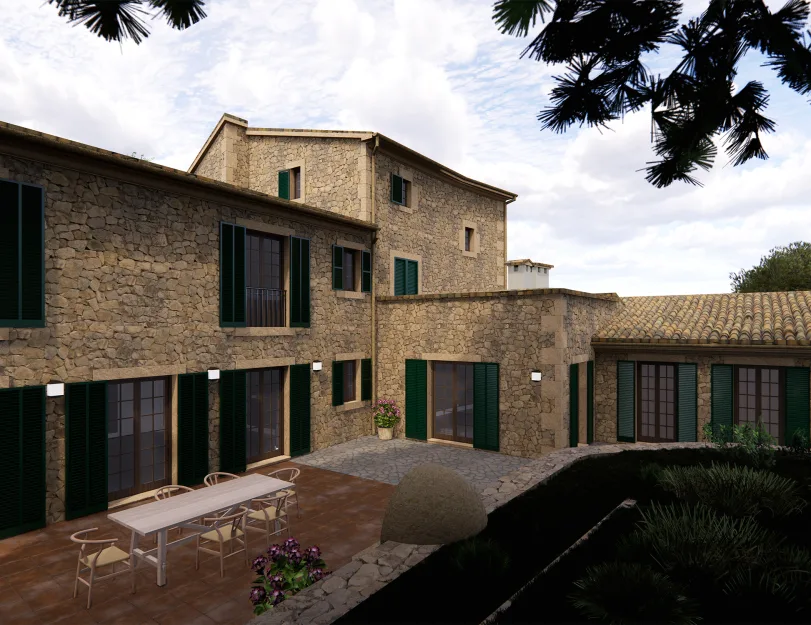
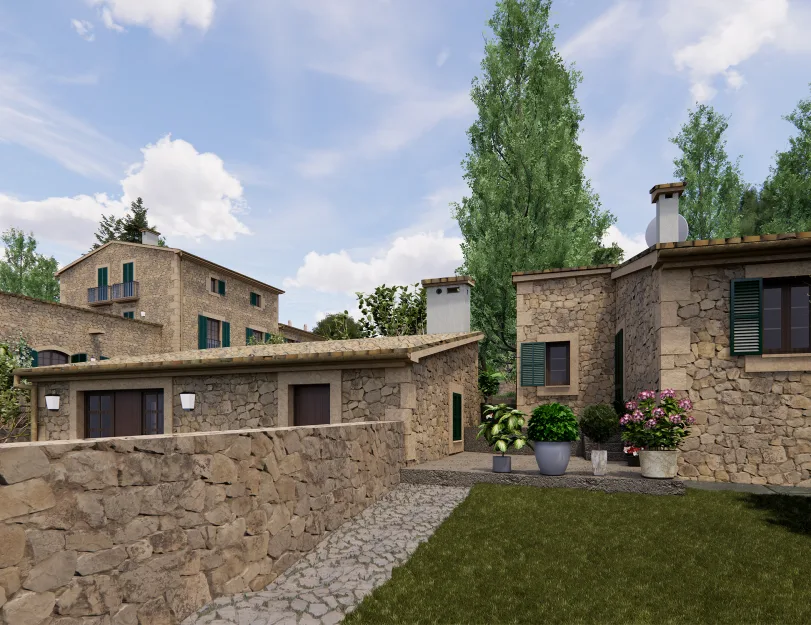
ORIGIN paid special attention to the estate’s exterior to preserve the architectural character of the historic villa. The model included stone cladding, facade details, windows, doors, and traditional shutters, all aligned with the point cloud and the original design features.

To achieve the required level of accuracy and visual consistency, the team developed custom Revit families for several exterior elements. This allowed the final model to reflect the building’s actual appearance while remaining structured and usable for further renovation and visualization work.
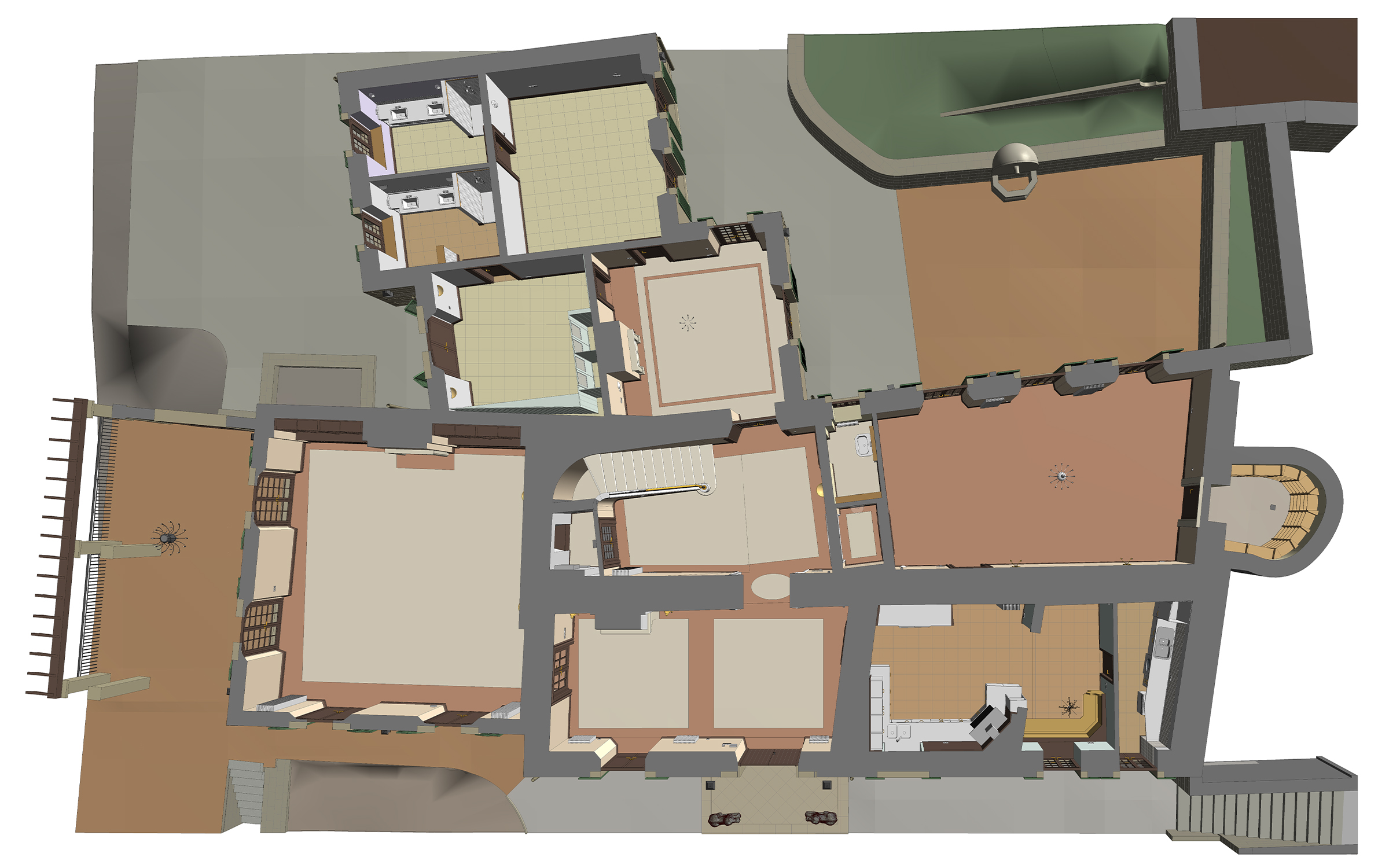
Point cloud vs model

Site topography & landscape elements

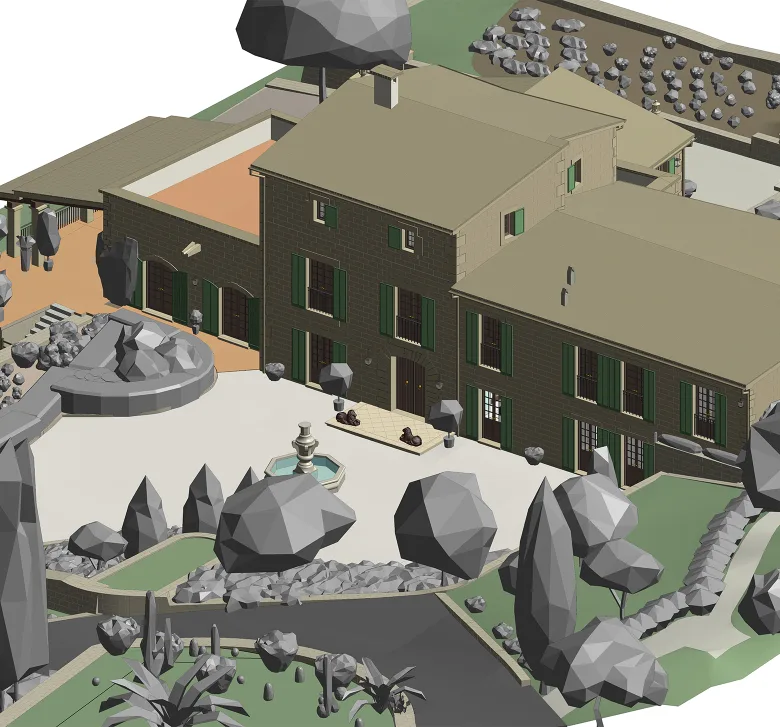
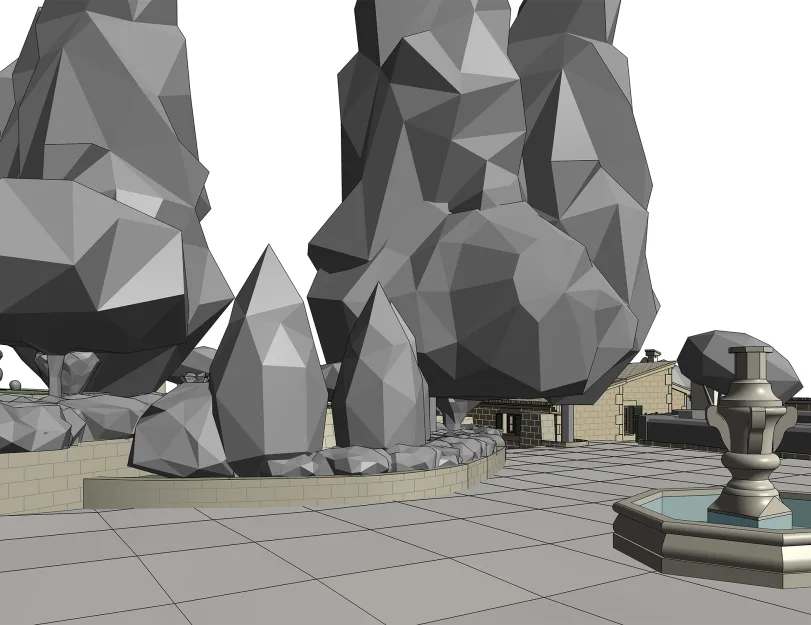
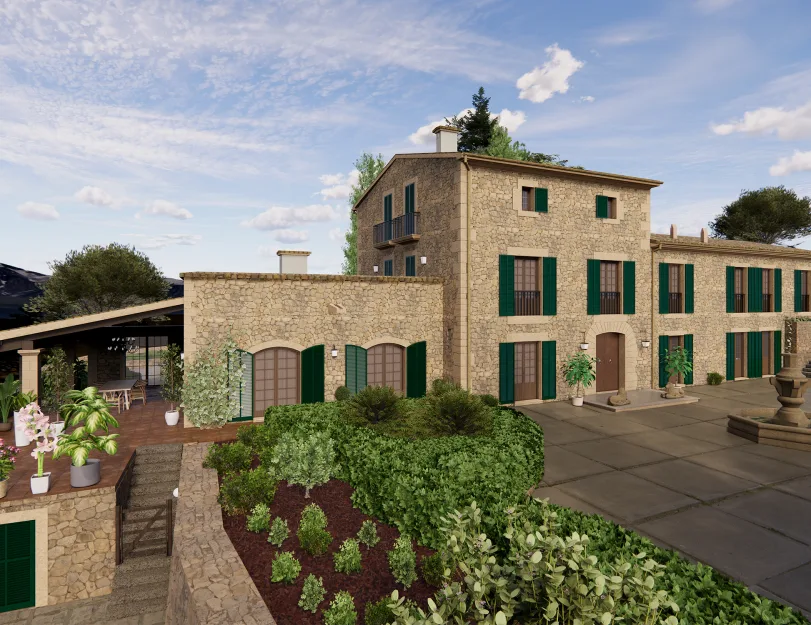
To coordinate the three buildings within a single site model, ORIGIN recreated the surrounding topography and exterior elements from the point cloud. The modeled terrain covered approximately 3,850 m² and included elevation changes, retaining walls, stairways, landscaped transitions, and site decor.
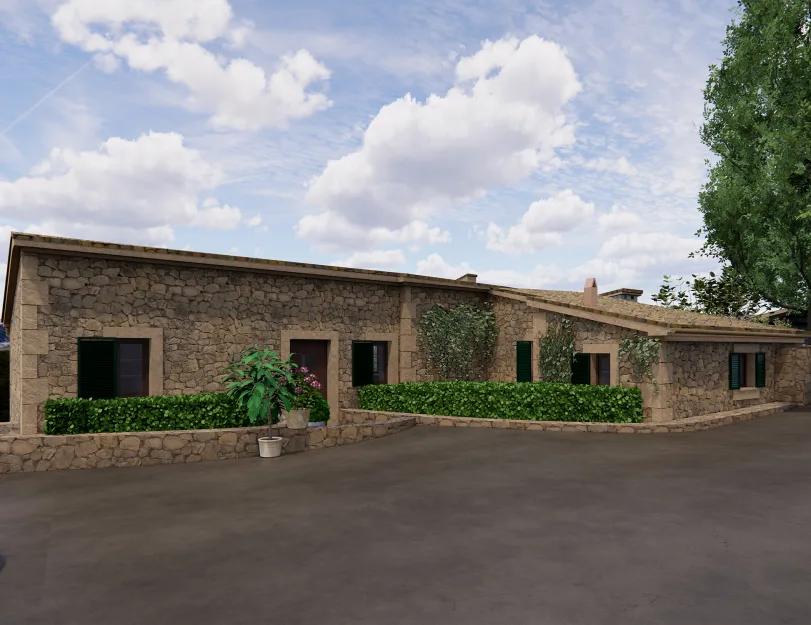
Many of these elements had irregular geometry, including angled and curved retaining walls with varying heights. Accurately modeling them helped represent the estate as a complete environment rather than a set of separate buildings.

1
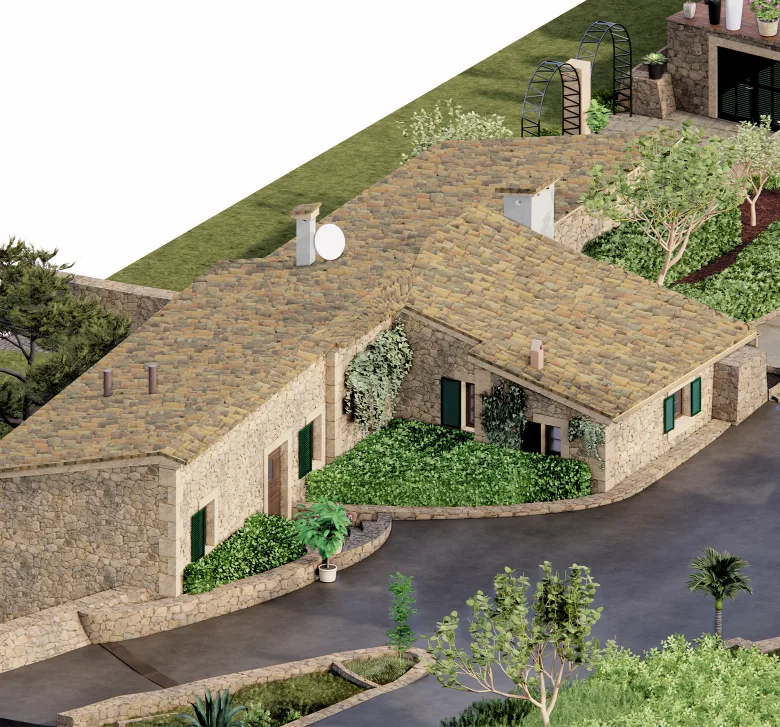
Render vs model
1

Materials, renders & asset libraries

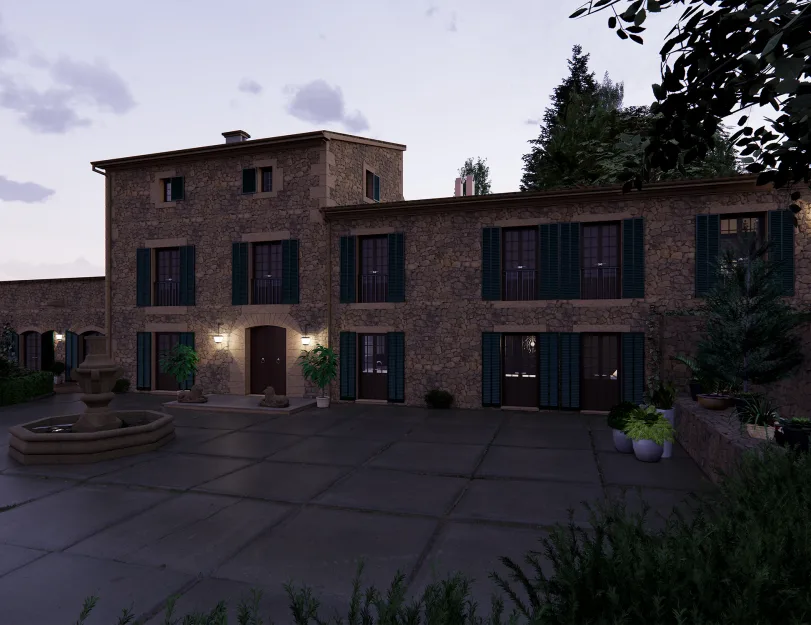
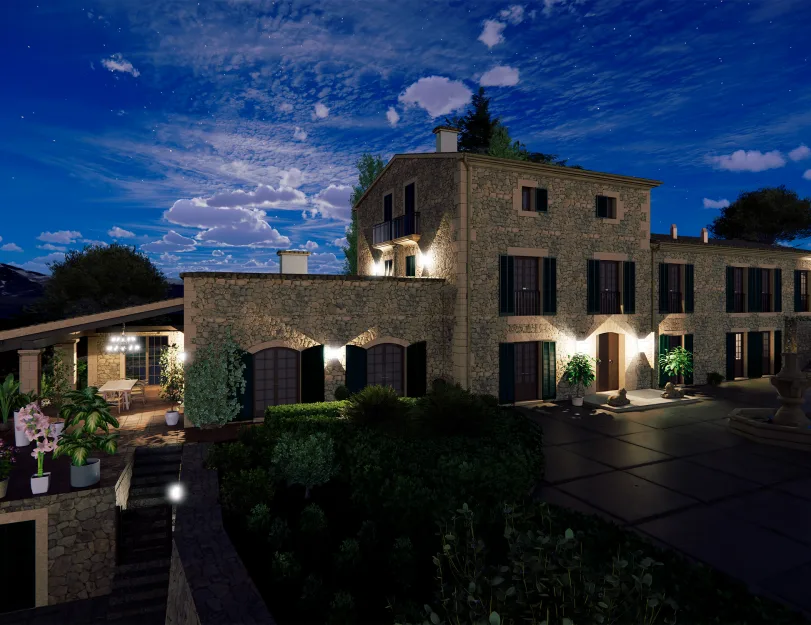
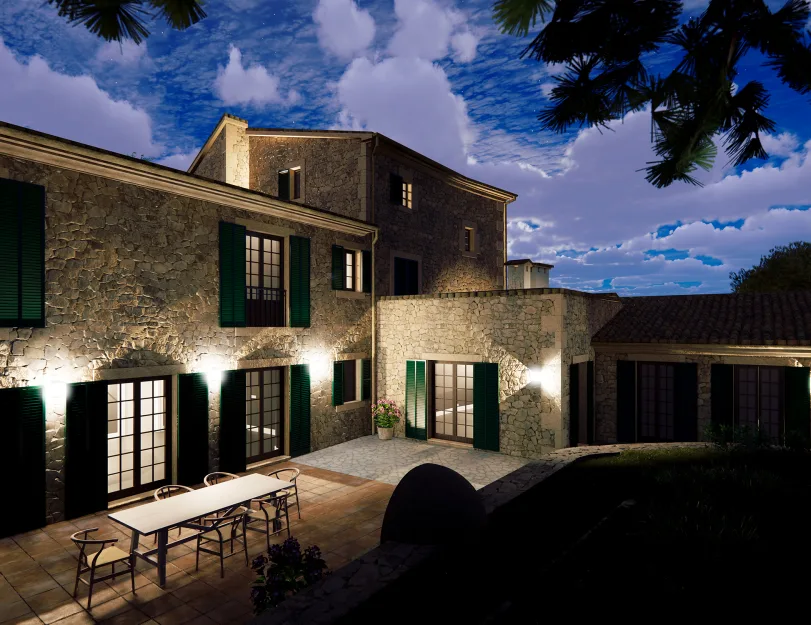
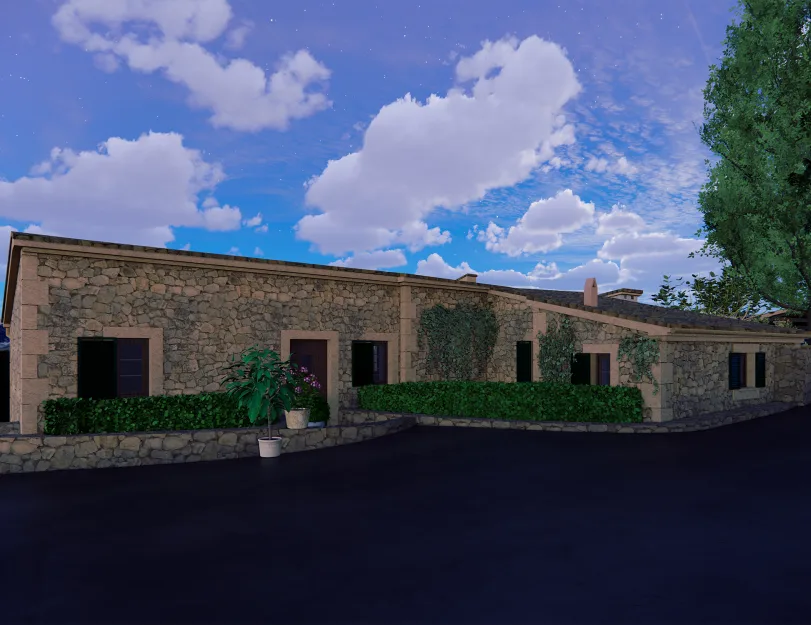
In the final phase, ORIGIN applied materials throughout the model and prepared rendered views using Enscape. Vegetation and landscape elements were placed according to their actual location, scale, and proportions to better reflect the real appearance of the estate.

Along with the rendered views, the client received the project files and associated material and asset libraries. This made it possible to continue working with the model, adjust materials, update the design, and generate new visualizations when needed.

Model views & renders
Drawings

Click on preview to view high-resolution PDF drawings

Benefits
High-accuracy as-built model with visible deformations, level differences, and irregular geometry represented
Detailed modeling of interior and exterior architectural elements, including curved railings, built-in furniture, stone cladding, windows, doors, and shutters
Complete site context with topography, courtyard areas, retaining walls, vegetation, and exterior decor
Applied materials and render-ready model prepared for future visualization work by the client
Deliverables provided in multiple required formats for further design, coordination, and renovation planning
Tools used
1
Autodesk Revit
1
Autodesk ReCap
1
Autodesk AutoCAD
1
Enscape
1
Leica TruView
view project view more view photos